A clean redesign concept for a sports-retail app: browse a huge multi-sport catalogue, filter fast, and check out in a few taps.
Unofficial concept redesign, not affiliated with Decathlon.
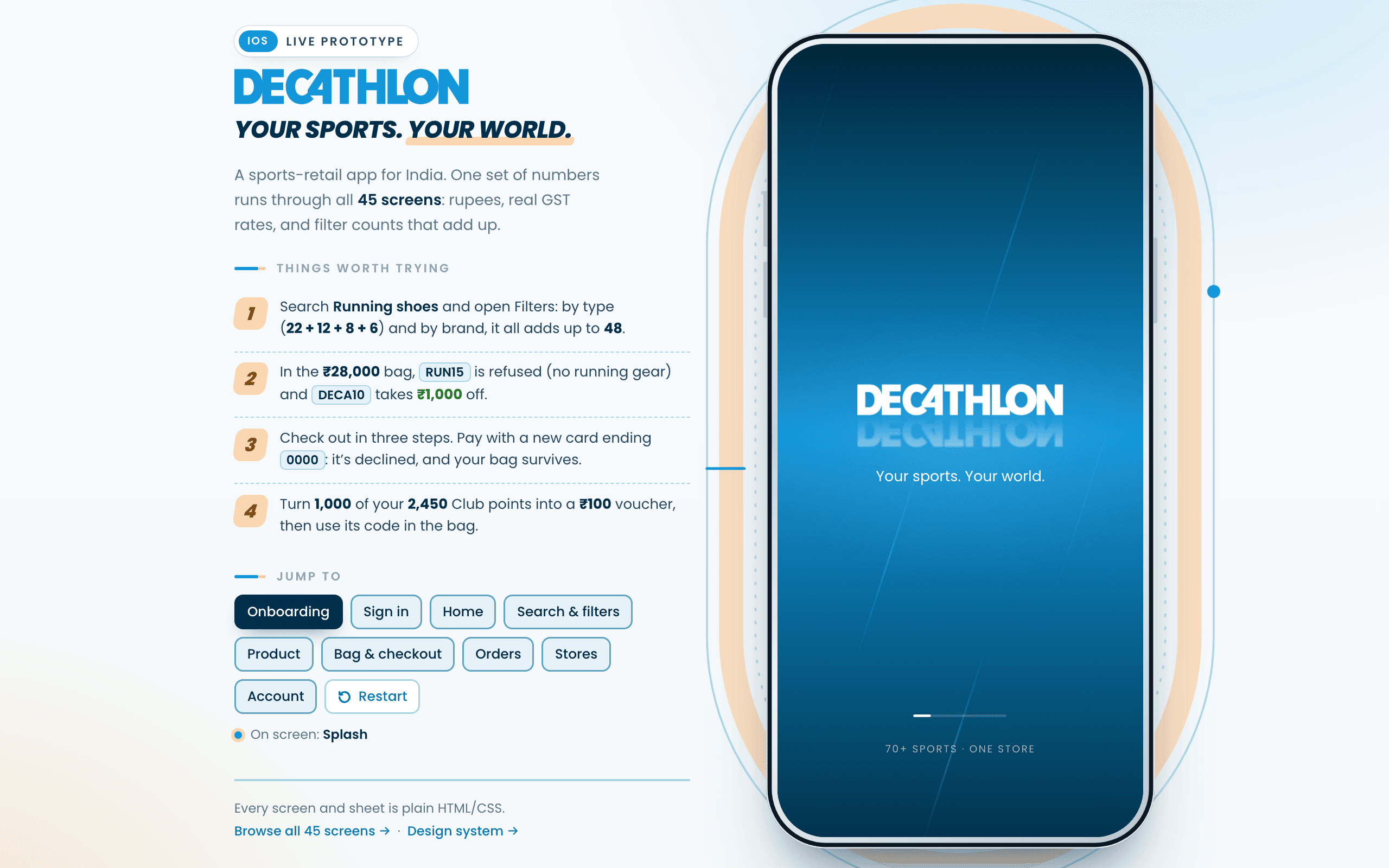
The real prototype, not a recording. It opens on the splash and walks you into the welcome screen, fresh every time: the panel beside the phone jumps to any flow, and nothing you enter leaves the page. Runs entirely in your browser.The real prototype, not a recording. It opens over this page, and closing it brings you straight back here.
Decathlon sells across 60-plus sports and thousands of product lines through its own house of in-house brands (Quechua, Domyos, B'Twin, Kalenji) across roughly 1,900 stores in more than 80 countries. That range is a gift on a shelf and a genuine liability on a phone screen, because the person opening the app almost never wants the whole catalogue. They want one pair of running shoes. This unofficial redesign concept treats that mismatch as the entire brief.
With a catalogue this wide, no home page alone can carry the weight of getting someone to the right product. So search pairs prominent filter chips with a full filter sheet (price, category, size, brand), and every filter option shows its match count, so a search never quietly dead-ends at zero results. Baymard's own research puts the share of retail sites that get this pattern right at only around 16%. Doing it properly here isn't a nice-to-have, it's most of the actual redesign.
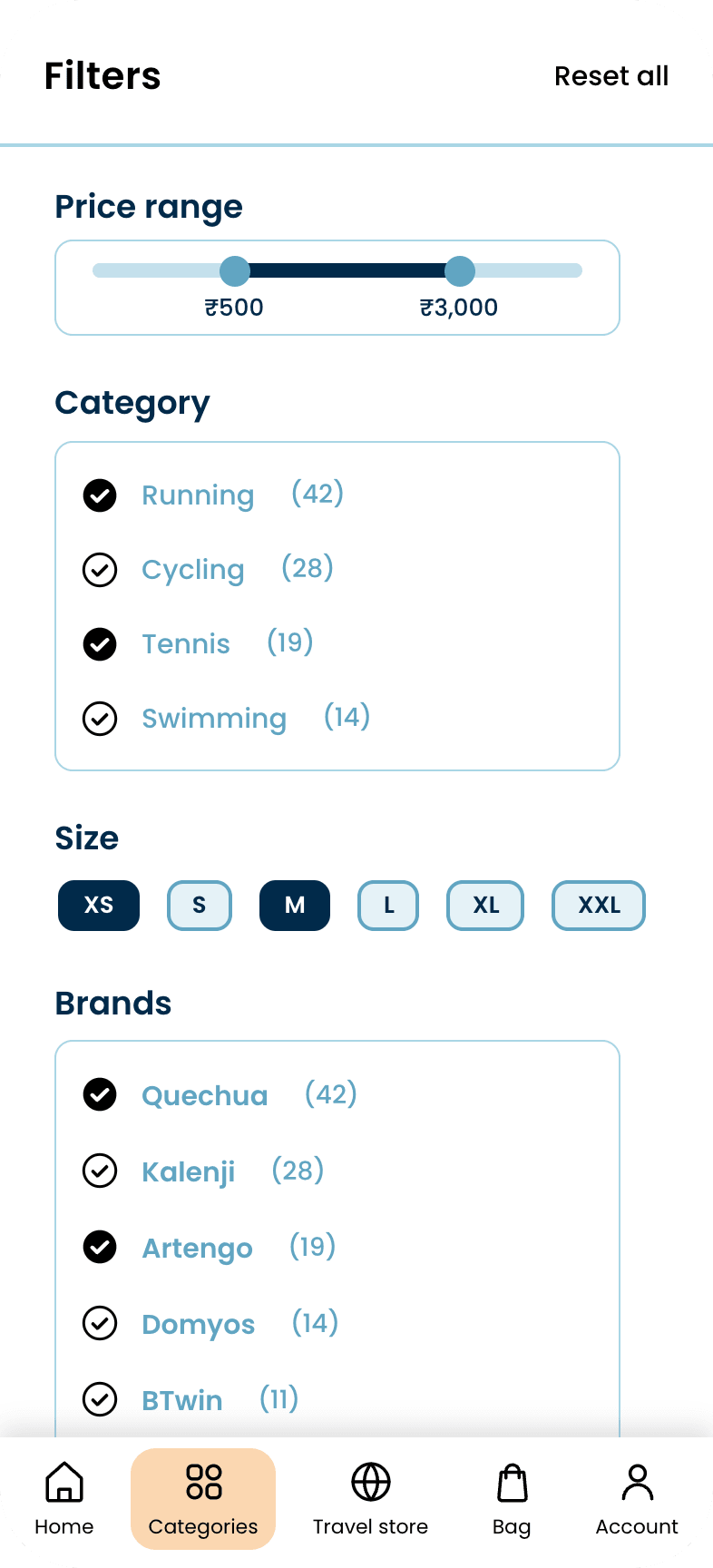
This is the mechanism behind the counts on the filter sheet. A facet's number is not how many products carry that label, it is how many results you would have if you also ticked it, and it is measured with the same test that builds the results list. One function decides what passes: the list runs it with nothing skipped, and each facet row runs it with its own group skipped.
// Category = shoe type when every result is a typed shoe, otherwise sport const catFn = (all) => (all.length && all.every((p) => p.type) ? (p) => p.type : (p) => p.sport); const catLabel = (v) => RUN_TYPE[v] || ((D.sport(v) || { name: v }).name).replace(' & strength', ''); function passes(p, f, cat, skip) { if (skip !== 'price' && (p.price < (f.min || 0) || (f.max != null && p.price > f.max))) return false; if (skip !== 'cats' && f.cats.length && !f.cats.includes(cat(p))) return false; if (skip !== 'brands' && f.brands.length && !f.brands.includes(brandOf(p))) return false; if (skip !== 'sizes' && f.sizes.length && !f.sizes.some((z) => p.sizes.includes(z))) return false; return true; } function run(q, sale, f) { f = norm(f); const all = base(q, sale); const cat = catFn(all); const results = all.filter((p) => passes(p, f, cat)); const count = (key, keyOf, v) => all.filter((p) => (key === 'sizes' ? p.sizes.includes(v) : keyOf(p) === v) && passes(p, f, cat, key)).length; const uniq = (arr) => [...new Set(arr)]; const byBase = (keyOf) => (a, b) => all.filter((p) => keyOf(p) === b).length - all.filter((p) => keyOf(p) === a).length; const cats = uniq(all.map(cat).concat(f.cats)).sort(byBase(cat)).map((v) => ({ v, label: catLabel(v), n: count('cats', cat, v) })); const brands = uniq(all.map(brandOf).concat(f.brands)).sort(byBase(brandOf)).map((v) => ({ v, label: v, n: count('brands', brandOf, v) })); // … the size rows and the price ceiling, counted exactly the same way. return { all, results, f, cats, brands, sizes, maxPrice, catLabel, isEmpty: isEmpty(f), countWith: (g) => all.filter((p) => passes(p, norm(g), cat)).length }; }The way this pattern usually breaks is not a wrong number, it is a second implementation: counts tallied off the raw catalogue while the list is built by a different filter. The two agree on an untouched sheet and drift apart the moment anything is ticked, which is how someone ends up tapping an option marked (14) and landing on nothing. With one passes(), a count is a promise the results list has to keep. It also makes the dead end unreachable rather than discouraged: any row that comes back zero is disabled, and the sticky button stops being a button, switching from Show N results to No matching products.
Open Filters from a search for Running shoes. The note reads All 48 results, and the four type rows read 22, 12, 8 and 6, which is 48. Tick Road running: the button becomes Show 22 results, and the brand rows recount to 7, 8, 4, 1 and 2, which is 22 again. The five smallest sizes grey out in the same render, because nothing in the road-running results is made that small.
Prototype code · runs in the demo above
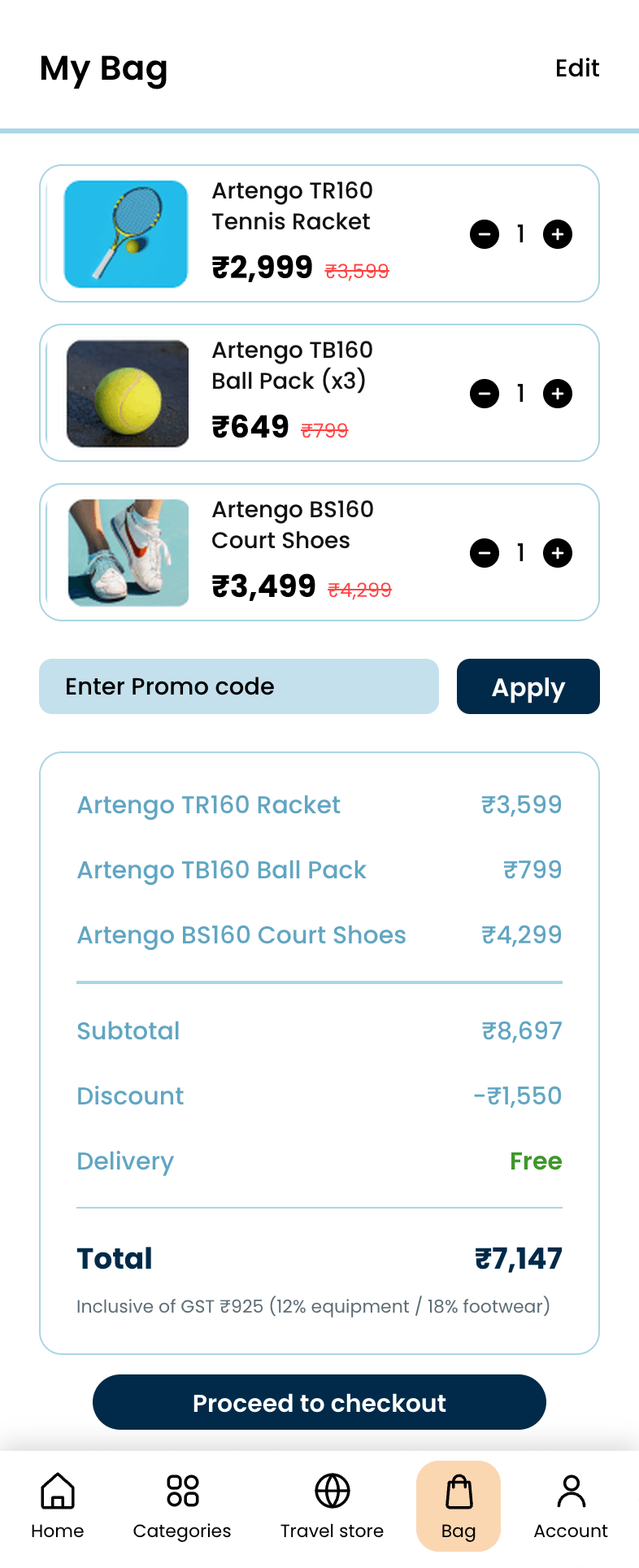
Baymard's cart-abandonment research names unexpected costs at checkout as the single most-cited reason people bail. So the bag shows the full price breakdown (subtotal, discount, GST, delivery) before checkout even begins, and checkout itself runs in three short steps, one clear action per screen, instead of the five-plus steps typical across the category.
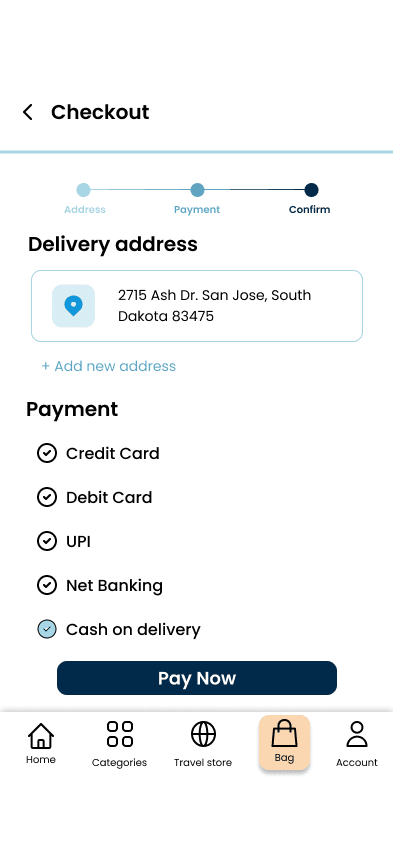
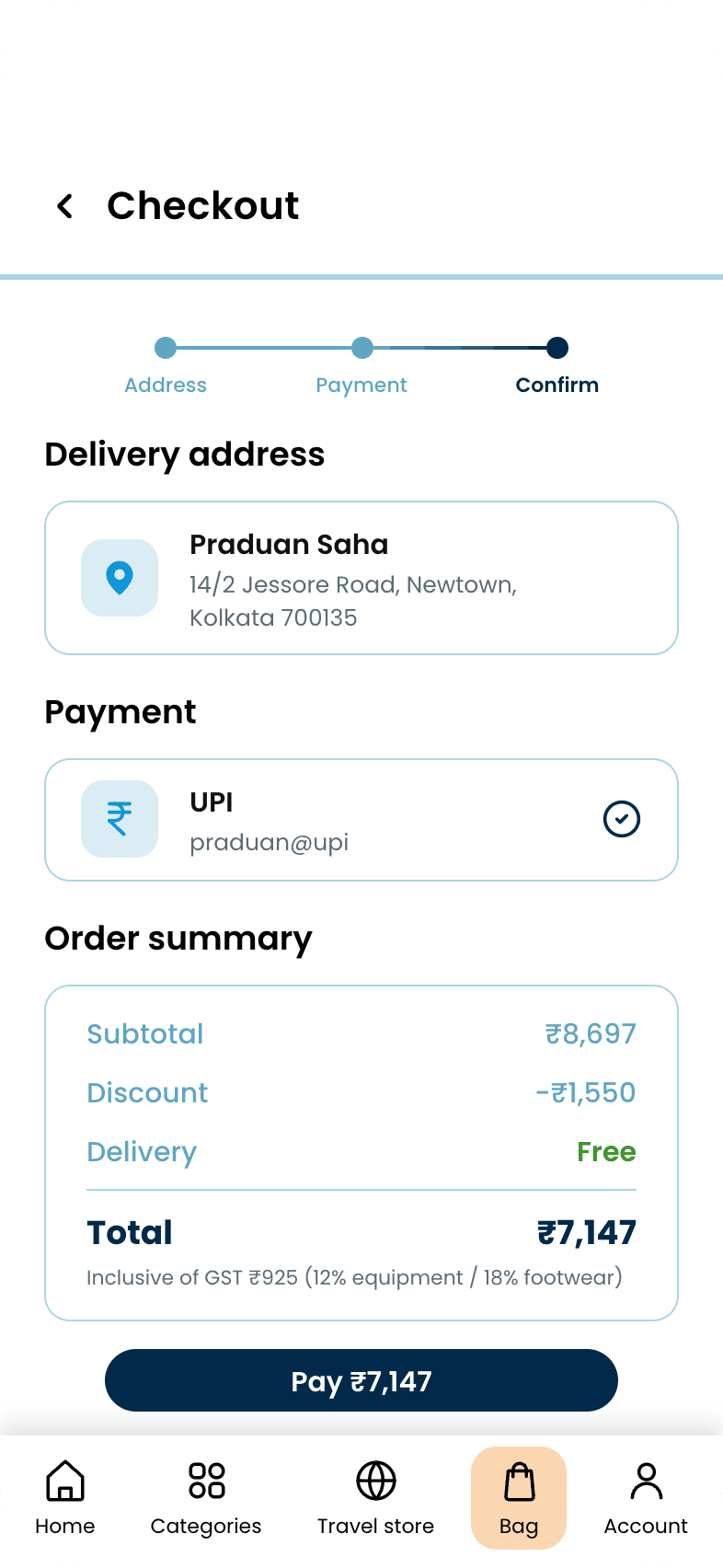
The case study's own argument was 'three steps, one action each,' and the first-pass checkout screen quietly broke that promise, merging address selection, payment choice and the final Pay Now button into a single view while the stepper above it claimed to be on Confirm. The shipped version is the confirm step the stepper actually promised: a read-only address, the chosen payment method, a compact summary, one button.
A branded blue splash into three onboarding cards, then sign-in with a mobile number and a one-time code, and a delivery pincode before the first product.
Splash
Welcome
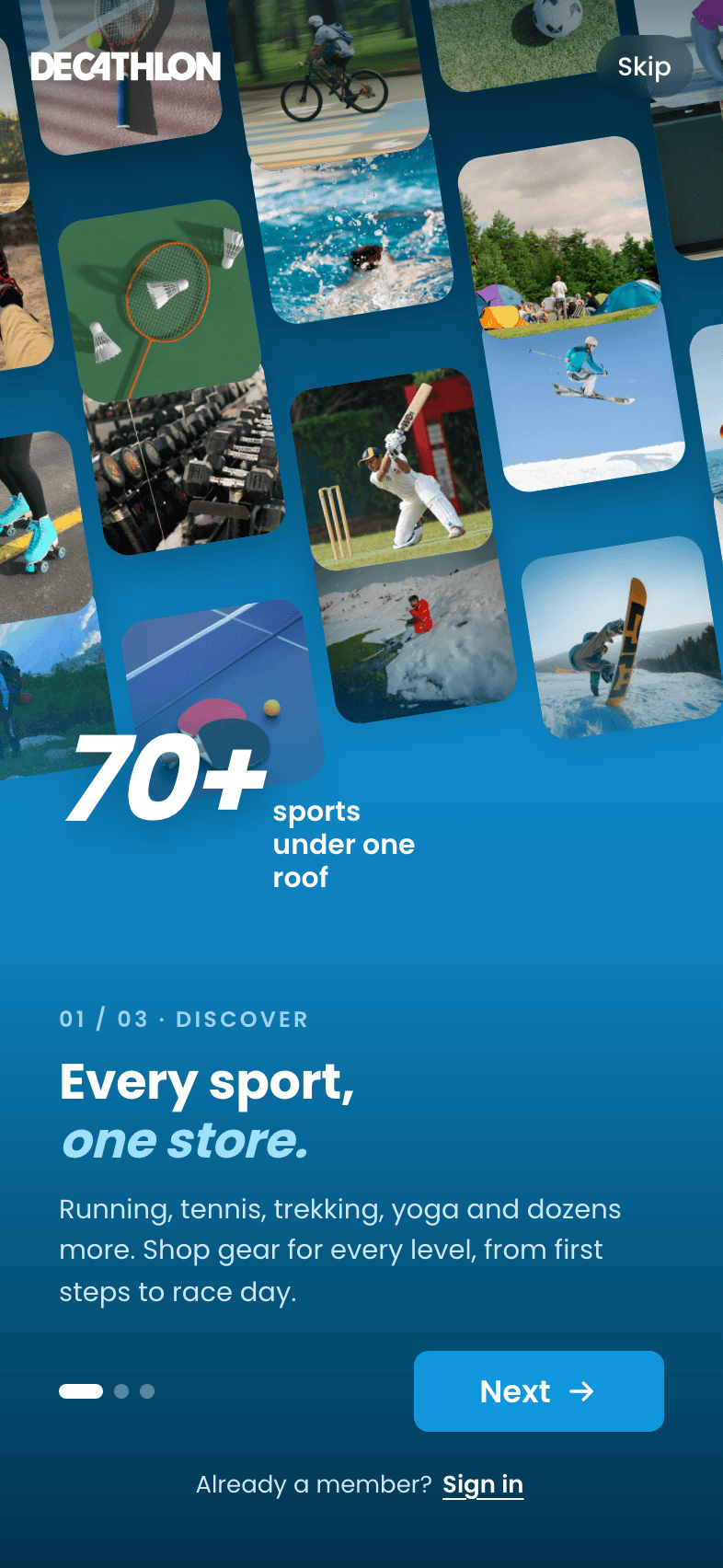
Every sport
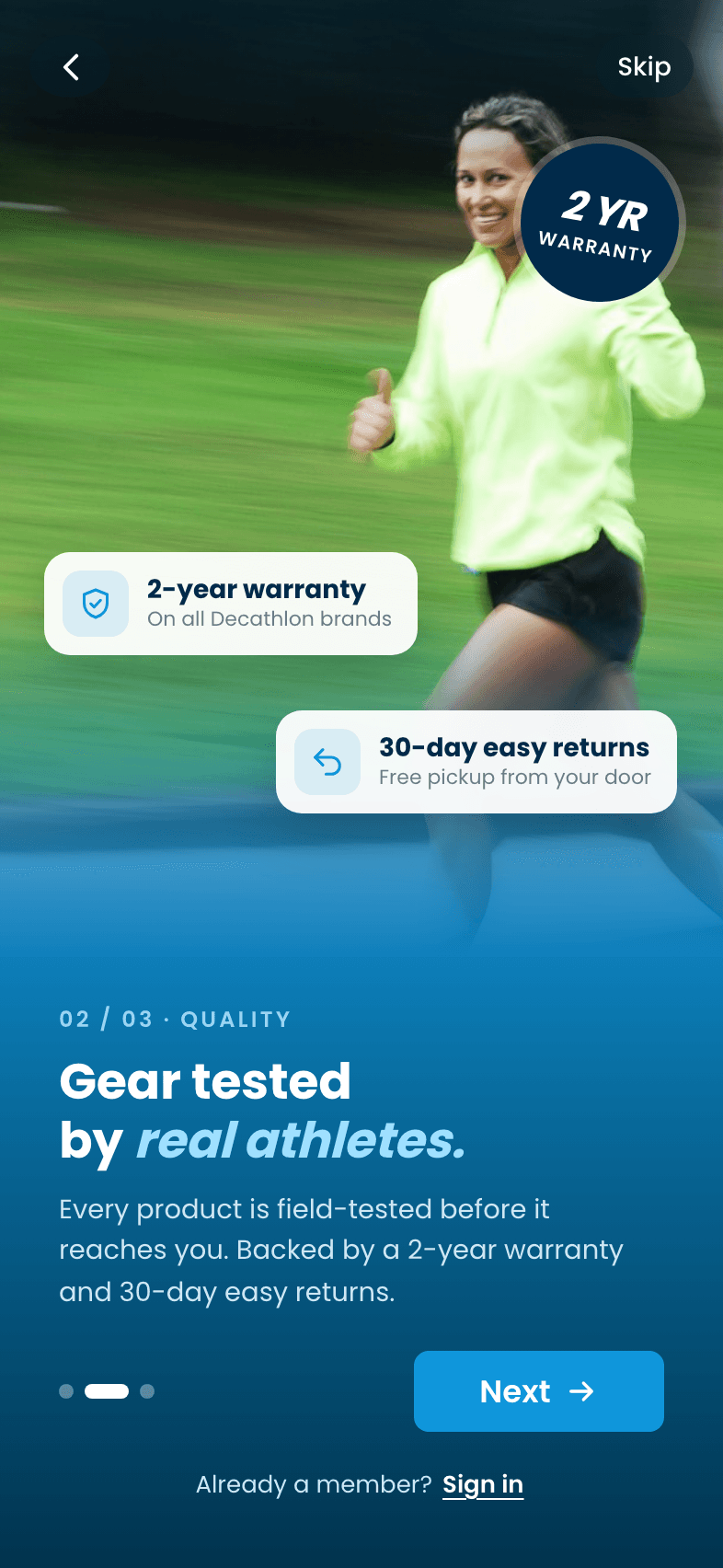
Tested gear
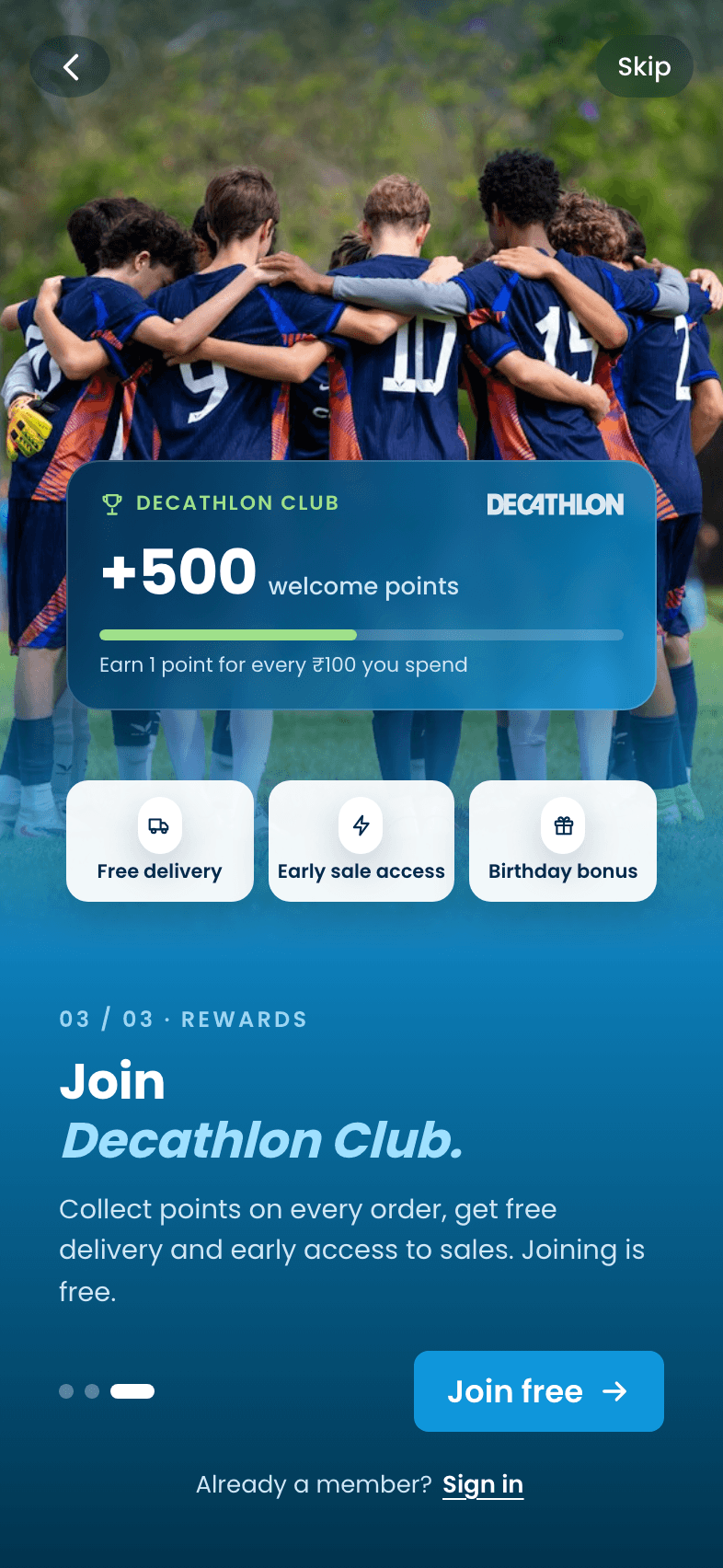
Decathlon Club
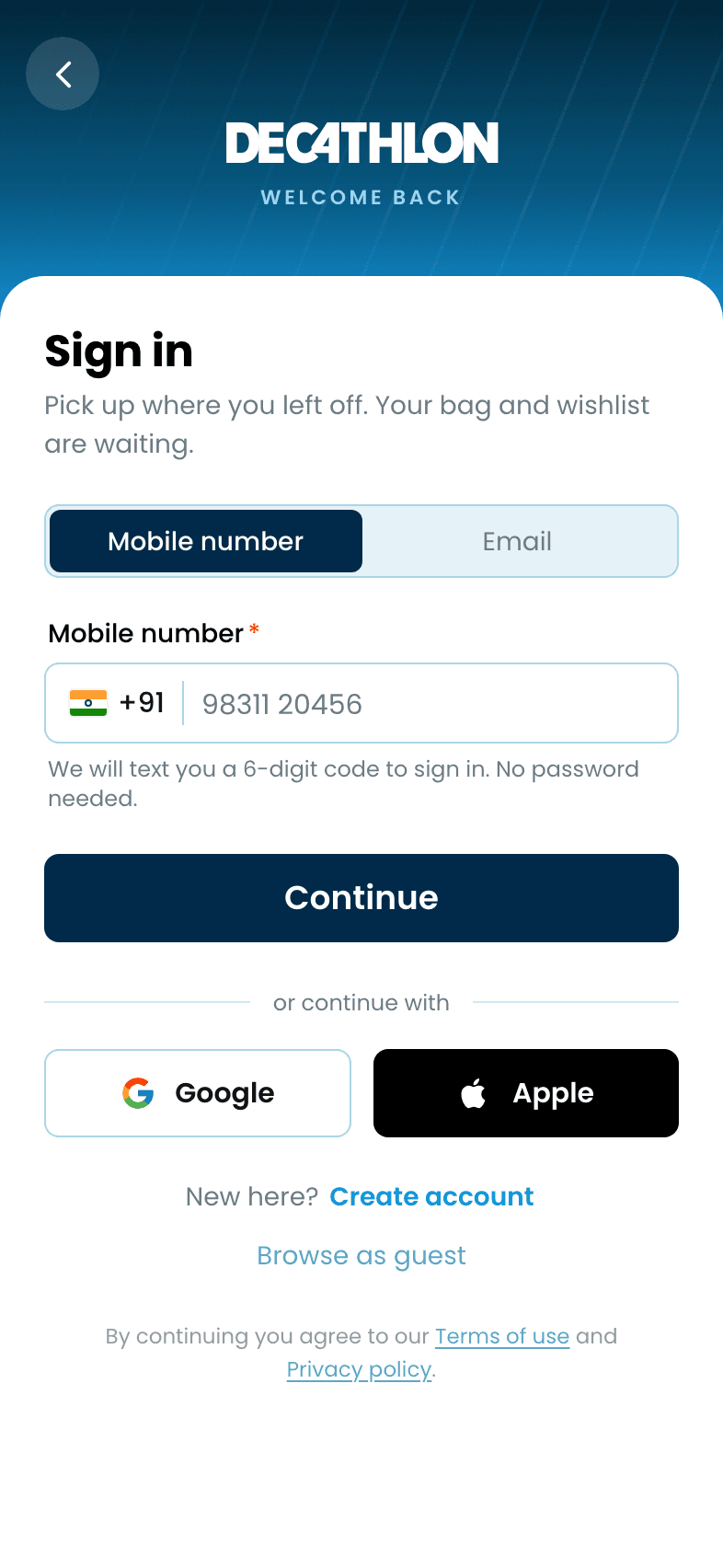
Sign in
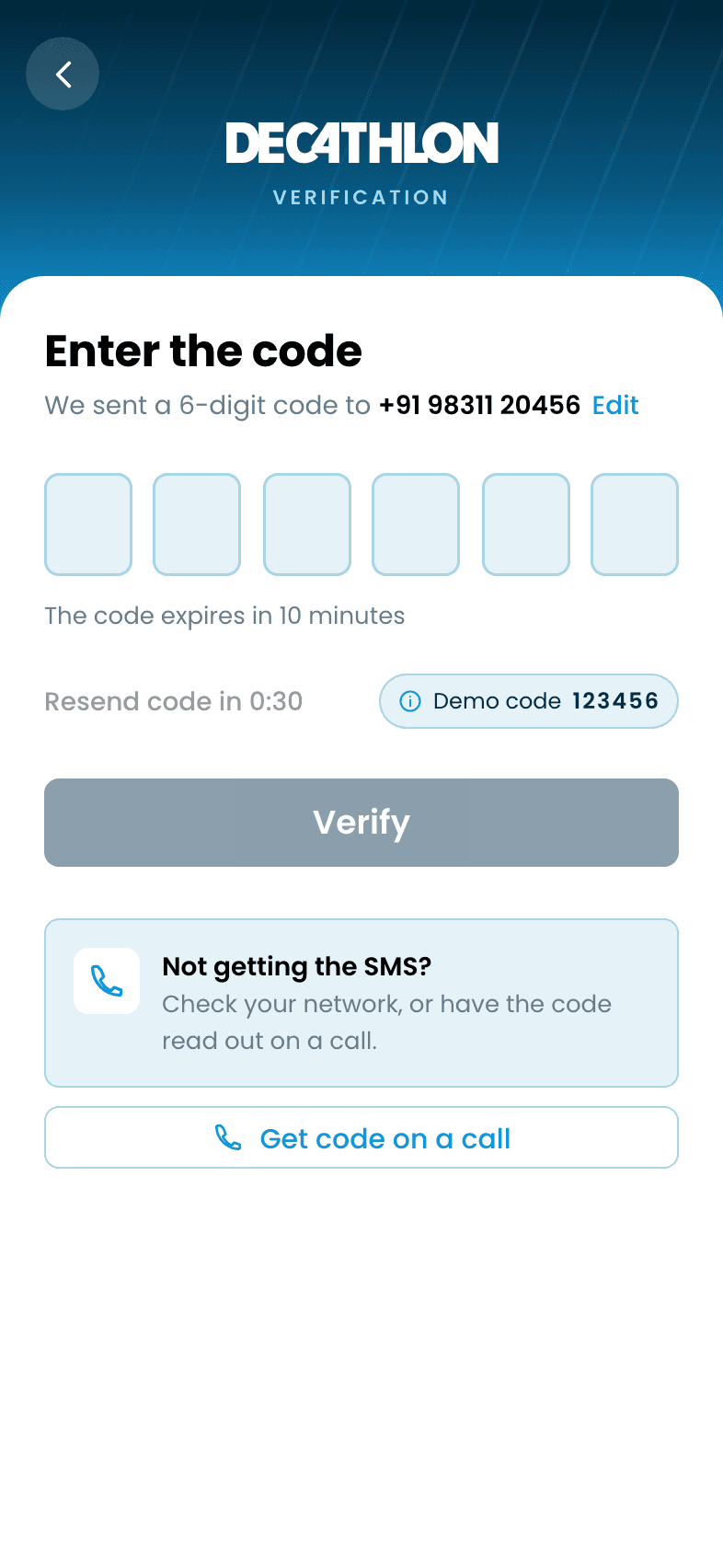
One-time code
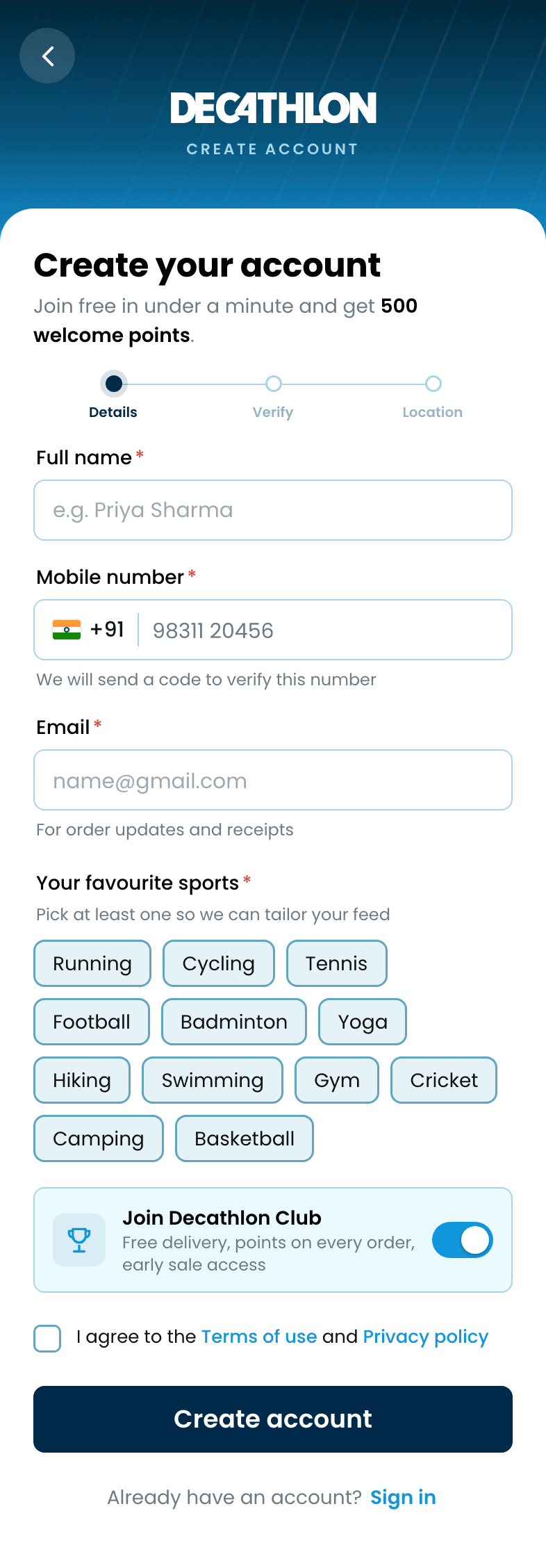
Create account
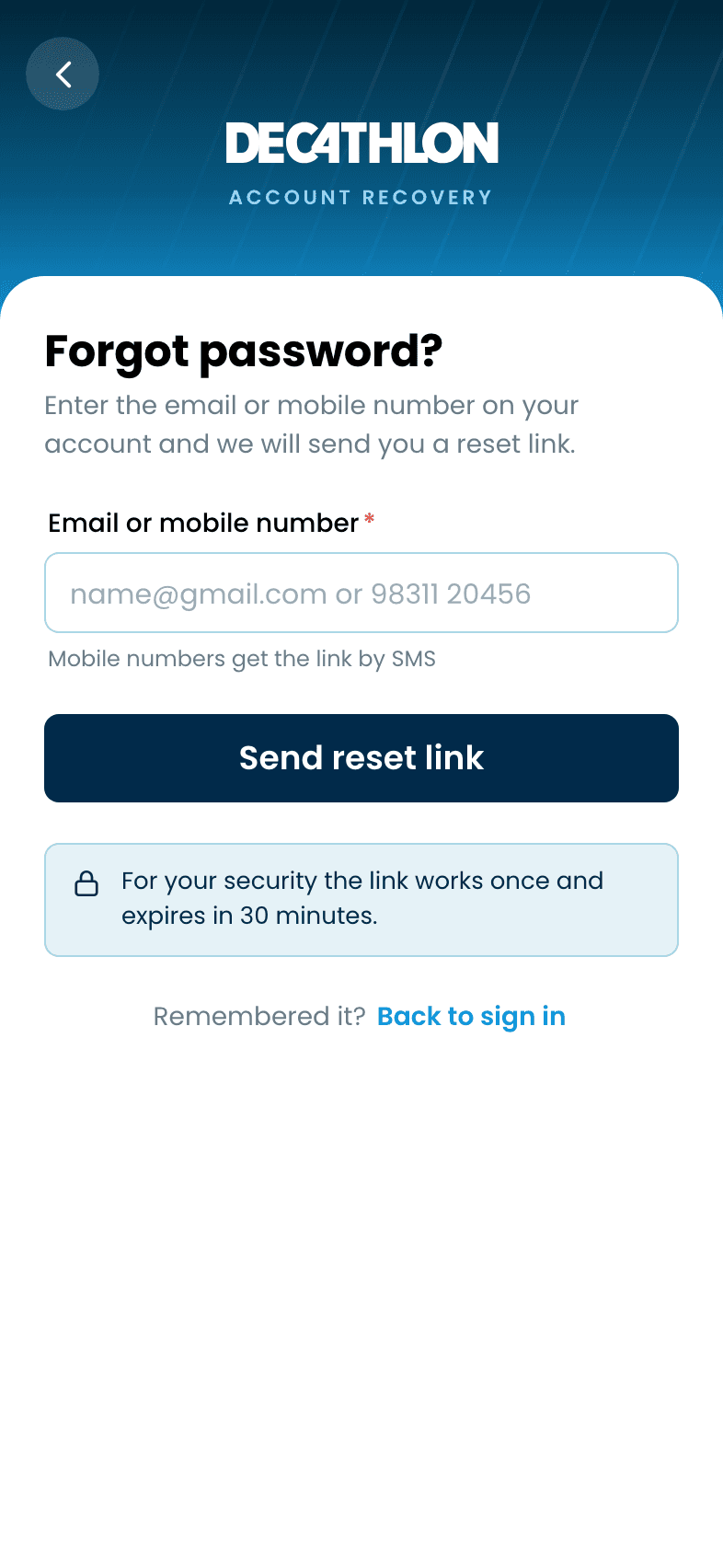
Forgot password
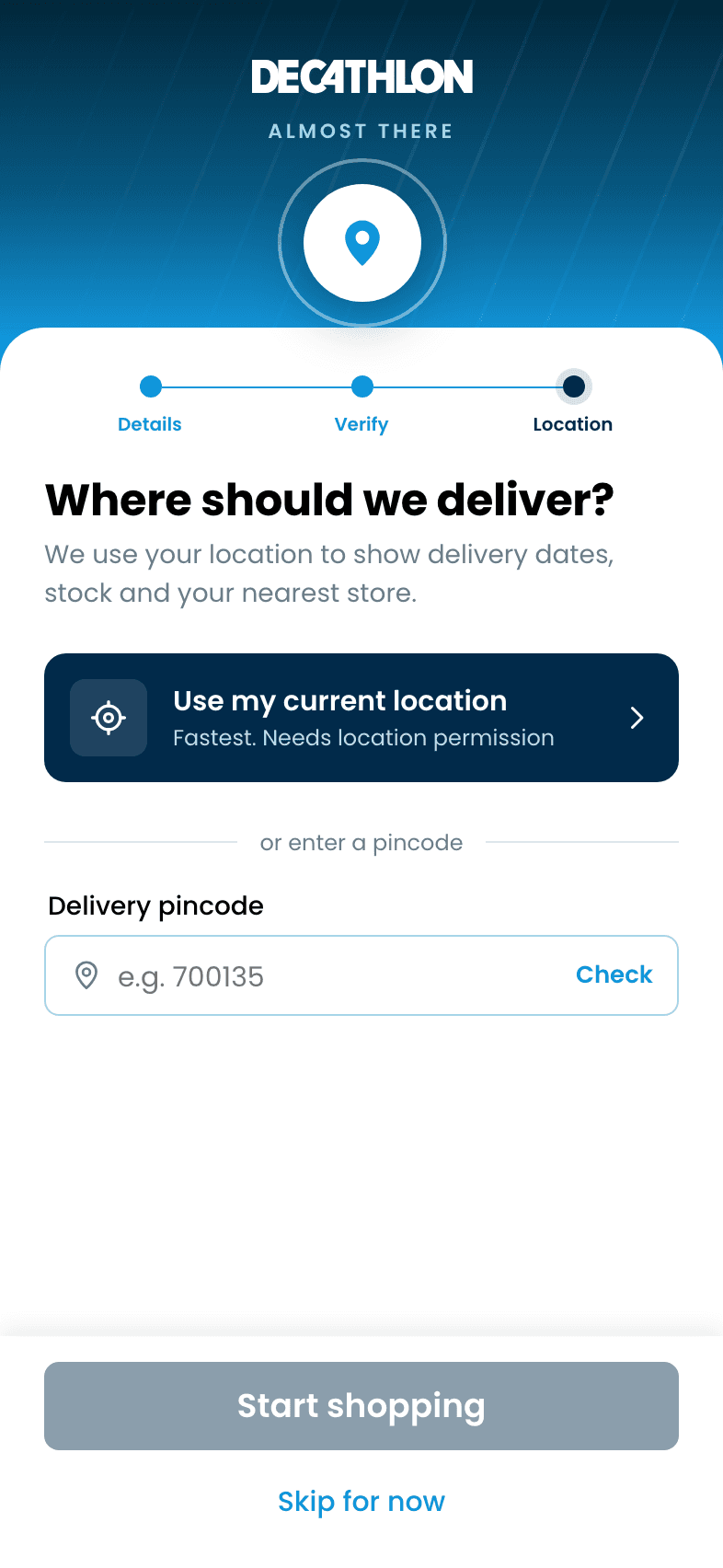
Delivery pincode
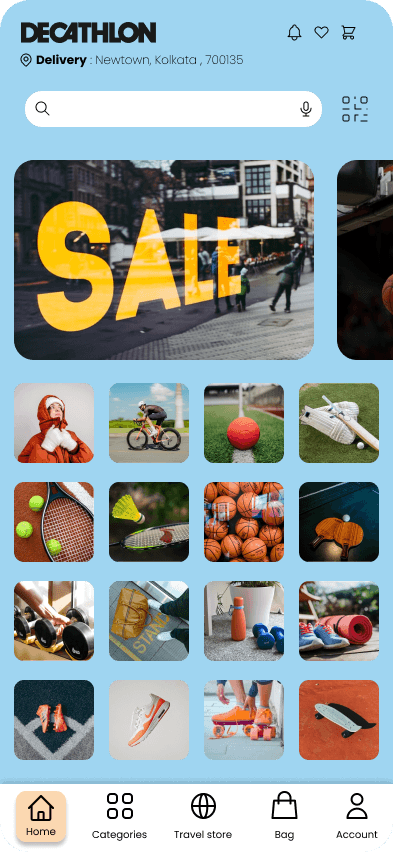
Image-first browsing with fast narrowing: sports, search, results with filter chips, a full filter sheet whose counts add up to the results, and product detail.
Home
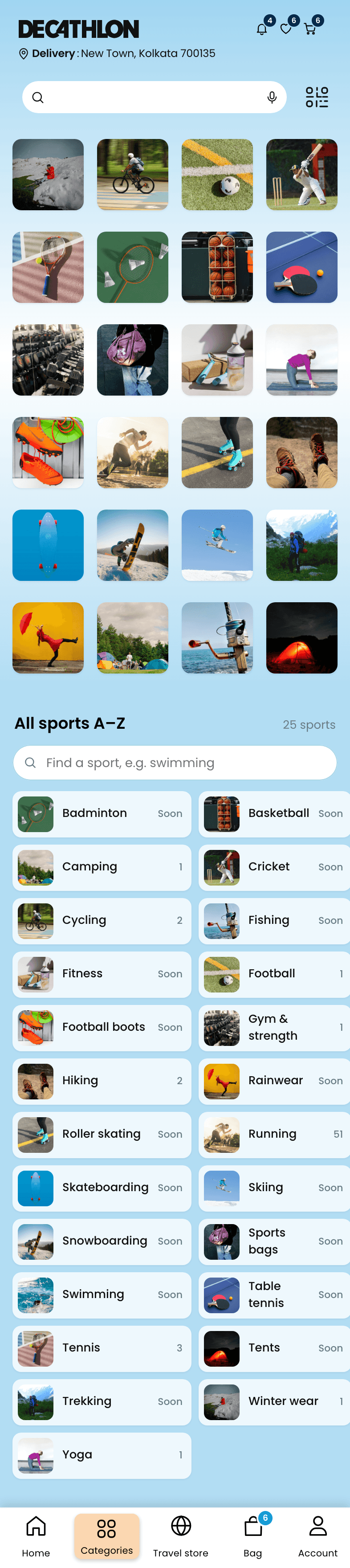
Categories

Sport
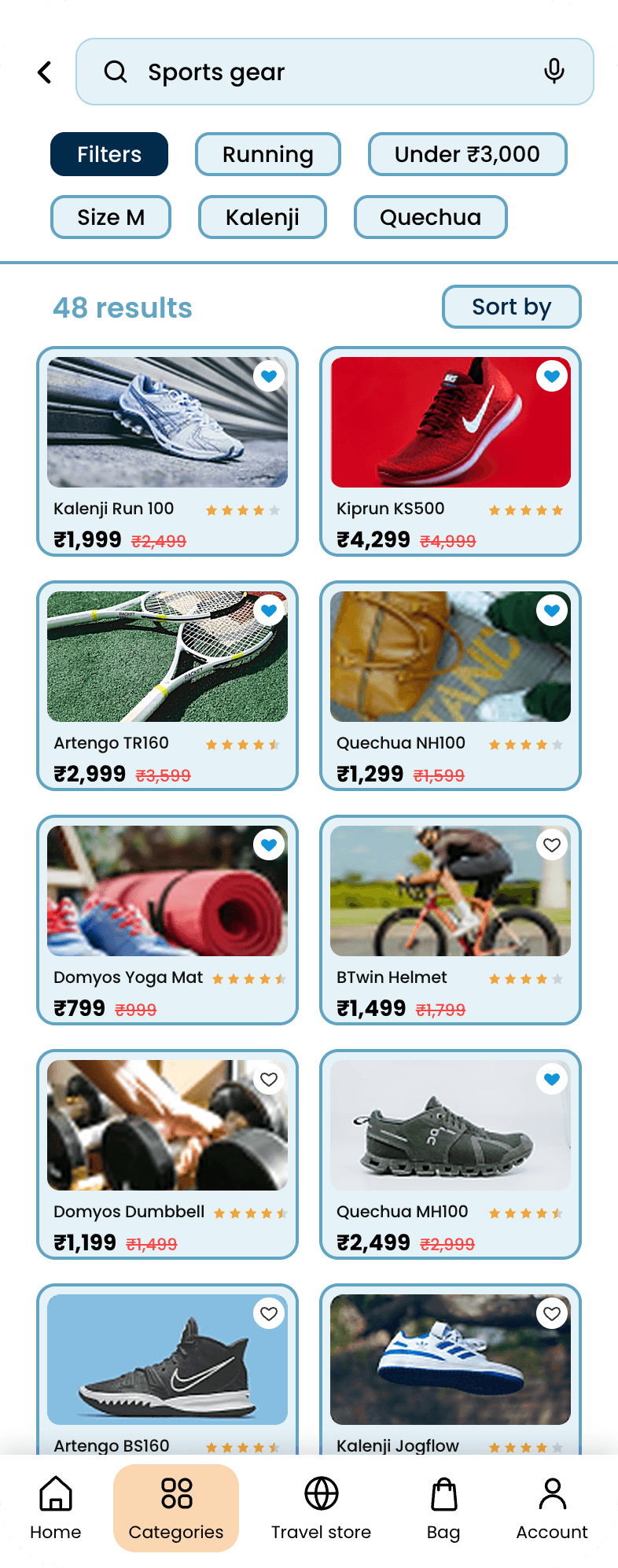
Search
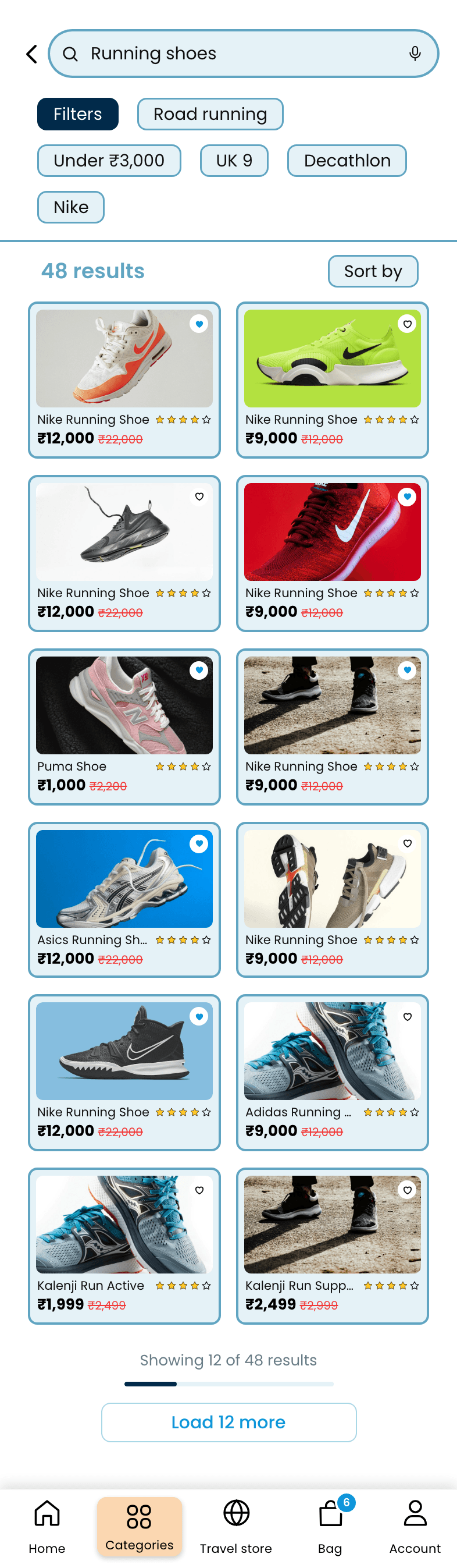
Search results
Filters
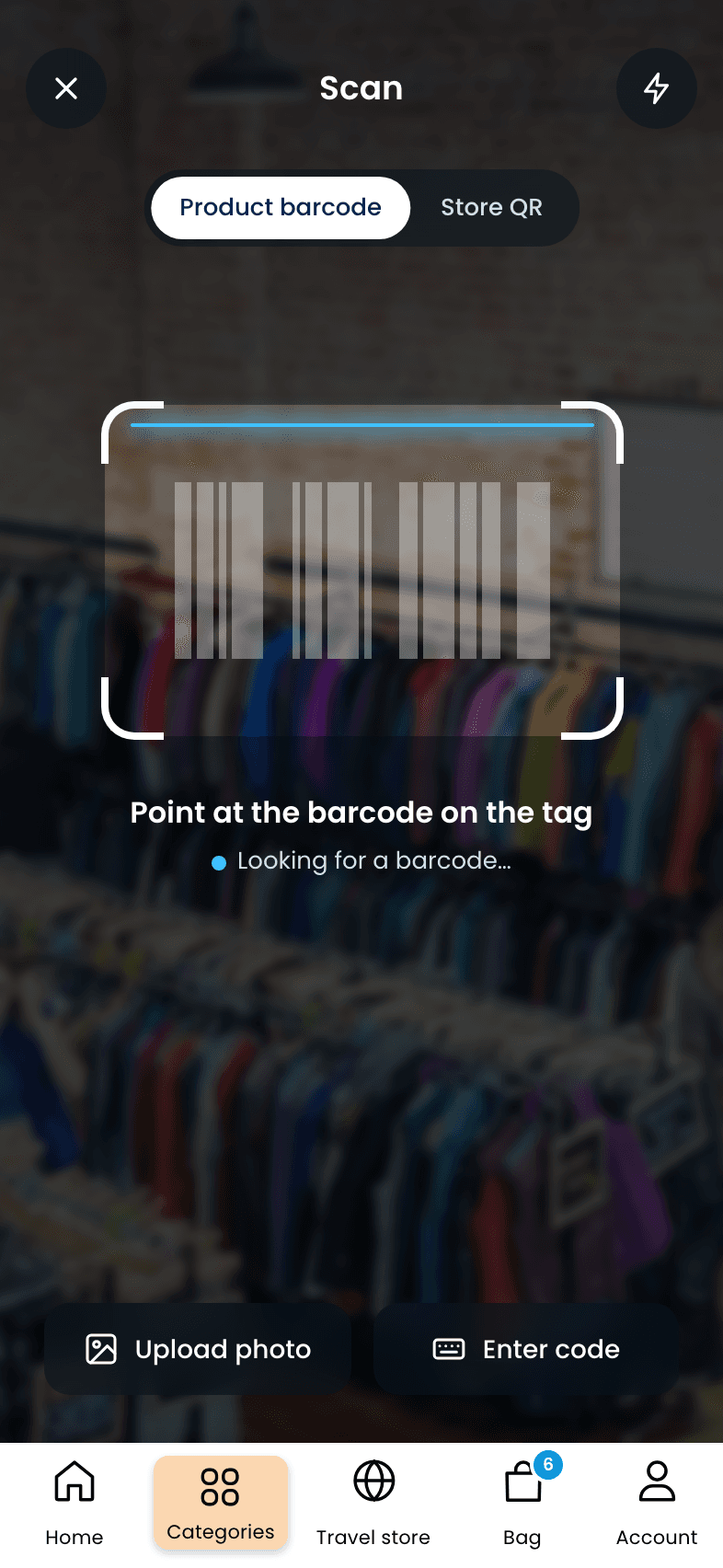
Scan in store

Product detail
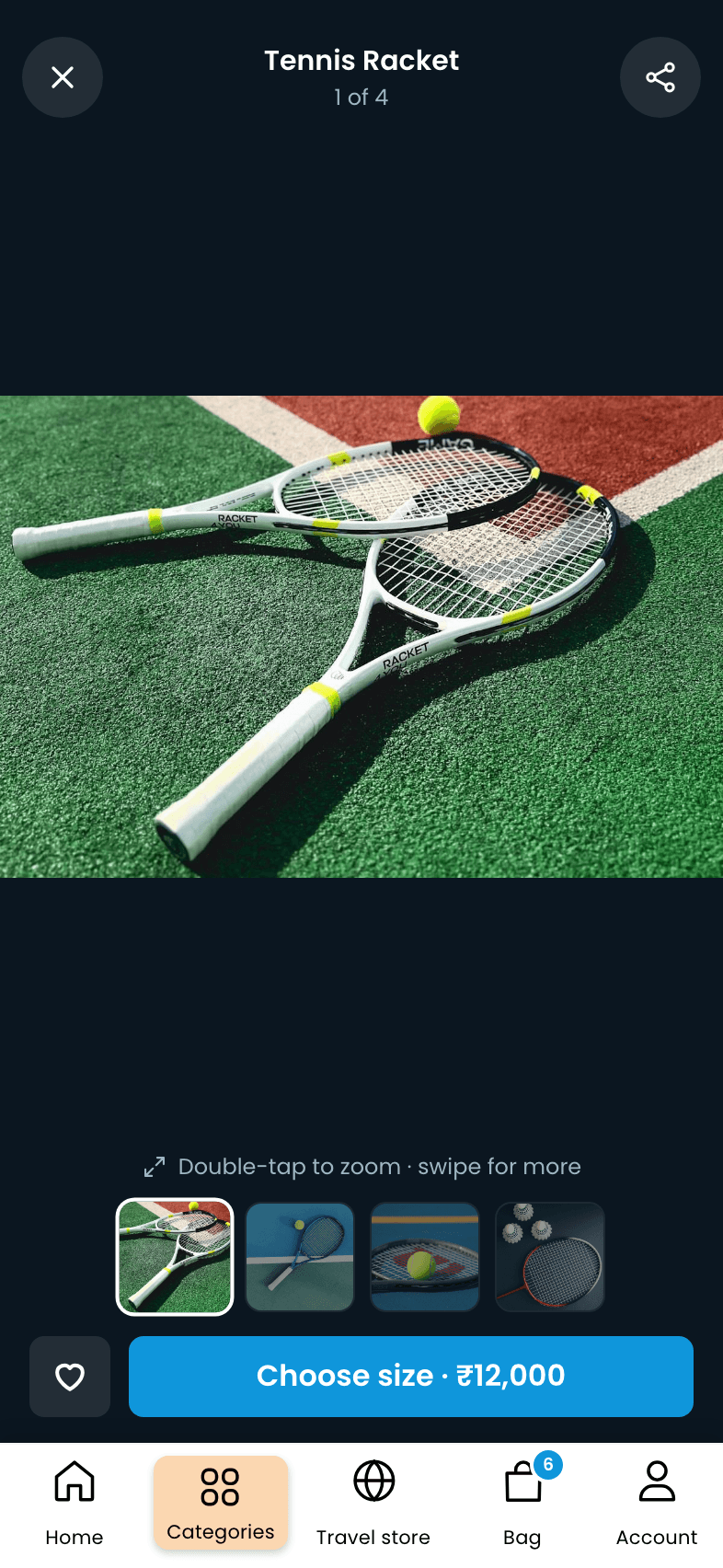
Photos

Reviews
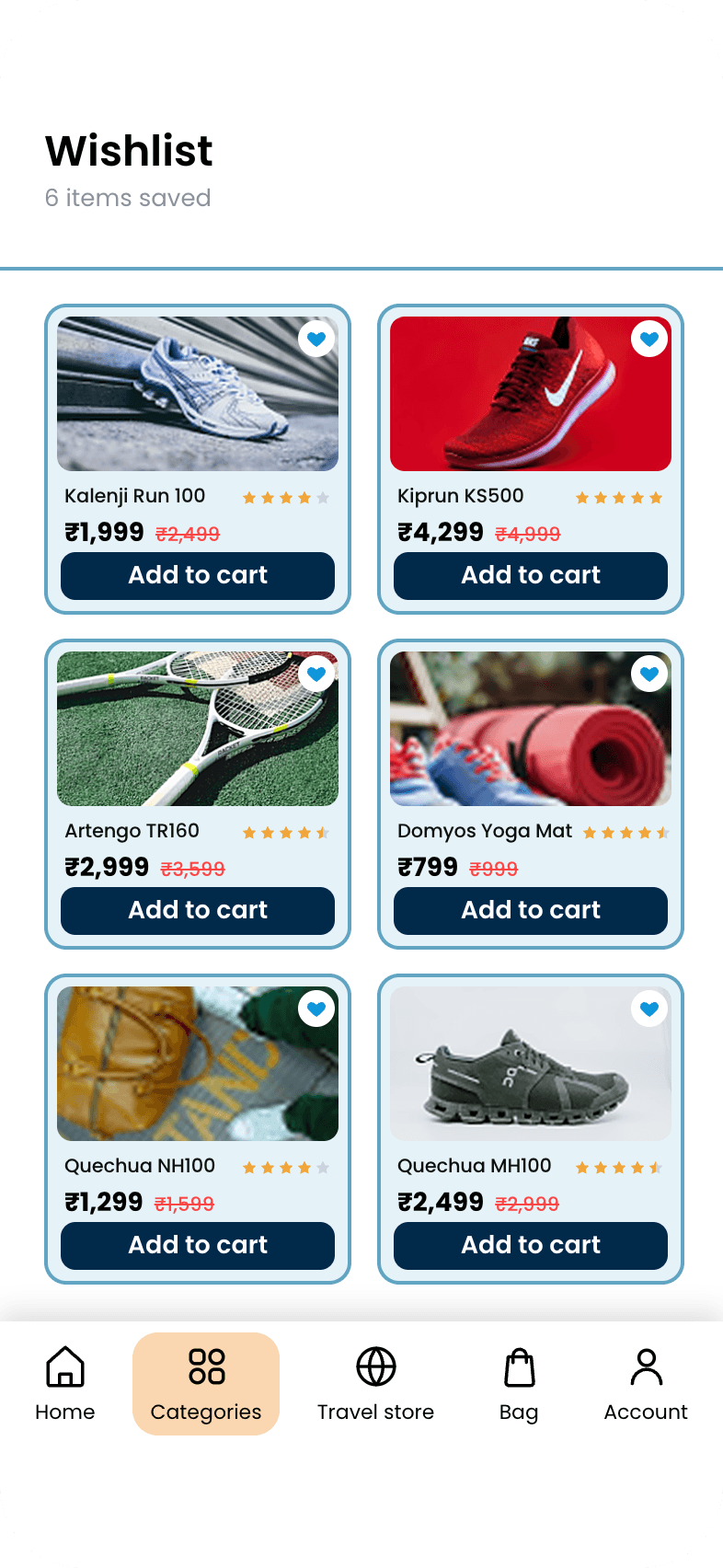
Wishlist
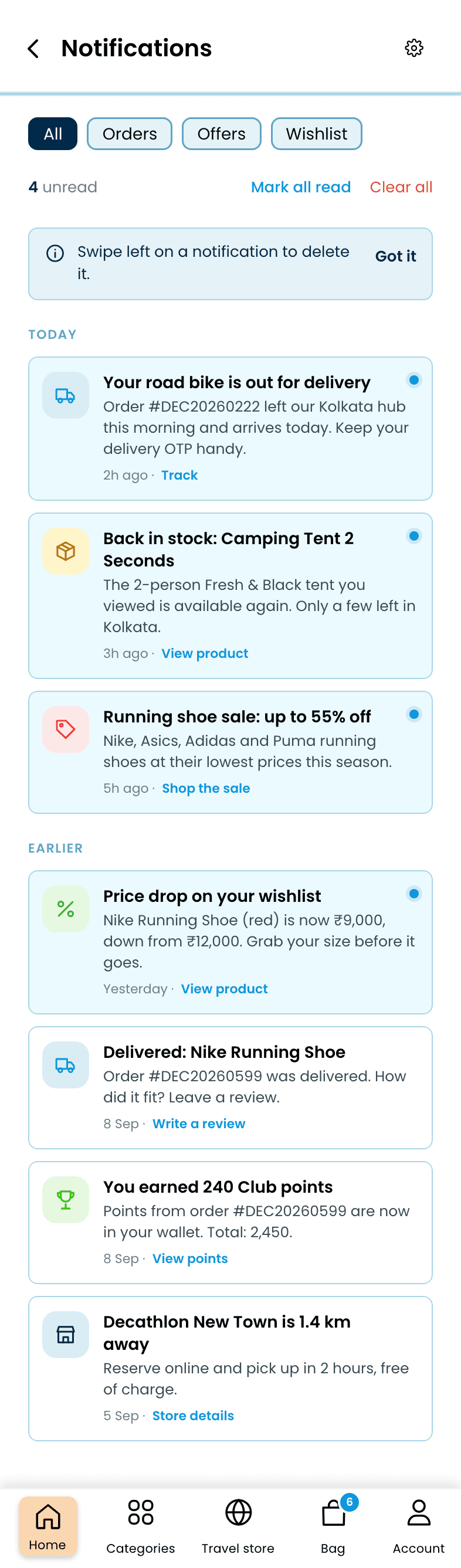
Notifications
A bag that shows every cost, GST included, then three steps with one action each: address, payment, confirm.
Bag
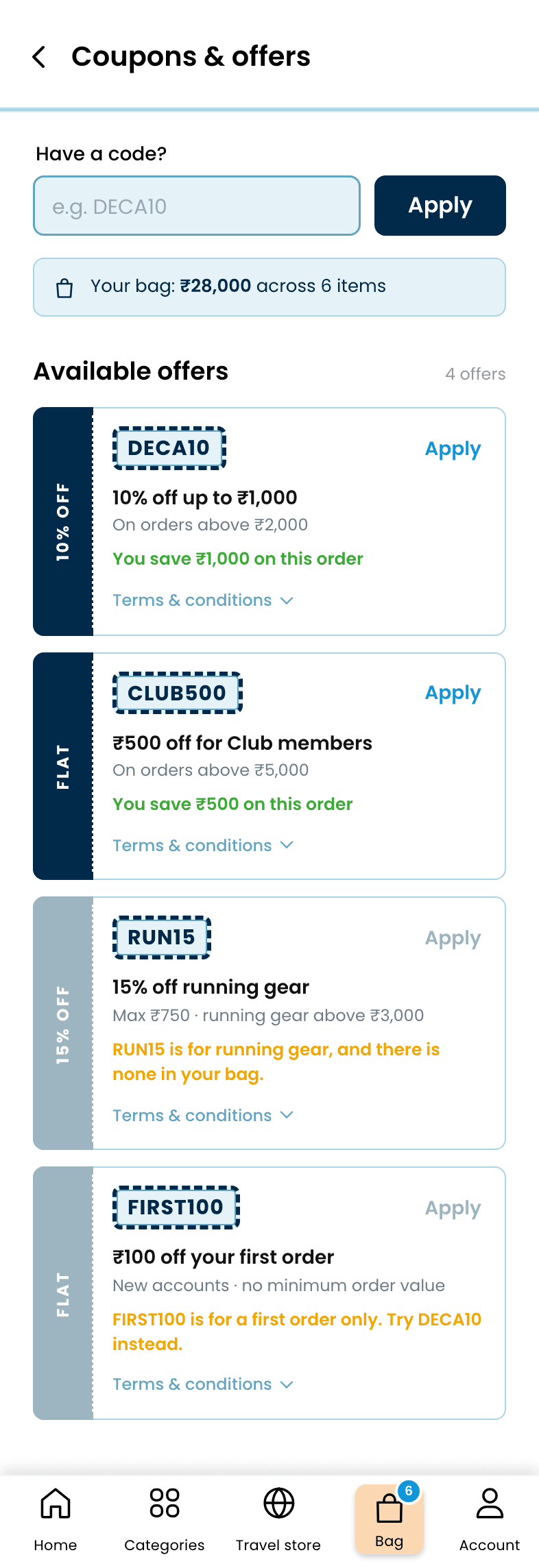
Offers
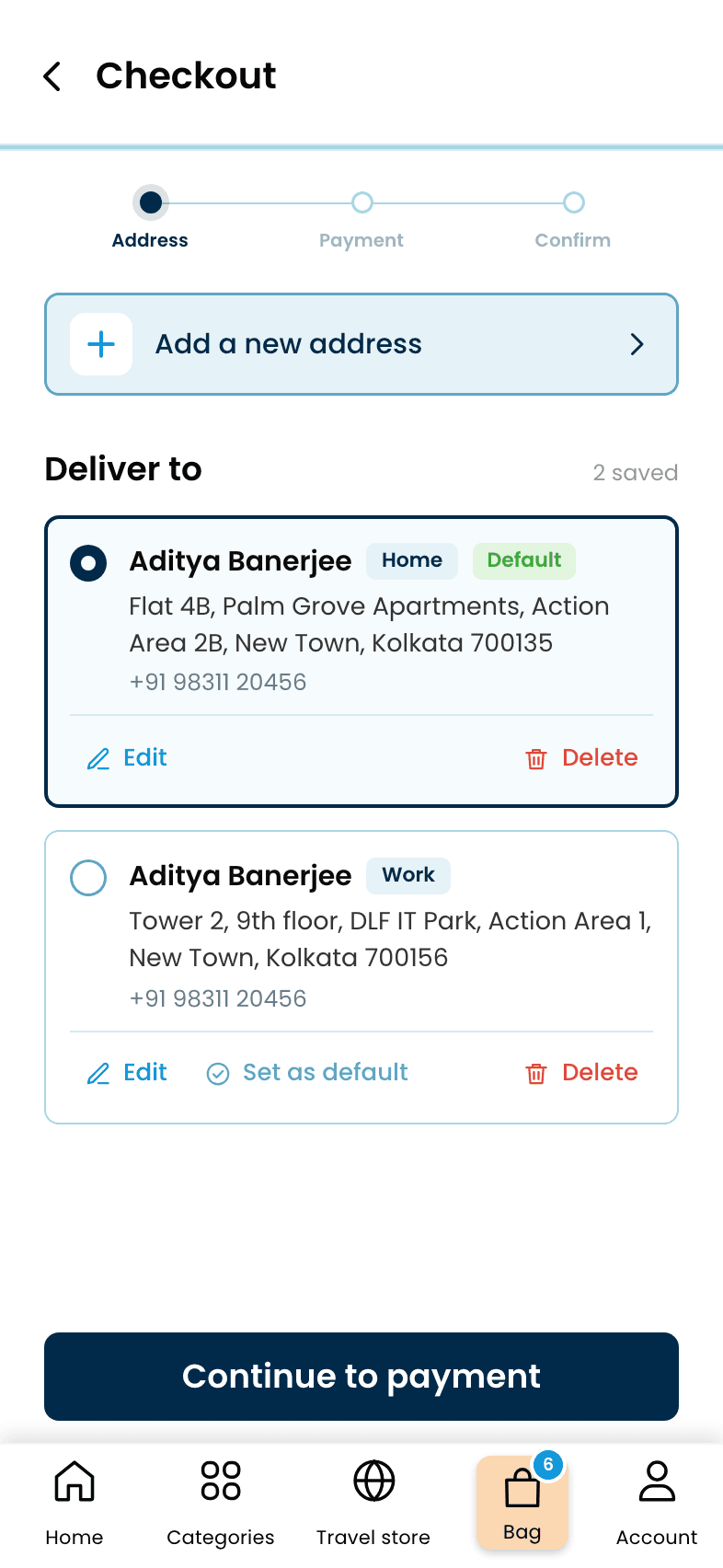
Step 1: Address
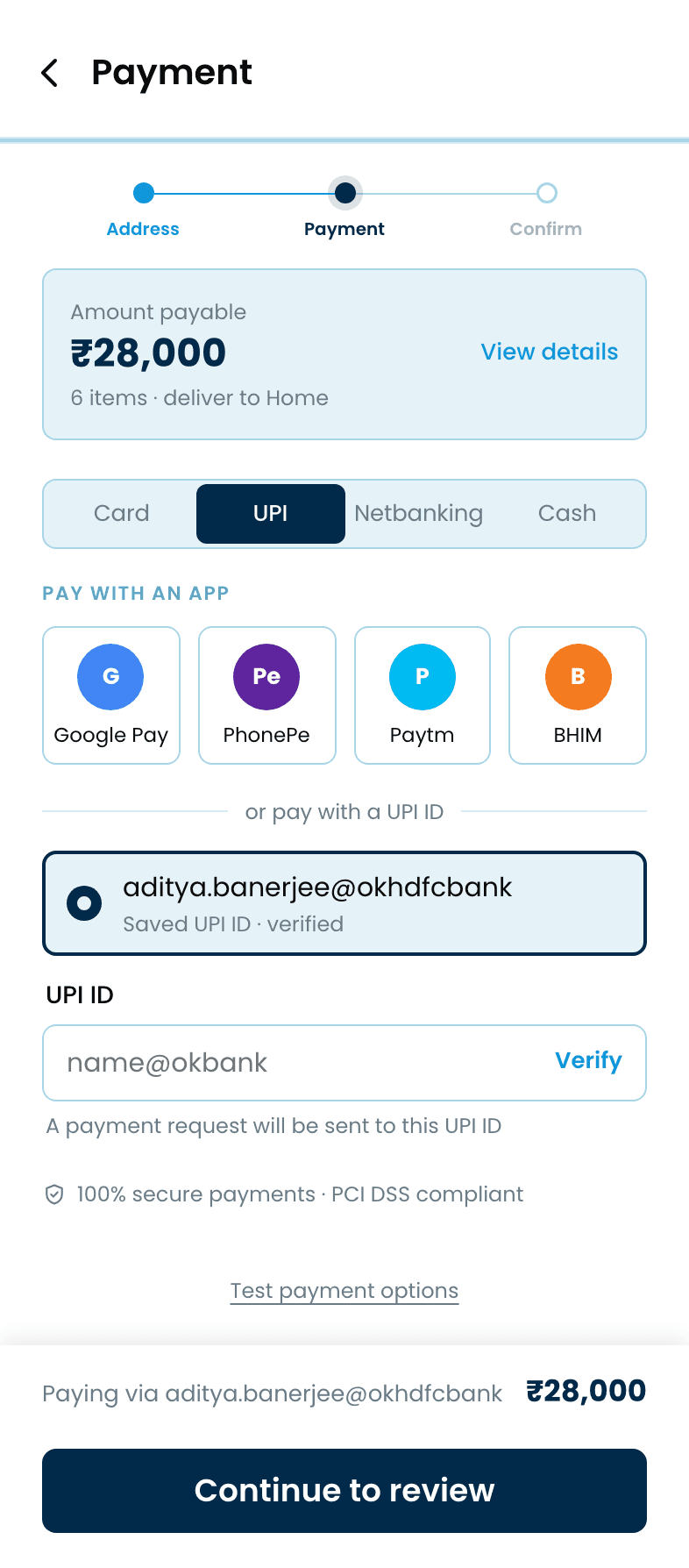
Step 2: Payment
Step 3: Confirm
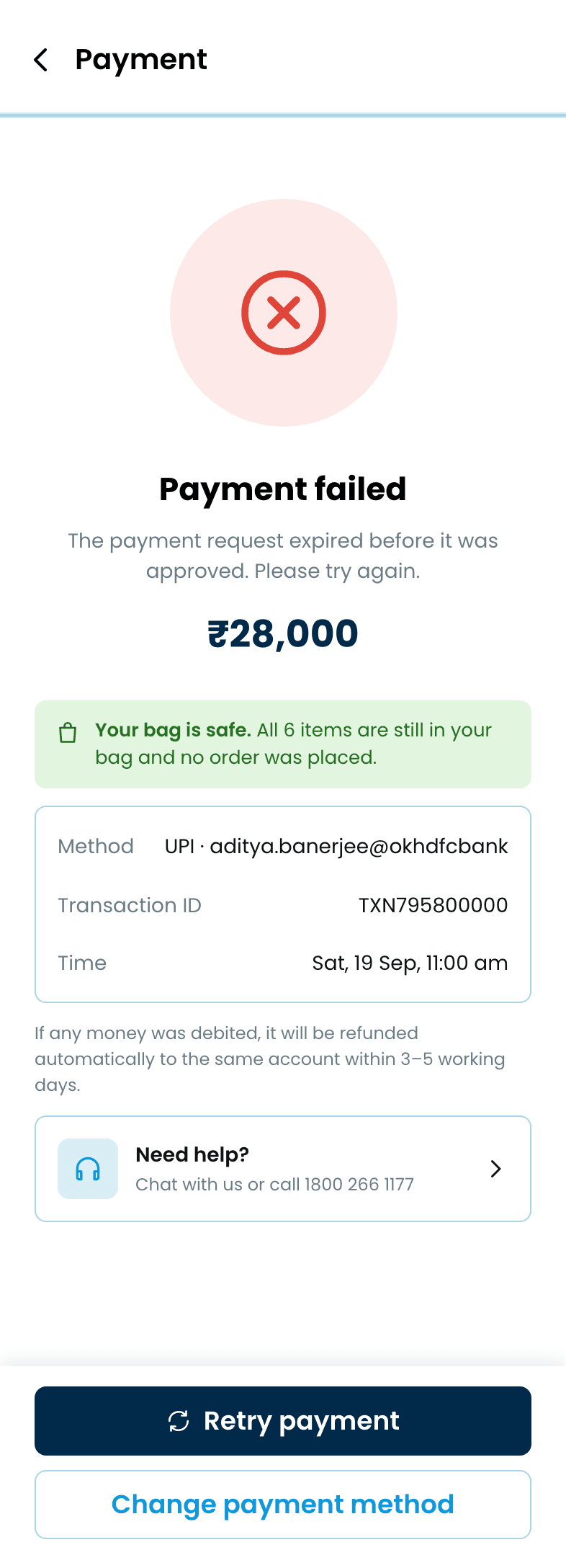
Payment failed
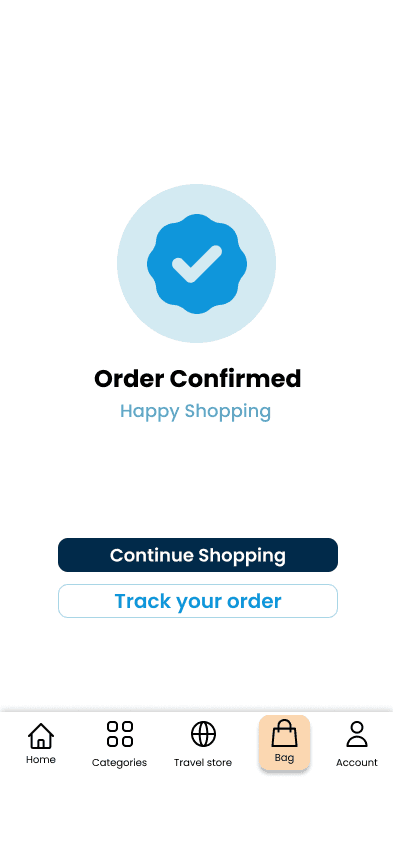
Order confirmed
Status tabs, live tracking with the delivery OTP, and a four-step return that shows the refund before you confirm it.
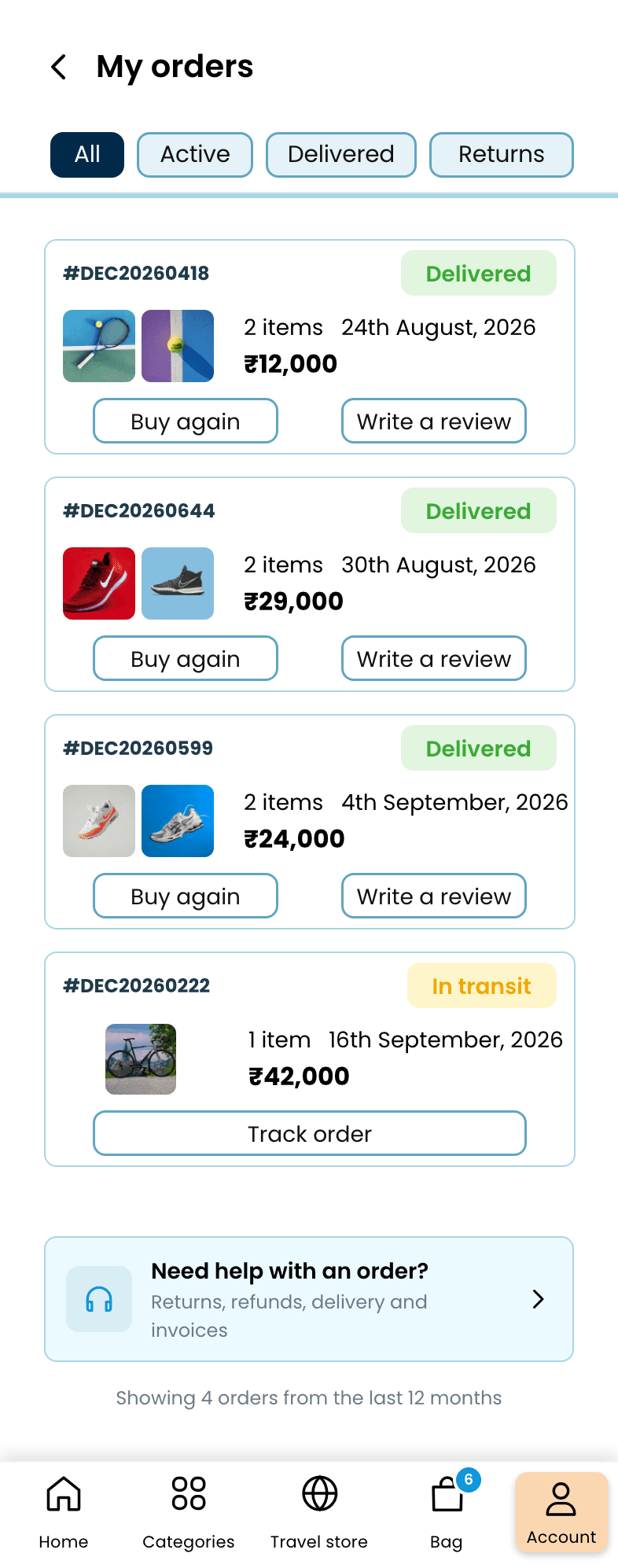
Orders
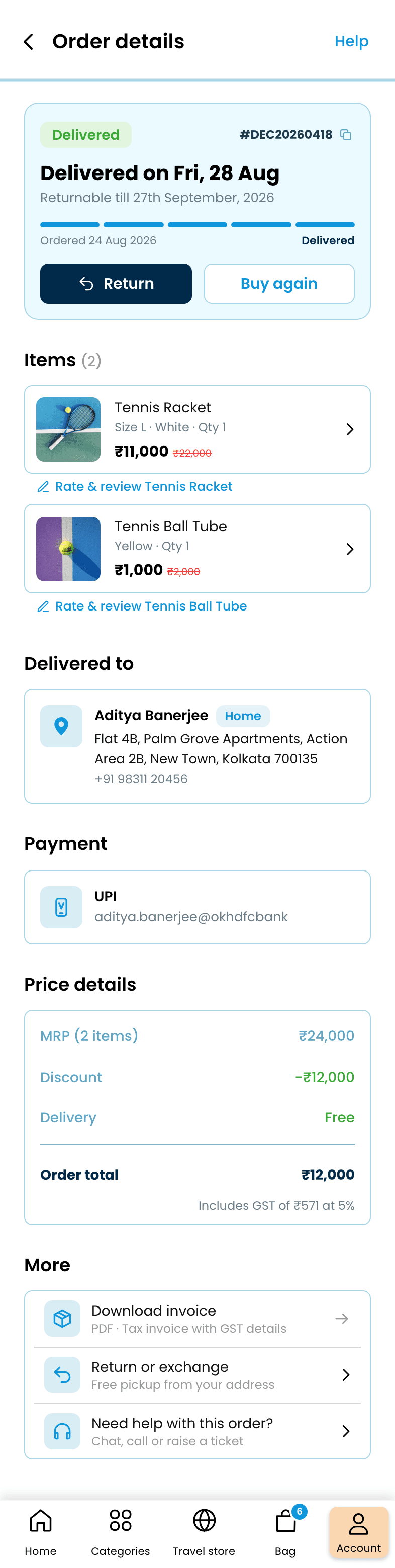
Order details
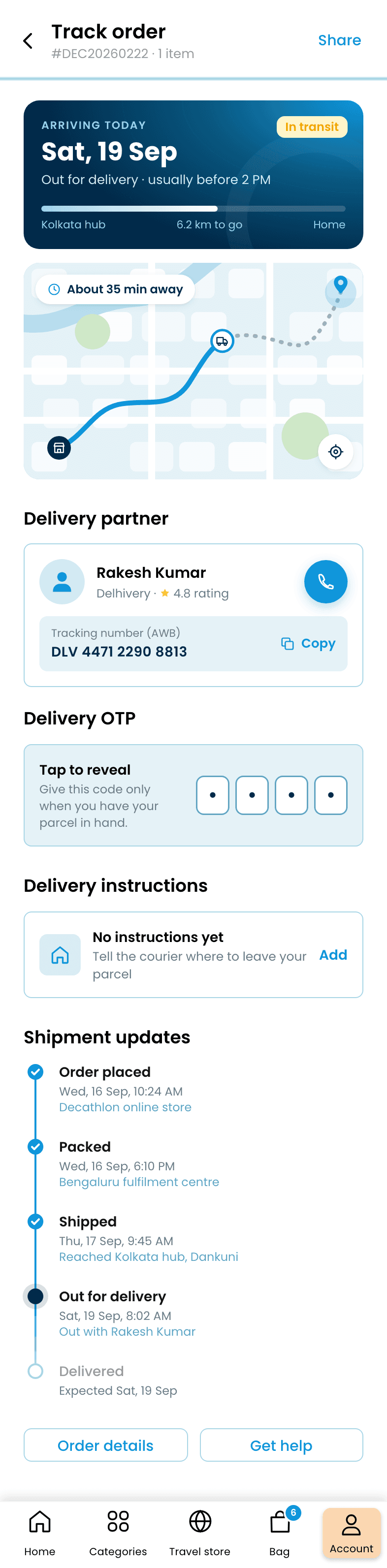
Tracking
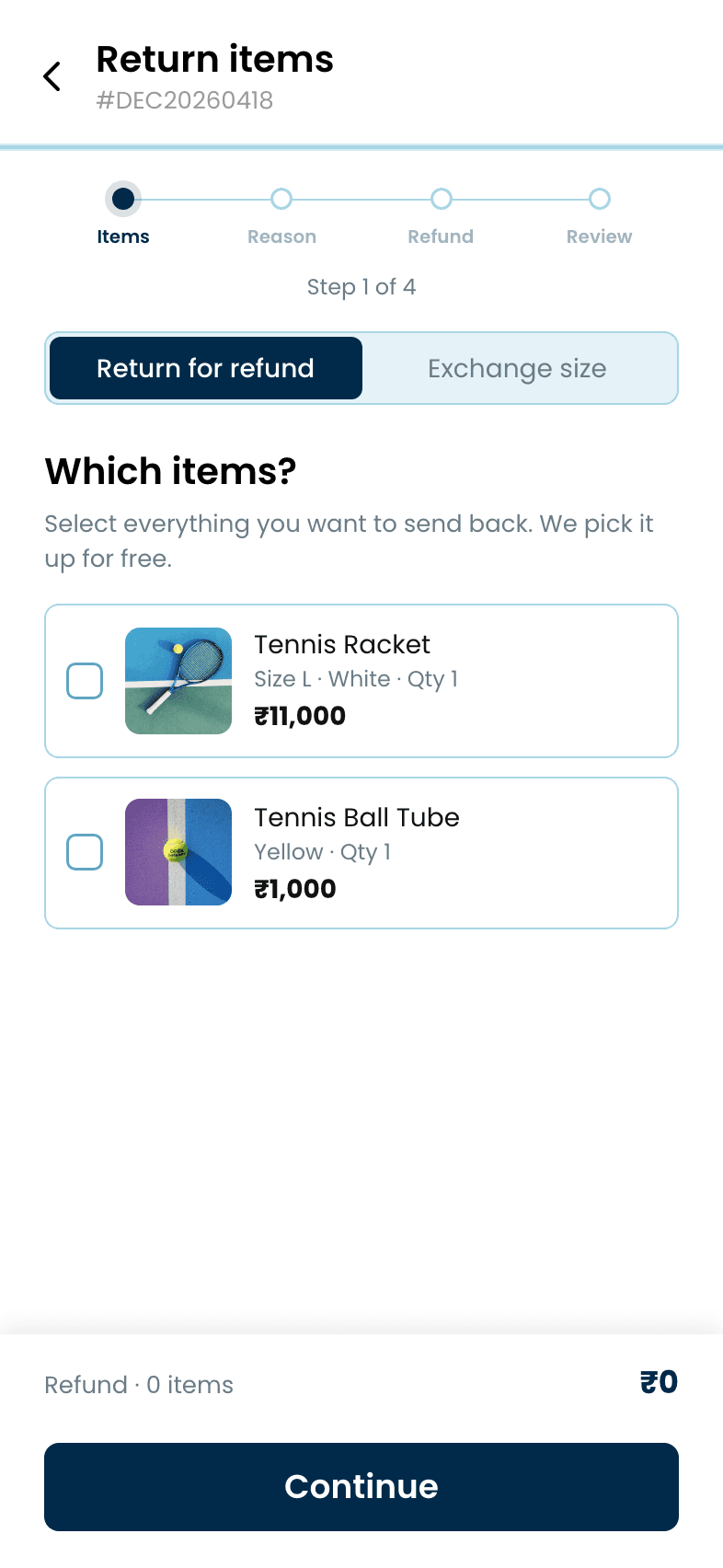
Return
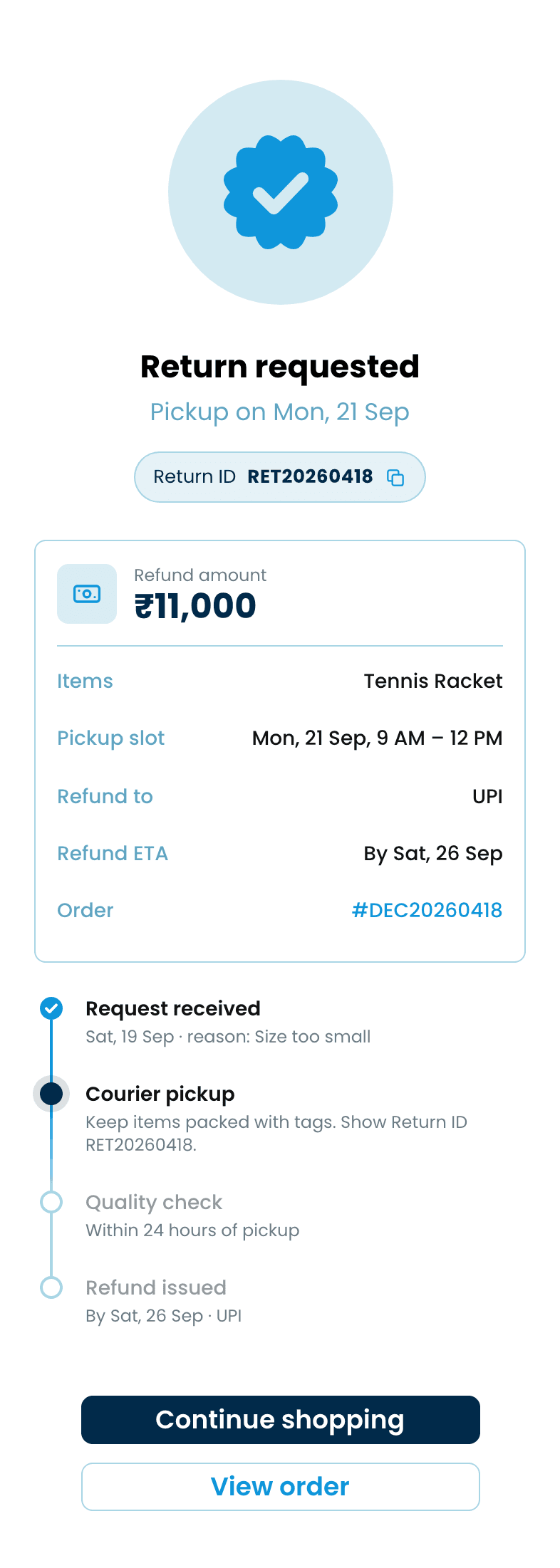
Return requested
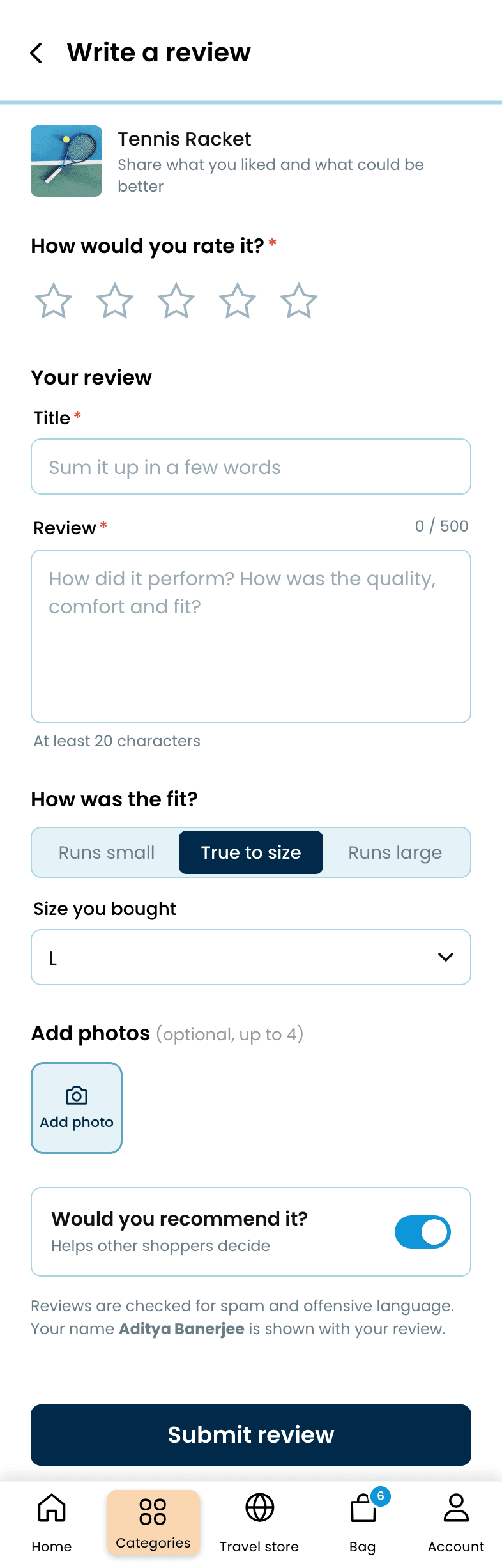
Write a review
Profile, Club points whose history adds up to the balance, saved addresses and payment methods, settings and help.
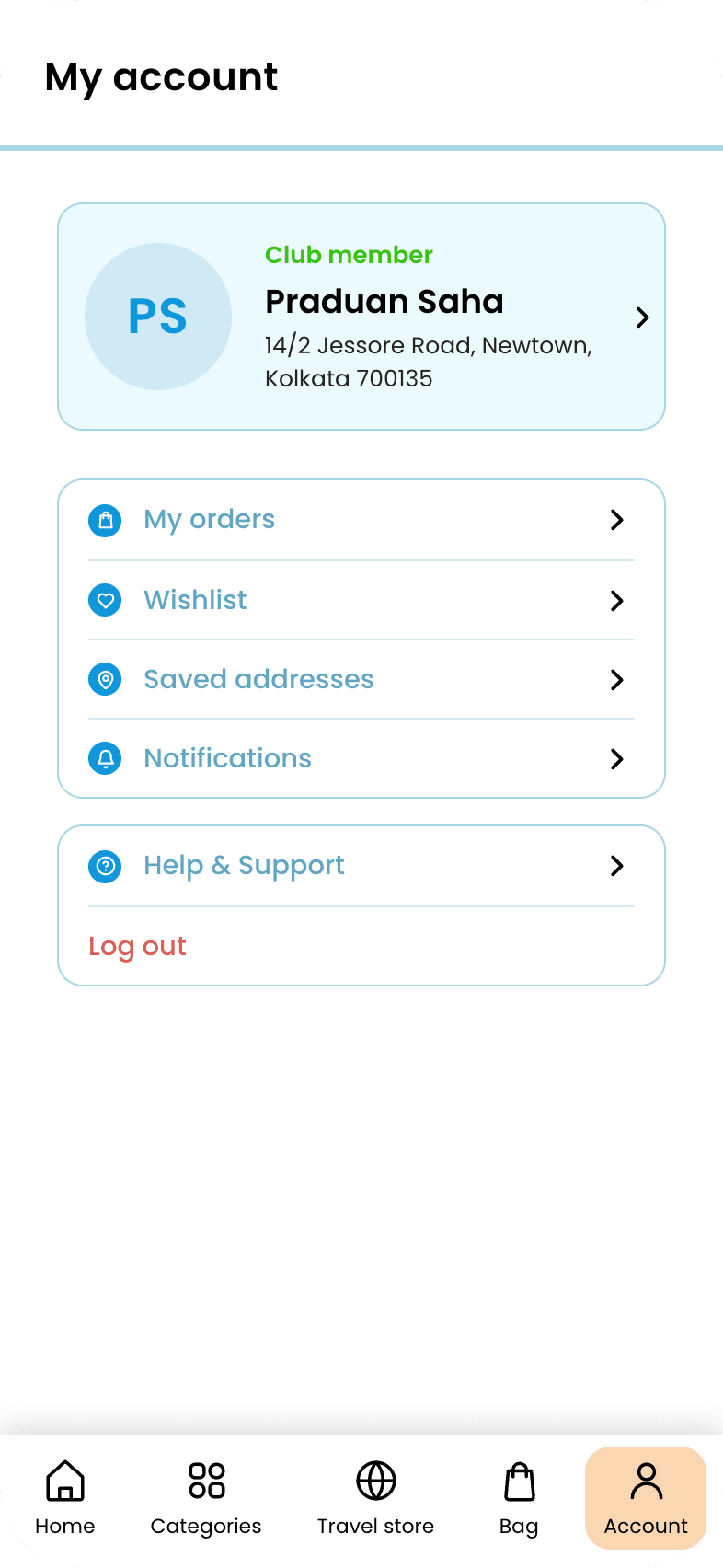
Account
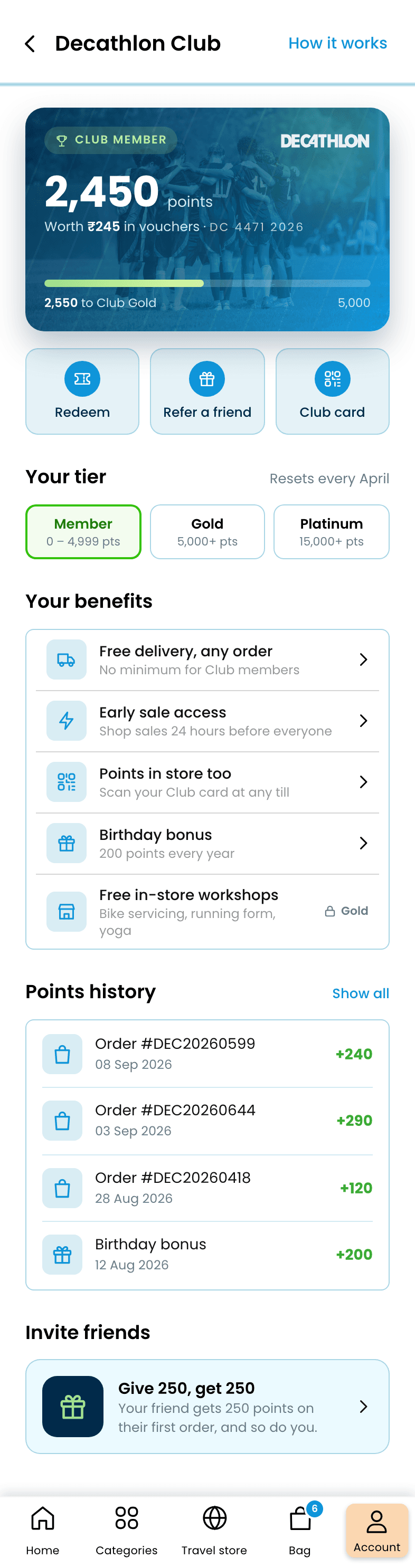
Decathlon Club
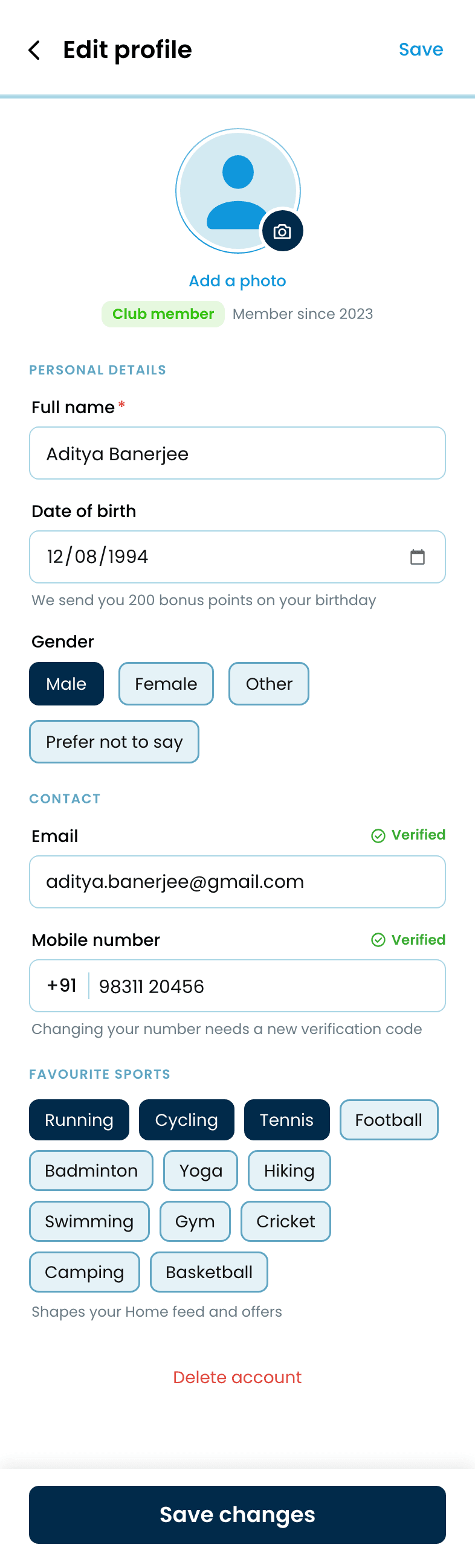
Edit profile
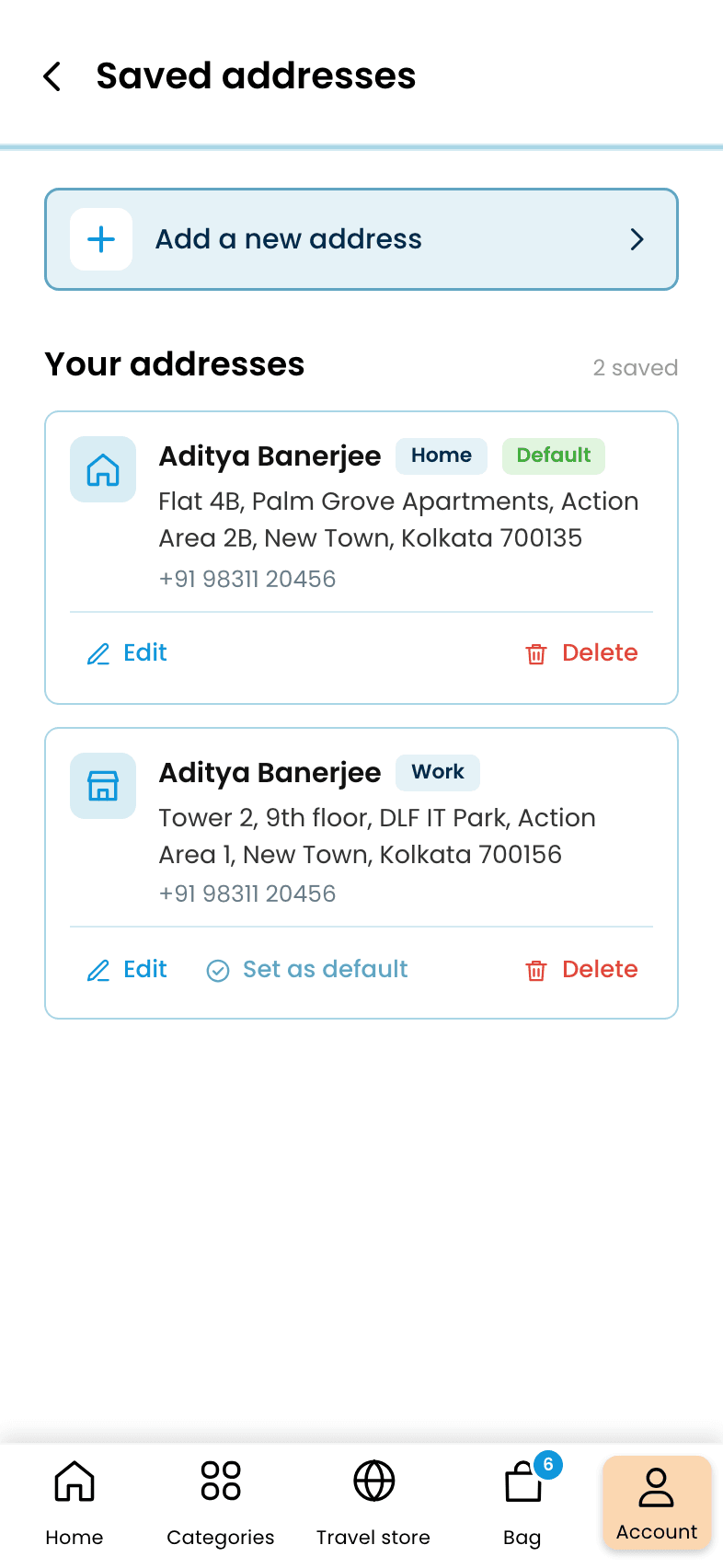
Addresses
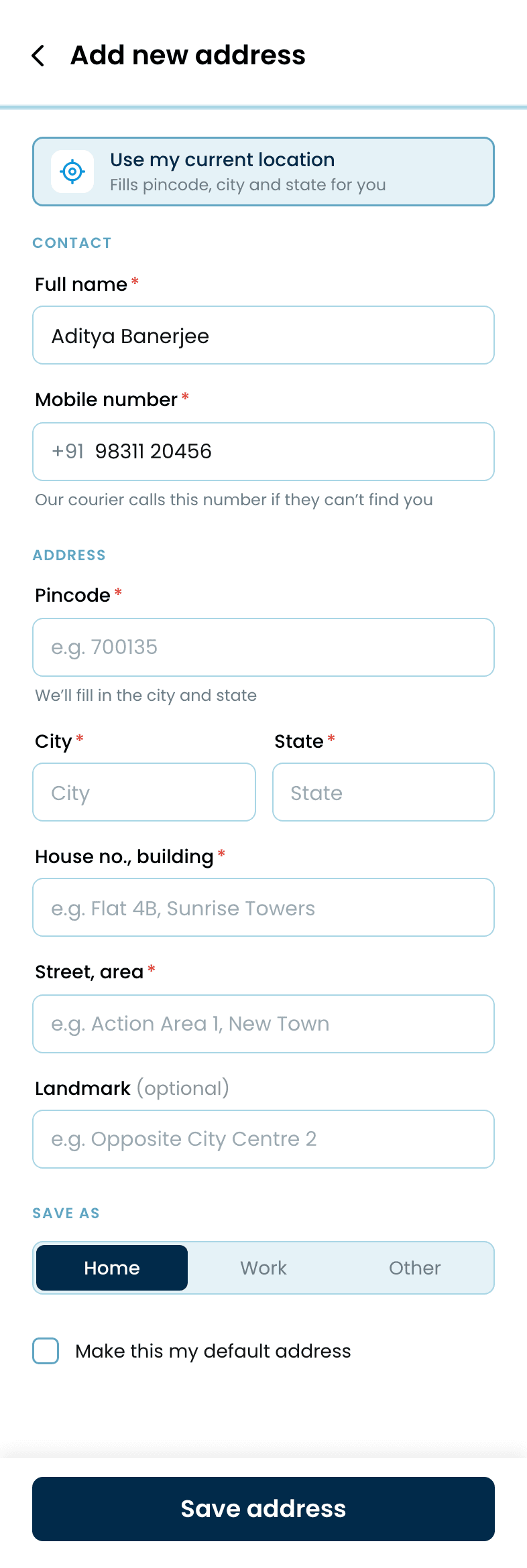
Add address
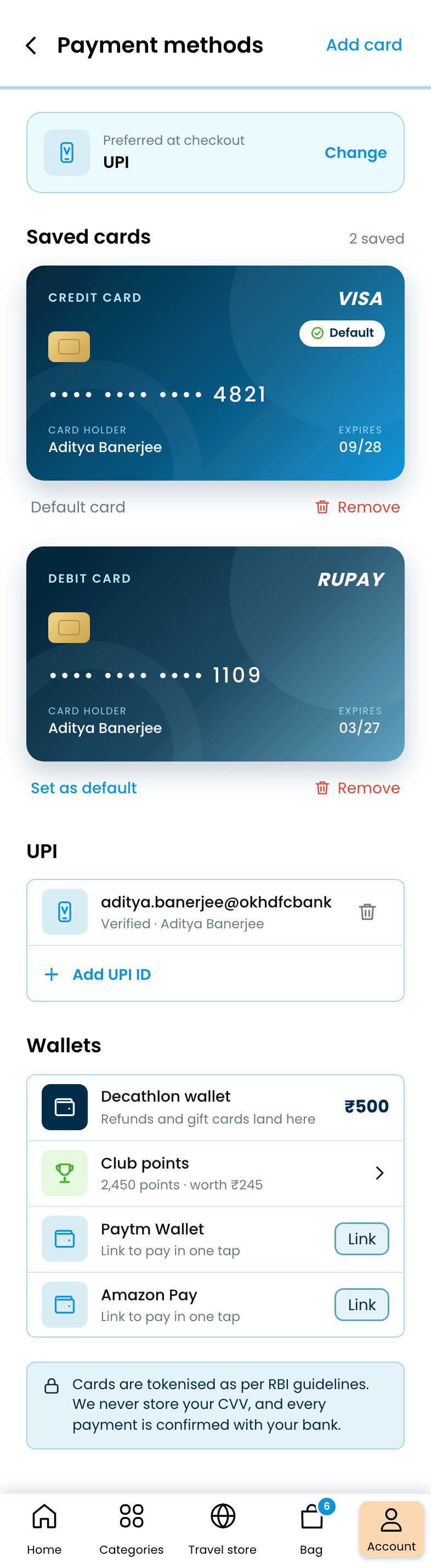
Payment methods
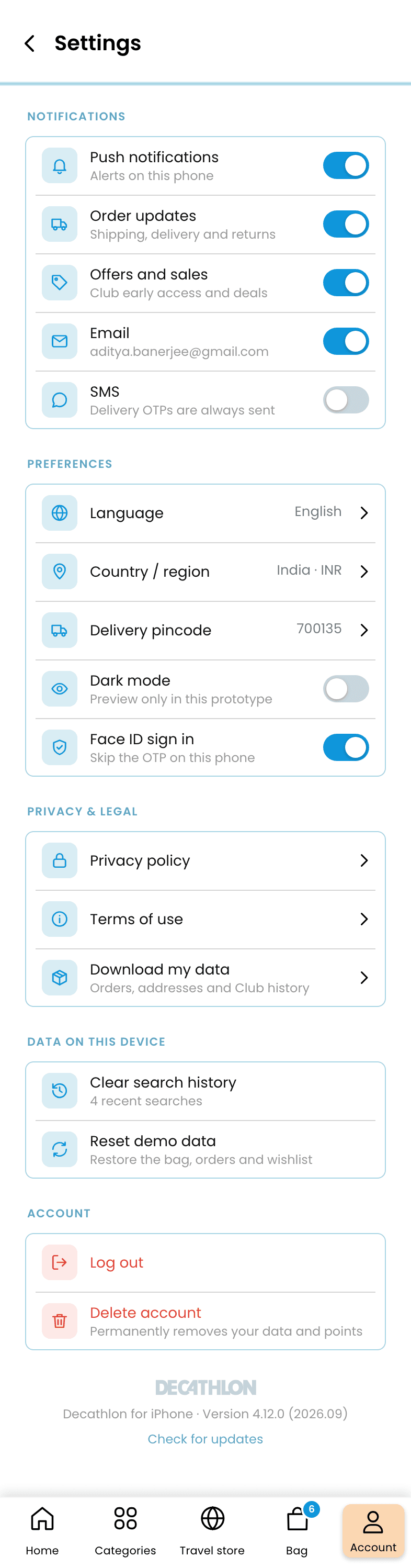
Settings
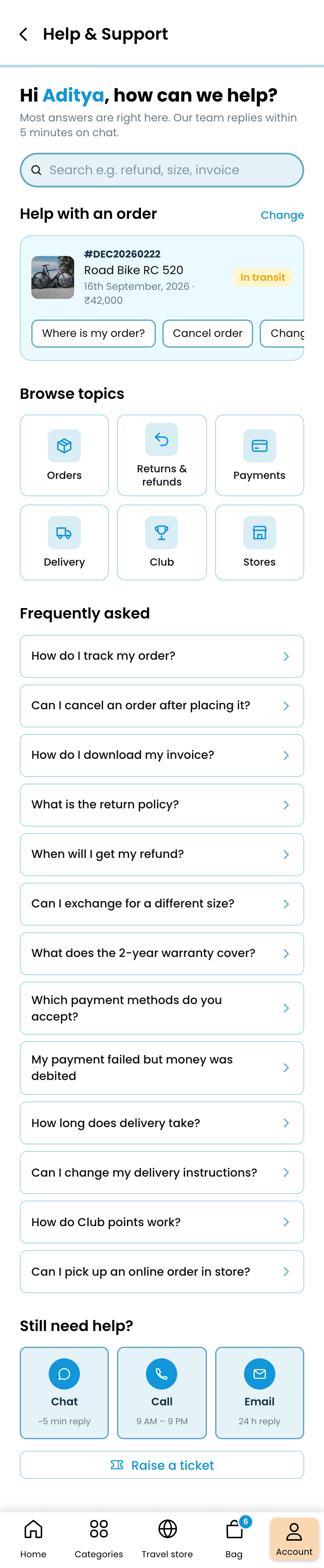
Help
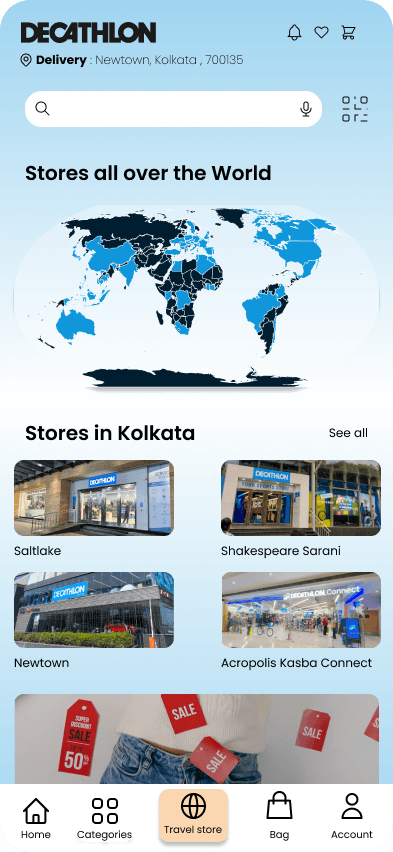
A store locator: stores worldwide, Kolkata stores by distance, then hours, services and reserve-and-collect.
Store locator
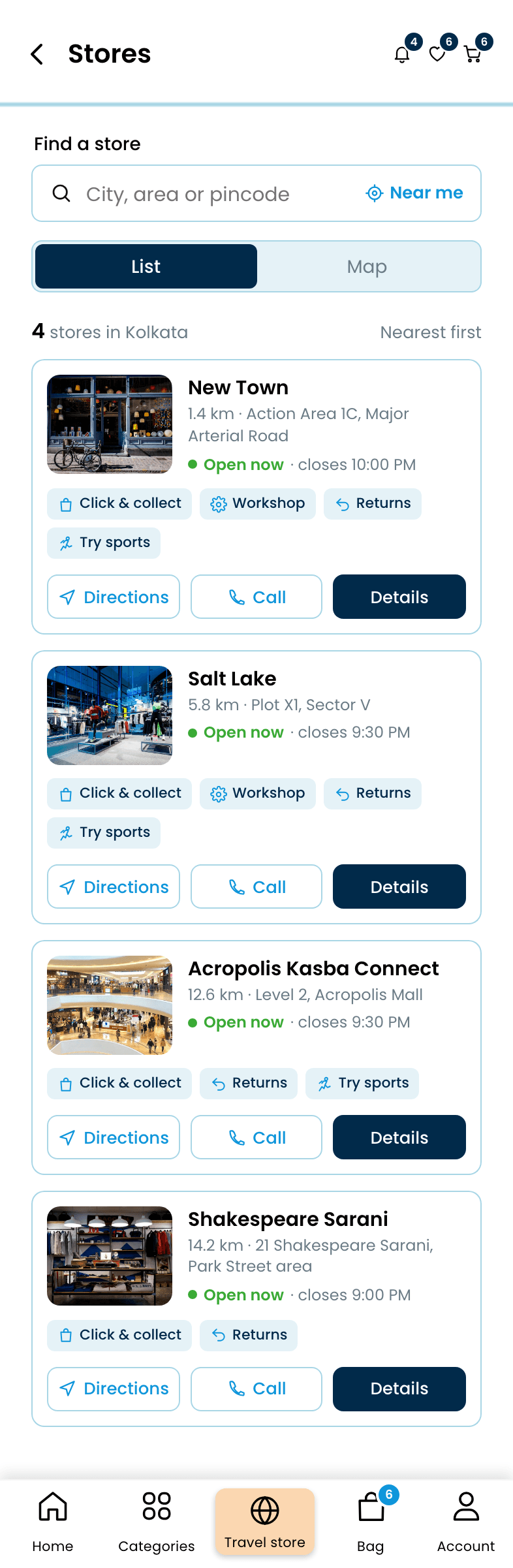
Stores near you

Store
The hardest problem here is still open, and I'd rather say so than pretend otherwise. Counts-on-filter-options works beautifully at 'running shoes' scale. A facet tree that has to cover tennis racket grips, bike frame sizes and tent capacities in the same interface is a different, harder problem. This concept shows the unified version working at one sport's depth and doesn't pretend to have solved the general case. If I built this for real, I'd test it against the messiest possible query first: 'camping equipment,' not 'running shoes.'