A travel app that carries you from inspiration to a booked, day-by-day itinerary: browse, plan, pay, and go, all in one place.
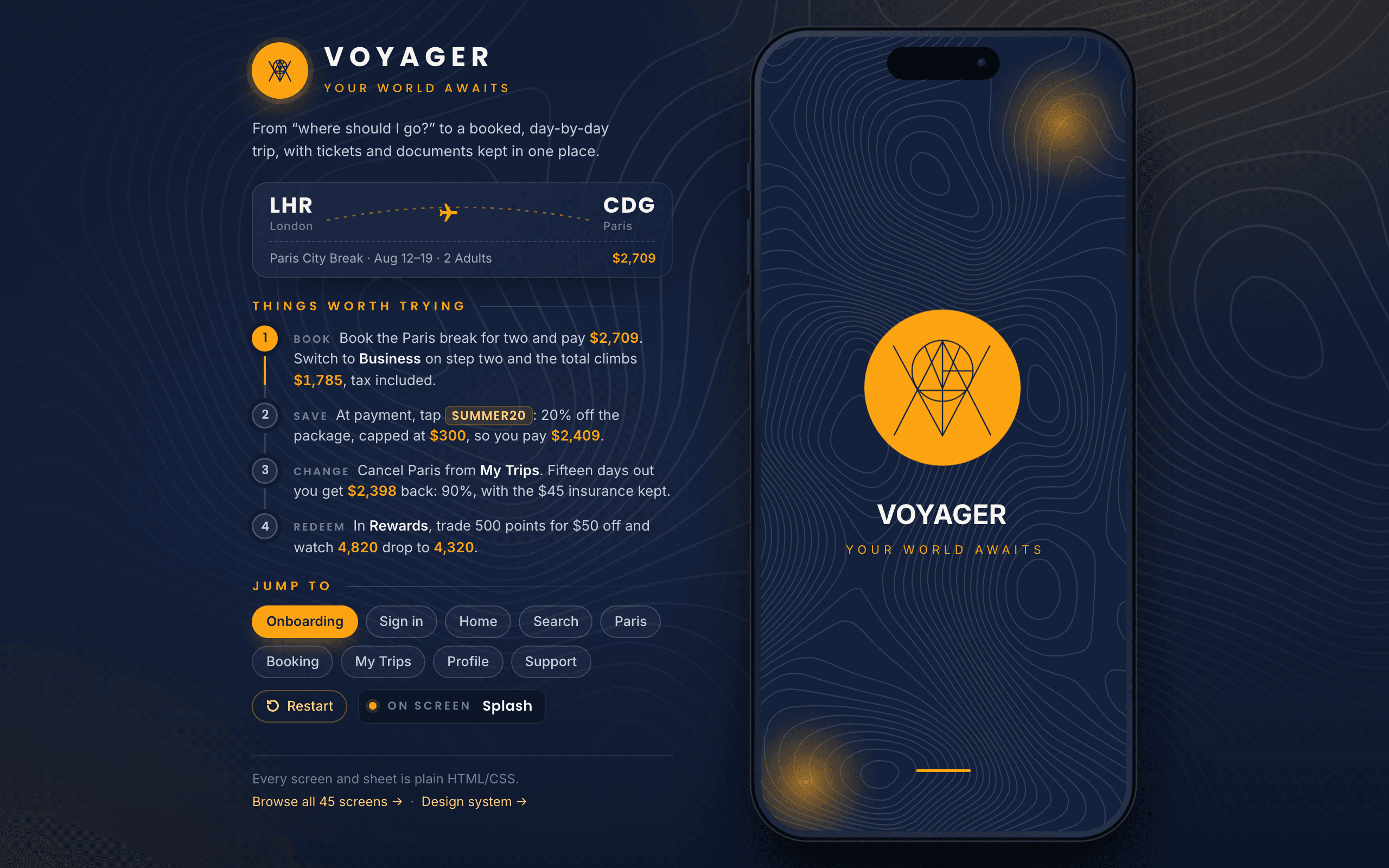
The real prototype, not a recording. It opens on the splash and walks you into onboarding, fresh every time: the panel beside the phone jumps to any flow, and nothing you enter leaves the page. Runs entirely in your browser.The real prototype, not a recording. It opens over this page, and closing it brings you straight back here.
Expedia's own research says a traveller looks at roughly 277 pages of travel content in the 45 days before booking a trip, bouncing between an inspiration app, a flights site, a hotel site, a maps app, and usually a notes doc holding the actual day-by-day plan together. Voyager takes that number personally: one app carrying someone from 'where should I even go?' to a booked, day-by-day itinerary, without ever making them leave.
The travel category splits in two. On one side, organisers that build the itinerary but can't sell inventory: TripIt, Wanderlog, Google Travel. On the other, booking engines that sell inventory but don't own the day-by-day plan: Hopper, Booking.com, Airbnb. Between them is a seam neither side fully covers, and both are extending toward it. Voyager, a concept, is designed to sit in that seam.

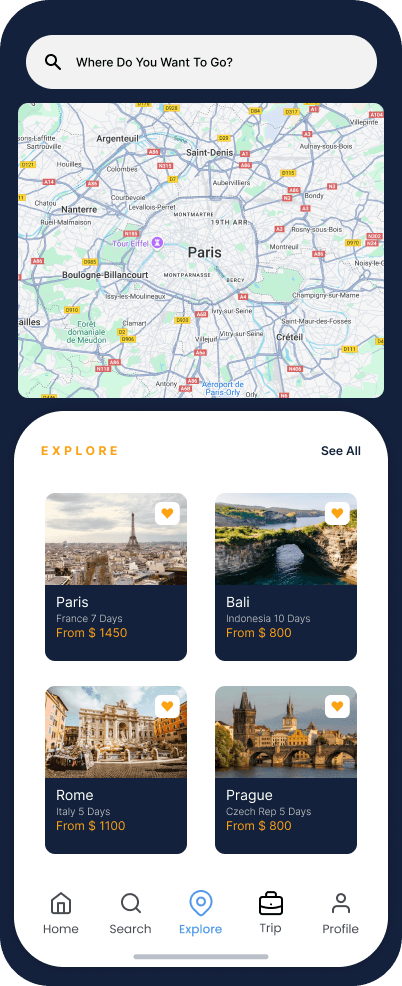
The browsing screens (home, search, the map) sit on deep navy with a topographic motif, because dreaming about a trip is emotional and open-ended. The moment you start actually booking, the whole app flips to a clean, light surface, because picking dates and paying needs to be legible and unhurried, not moody. One warm orange accent carries every primary action in both modes. The theme change happens exactly at the first step of the booking stepper: the one place a mood shift reads as 'now we're doing something real' instead of a glitch.
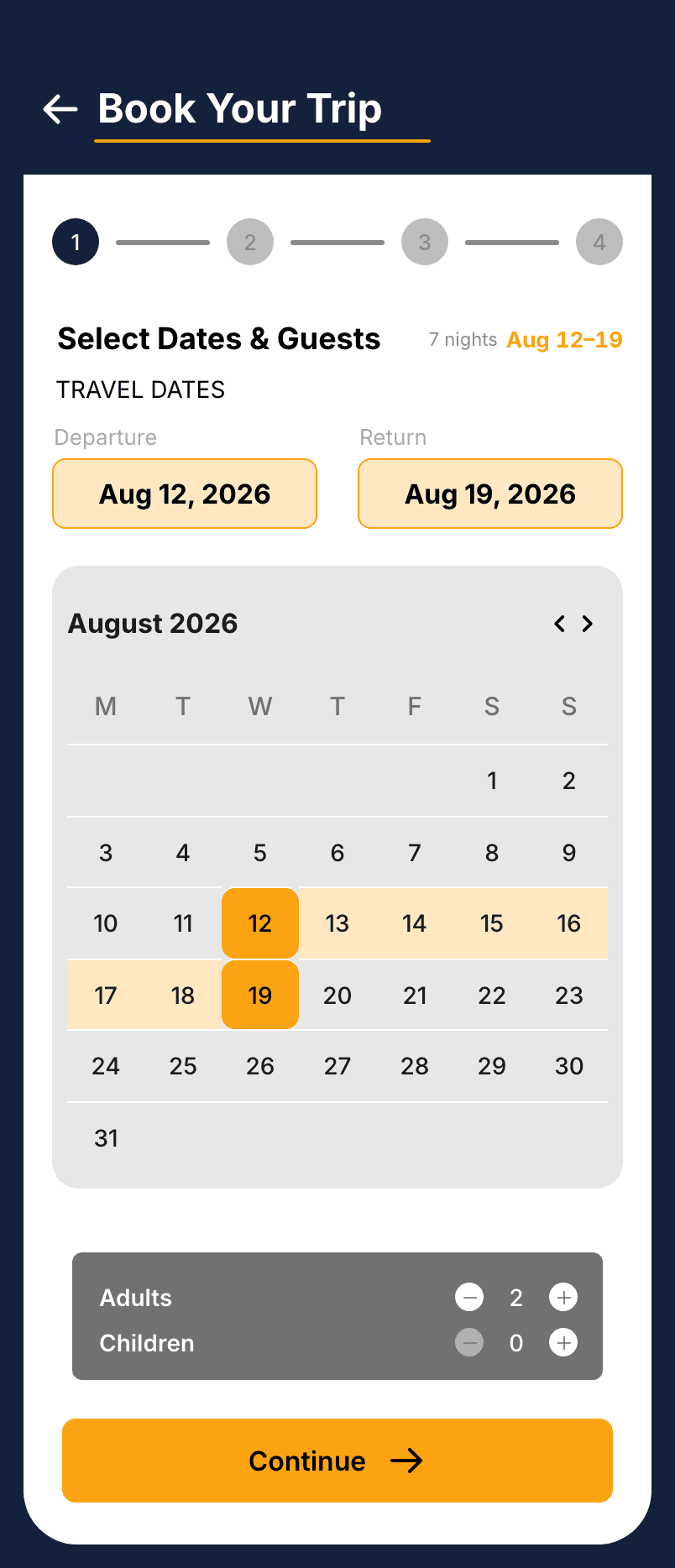
Research says page views spike right before someone books, which is exactly the moment people usually feel most lost. So a persistent four-step stepper (dates & guests, customise, payment, confirmation) runs across the top of the whole booking flow, always showing where you are and what's left. Once you're through, a day-by-day itinerary lays the trip on a vertical timeline, and a documents wallet keeps passport, licence and insurance together, because TripIt's most-loved feature is reportedly its offline itinerary, and airports are exactly where connectivity dies.
The stepper says where you are in the booking. The price has to be just as steady, and it is the part of this flow that is actually enforced: totals() assembles the itemised rows the summary prints, then returns their sum. The total is not worked out alongside the list, it is the list.
totals(b = V.booking.get()) { const d = V.dest(b.dest) || V.dest('paris'); const P = V.PRICES; const pp = d.package.pp; const lines = []; const trav = b.adults + b.children; const pkg = pp * b.adults; lines.push({ key: 'package', label: `${d.package.name} × ${b.adults}`, amount: pkg }); const kids = Math.round(pp * P.childFactor) * b.children; if (b.children) lines.push({ key: 'children', label: `Children × ${b.children}`, amount: kids }); const biz = b.cls === 'business' ? P.business * trav : 0; if (biz) lines.push({ key: 'business', label: `Business Class × ${trav}`, amount: biz }); const rm = V.room(b.room, d.id); const rmNights = Math.max(0, V.date.nights(b.depart, b.ret)); const room = rm.extra * rmNights; if (room) lines.push({ key: 'room', label: `${rm.name} × ${rmNights} nights`, amount: room }); if (b.addons.transfer) lines.push({ key: 'transfer', label: 'Airport Transfer', amount: P.transfer }); if (b.addons.insurance) lines.push({ key: 'insurance', label: 'Travel Insurance', amount: P.insurance }); if (b.addons.tour) lines.push({ key: 'tour', label: 'Guided City Tour', amount: P.tour }); const promo = V.promo(b.promo); let disc = 0; if (promo) { const nights = V.date.nights(b.depart, b.ret); const ok = (!promo.min || pkg + kids >= promo.min) && (!promo.minNights || nights >= promo.minNights); if (ok) disc = promo.type === 'pct' ? Math.min(promo.cap || Infinity, Math.round((pkg + kids) * promo.value / 100)) : promo.value; if (disc) lines.push({ key: 'promo', label: `Promo ${promo.code}`, amount: -disc, discount: true }); } const taxes = Math.round((pkg + kids + biz + room) * P.taxRate); lines.push({ key: 'taxes', label: 'Taxes & Fees', amount: taxes }); const total = lines.reduce((a, l) => a + l.amount, 0); return { lines, total, taxes, perPerson: Math.round(total / Math.max(1, trav)), dest: d }; },Every rule here bills differently: the package is per adult, a child is half, business class is per traveller, a room upgrade is per night, the add-ons are flat, and a promo only lands once its minimum spend and minimum nights are both satisfied. Writing that out twice, once for the summary and once for the total, is how a travel app ends up showing a discount it never takes off, or charging a fee that appears on the card and nowhere else. A rule that does not push a row cannot reach the total at all, so nothing can move the price without printing itself. What this does not do is police the stepper: each booking screen still states its own step, which is exactly how the mislabelled header below got in.
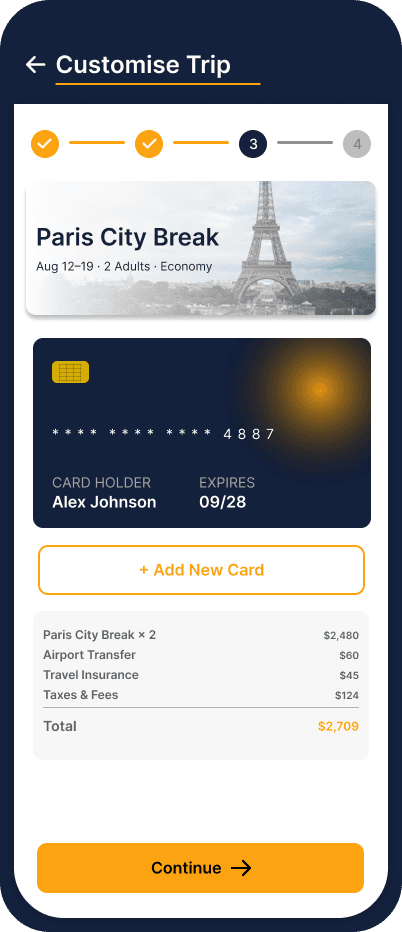
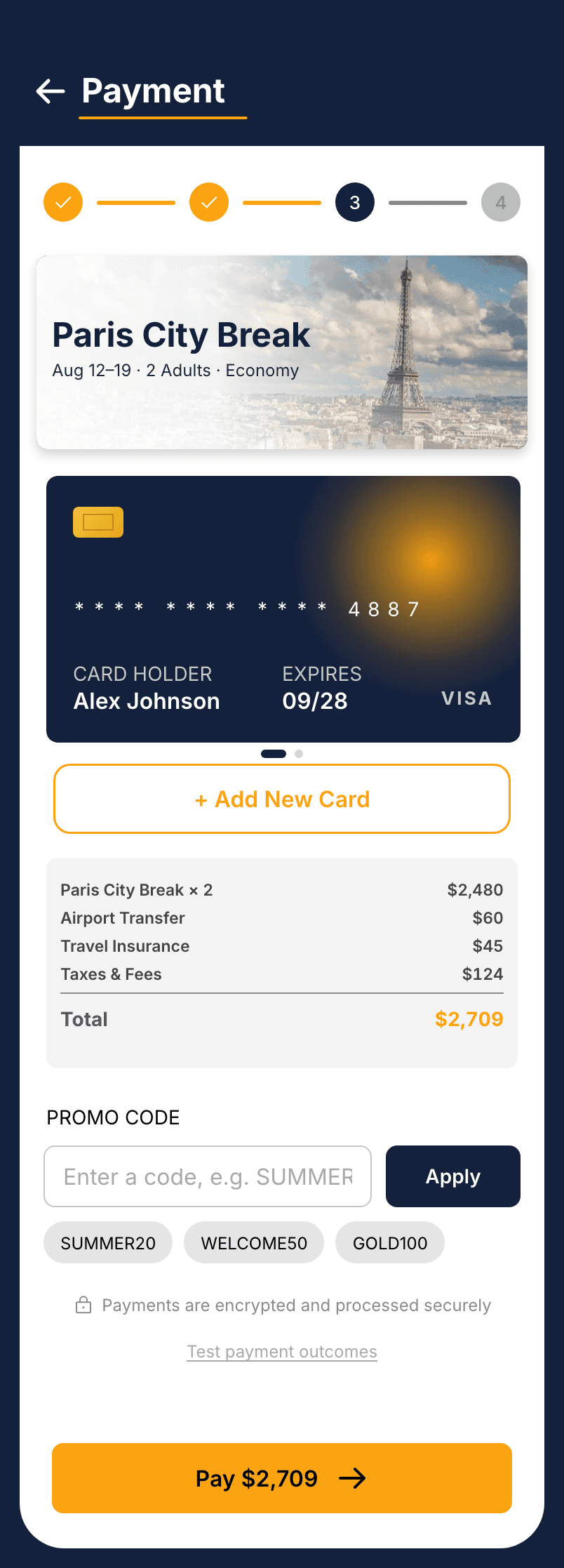
Stop on Customise Trip, step two of the booking. The Total reads $2,709. Tick Guided City Tour and it reads $2,789. Continue to Payment and the summary prints $2,480, $60, $45, $80 and $124 against a total of $2,789, with Pay $2,789 on the button: the same number, and the five rows it is made of.
Prototype code · runs in the demo above
The stepper's whole argument ('you always know where you are') nearly shipped with a hole in it: the payment screen, step three, was still labelled Customise Trip, the step-two header. One mislabelled screen and the headline claim reads as decoration instead of a promise. The shipped version says Payment, plainly, with the traveller's own name on the card.
A topographic splash and a three-step intro that frames the value.
Splash

Explore 150+ countries

AI-built itineraries

Your world awaits
A warm, branded sign-up, an emailed code, two permissions asked with their reasons, and the way back in when a password is lost.
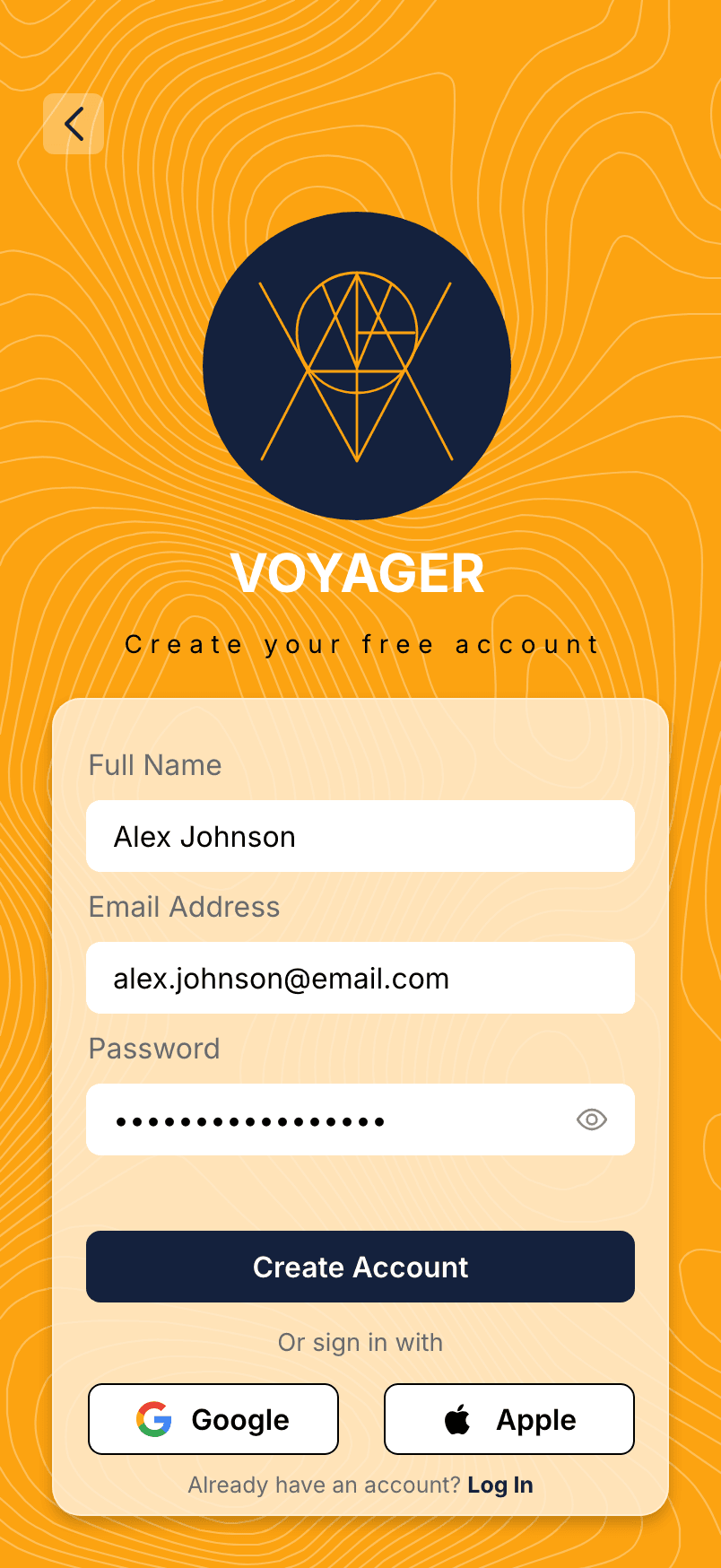
Create account
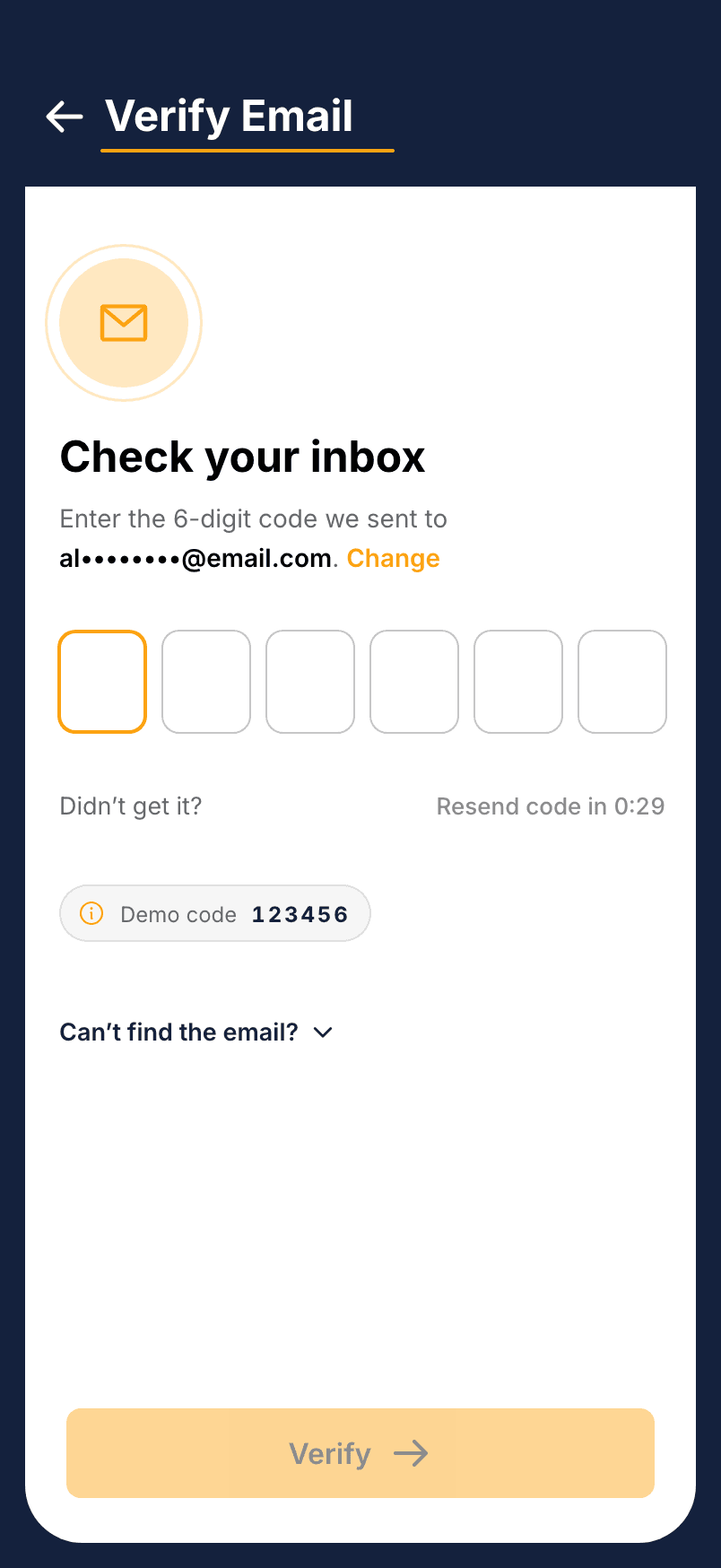
Verify email
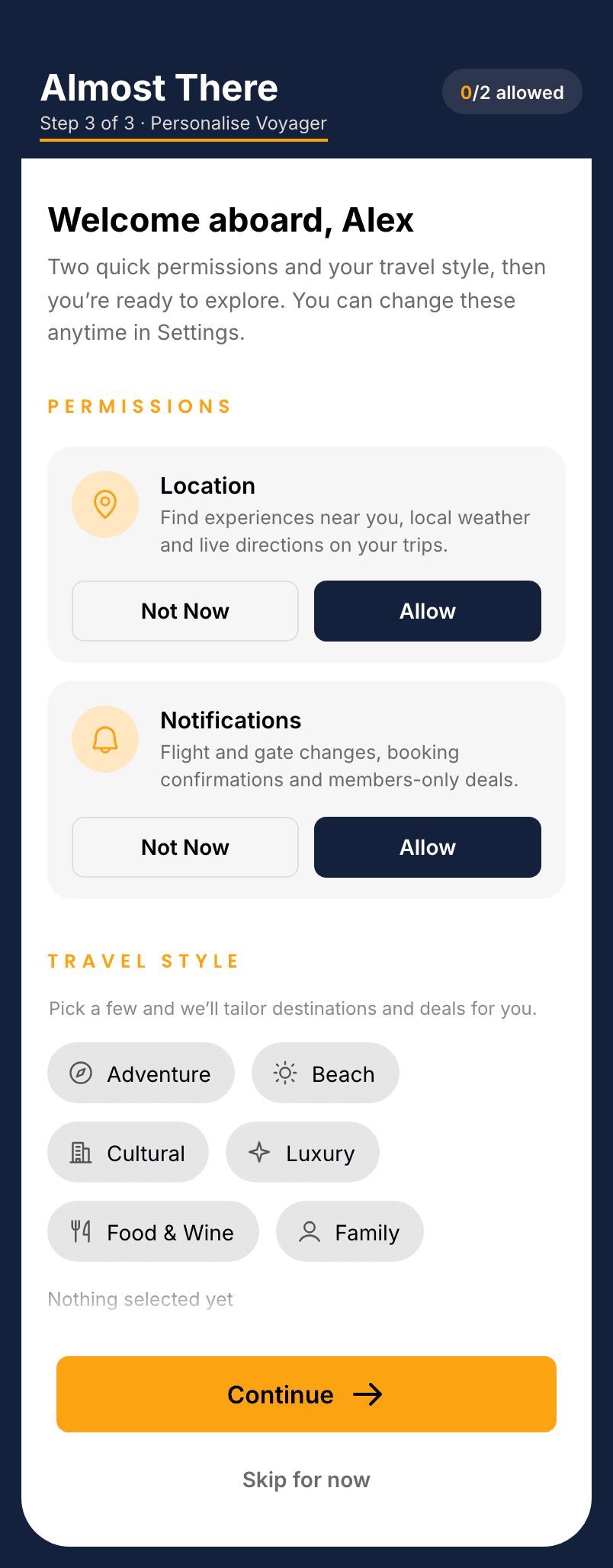
Permissions & travel style
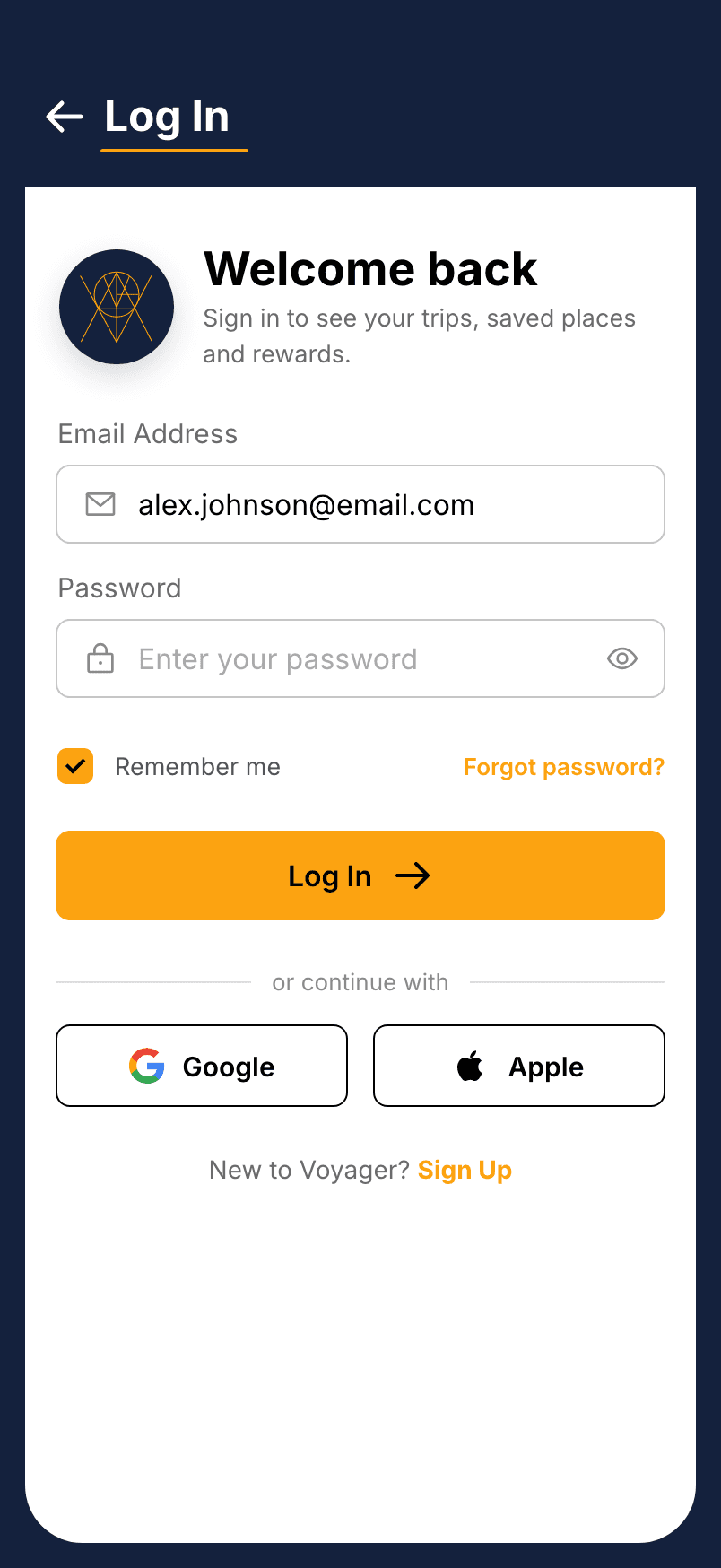
Log in
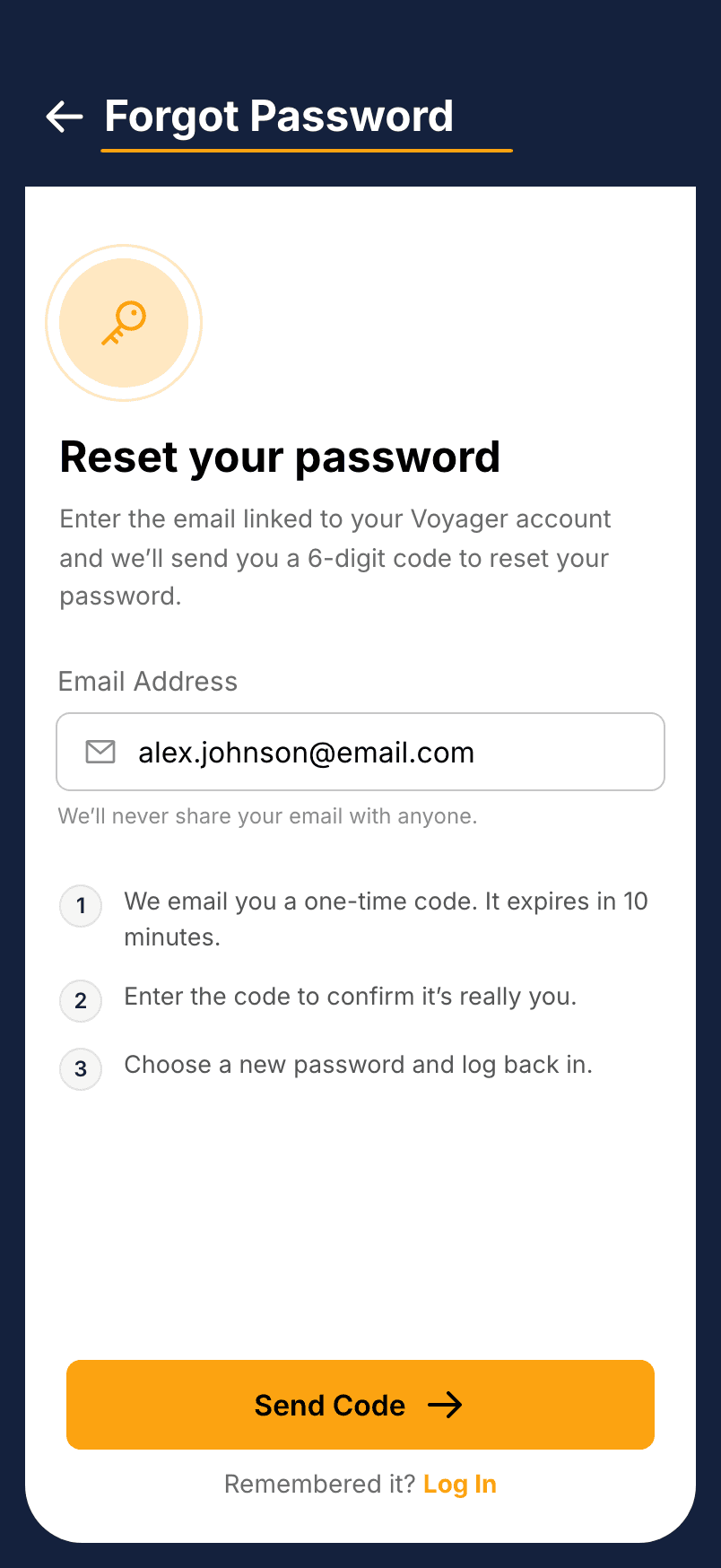
Forgot password
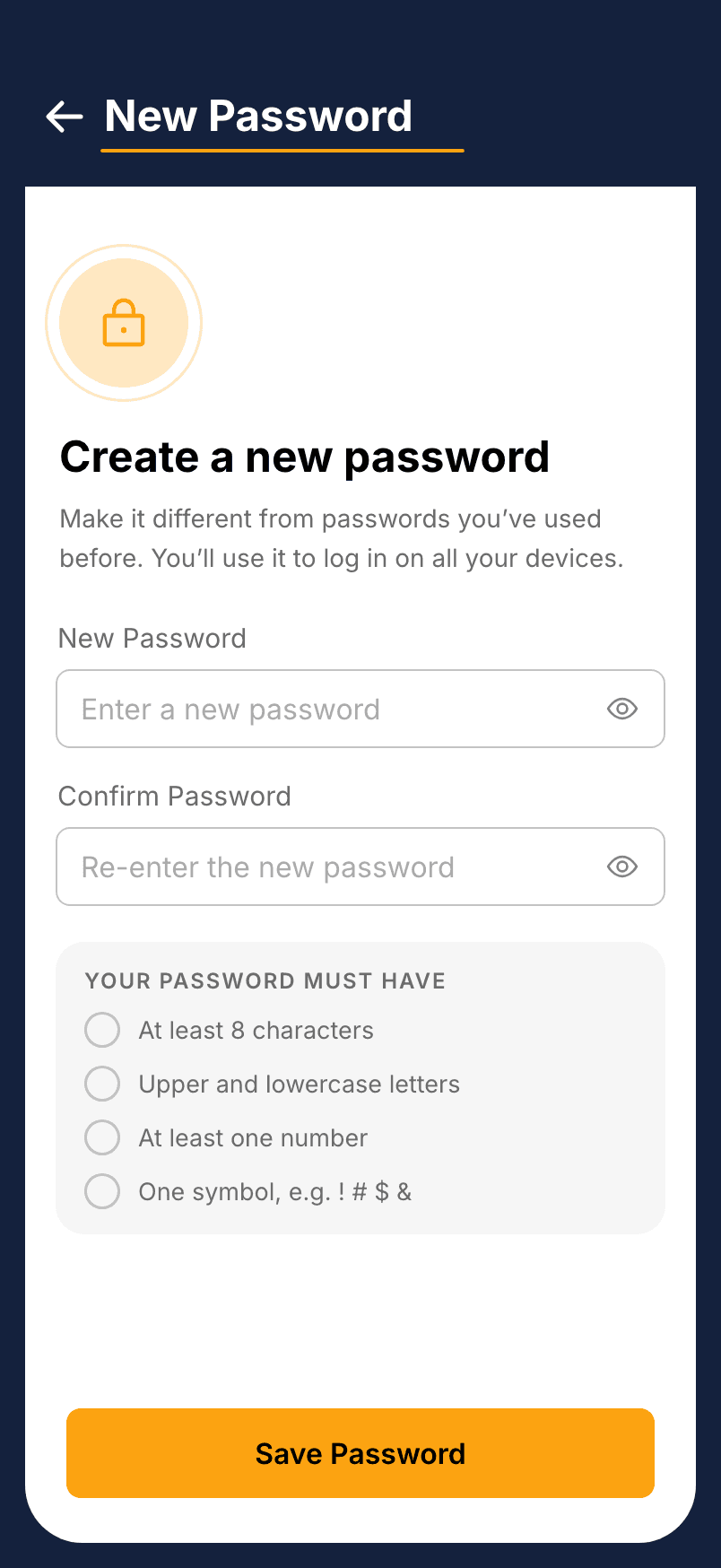
New password
Browse curated destinations on deep navy: search, filter, map, and save.
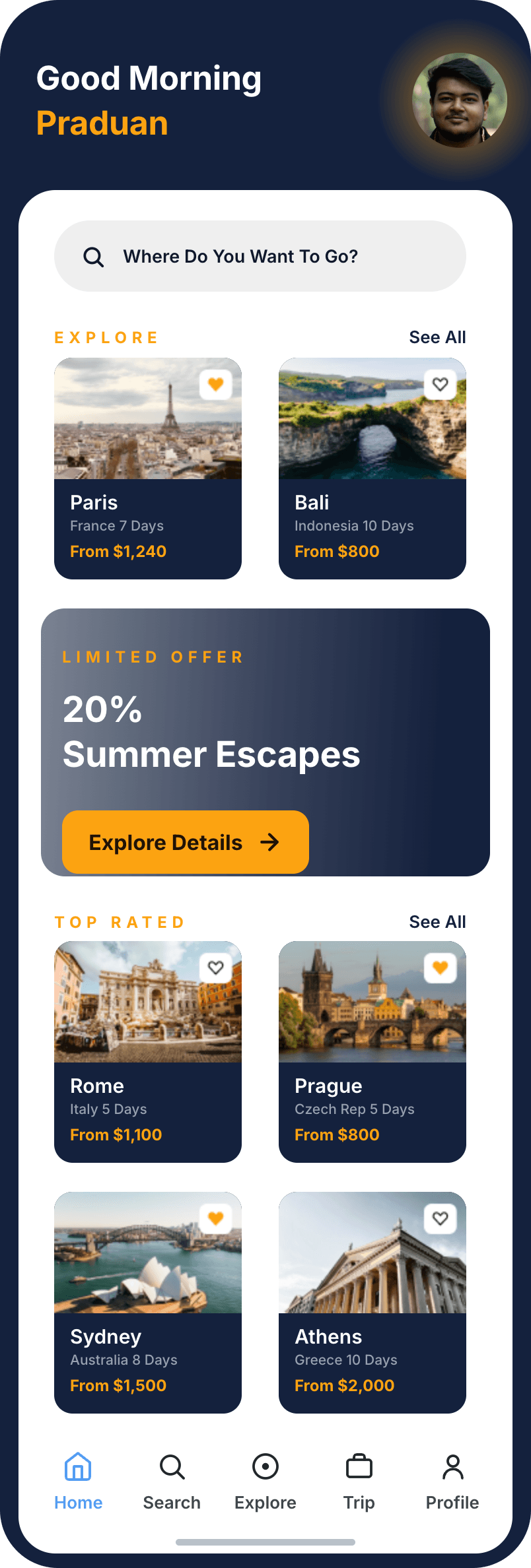
Home
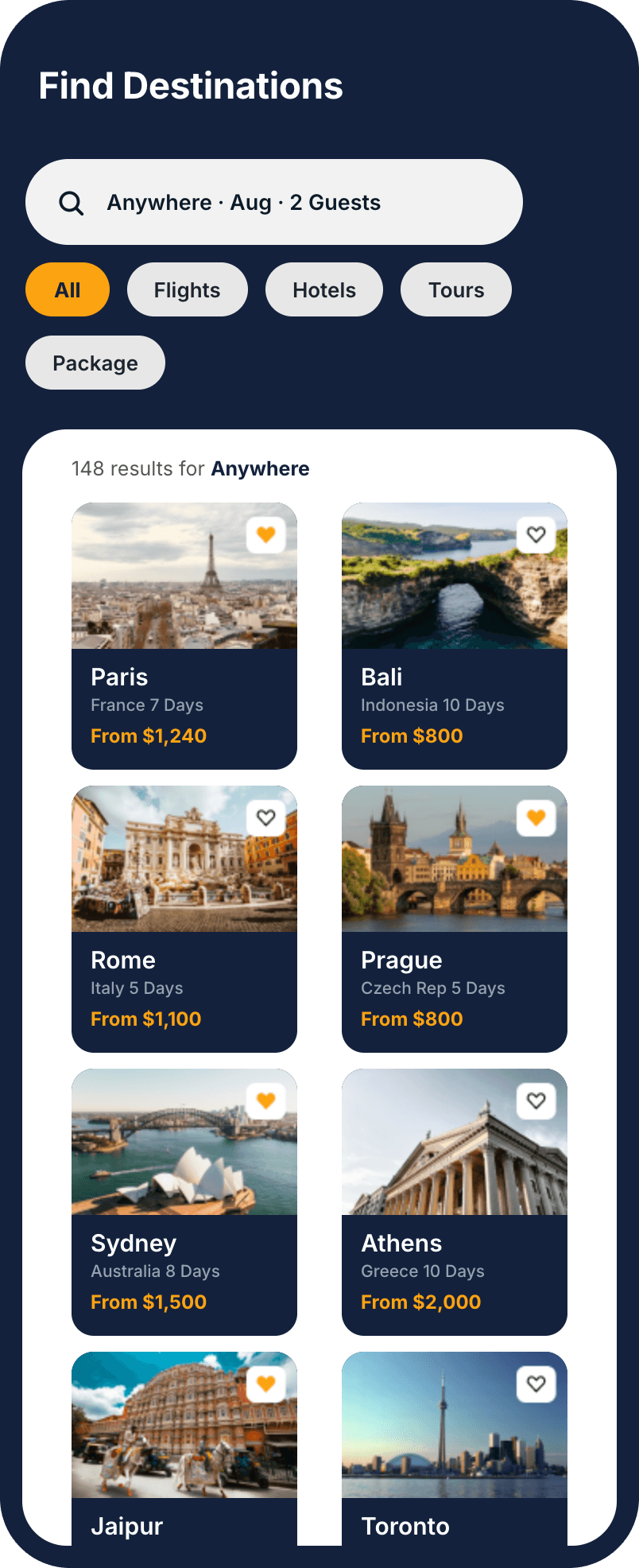
Search
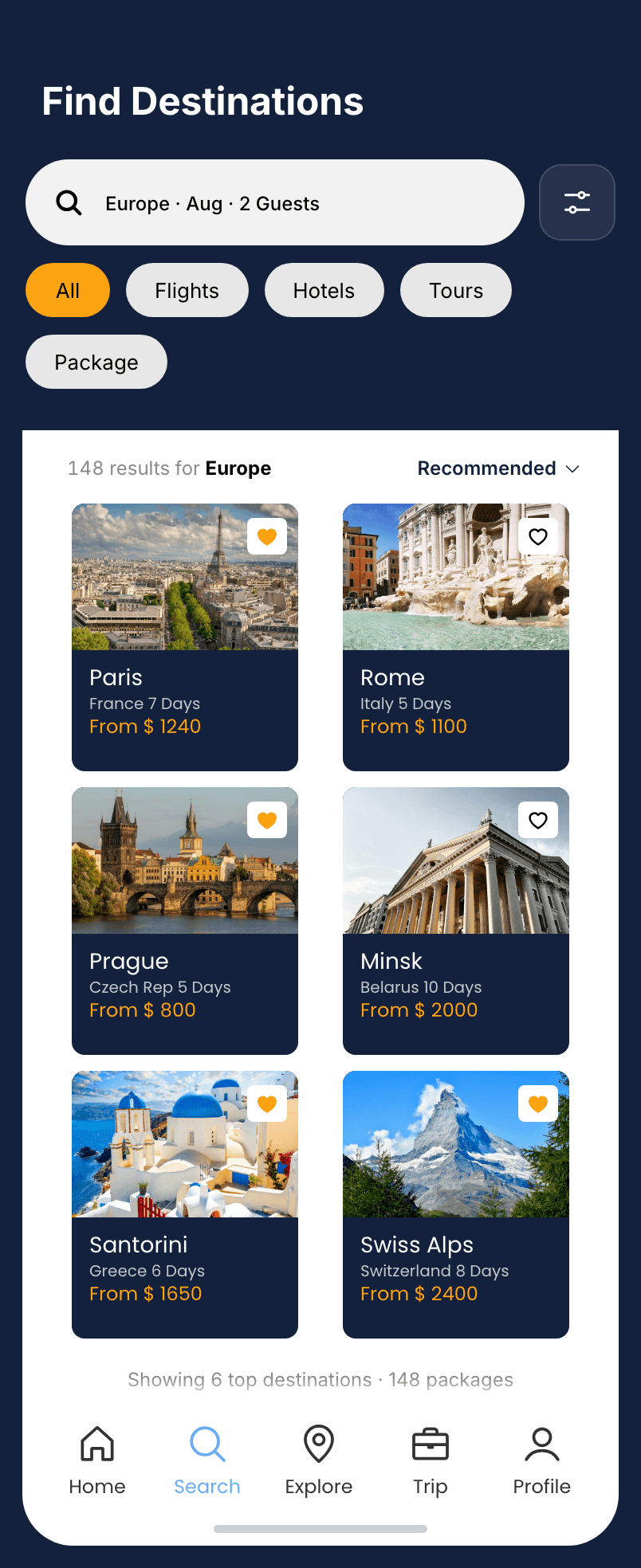
Results for Europe
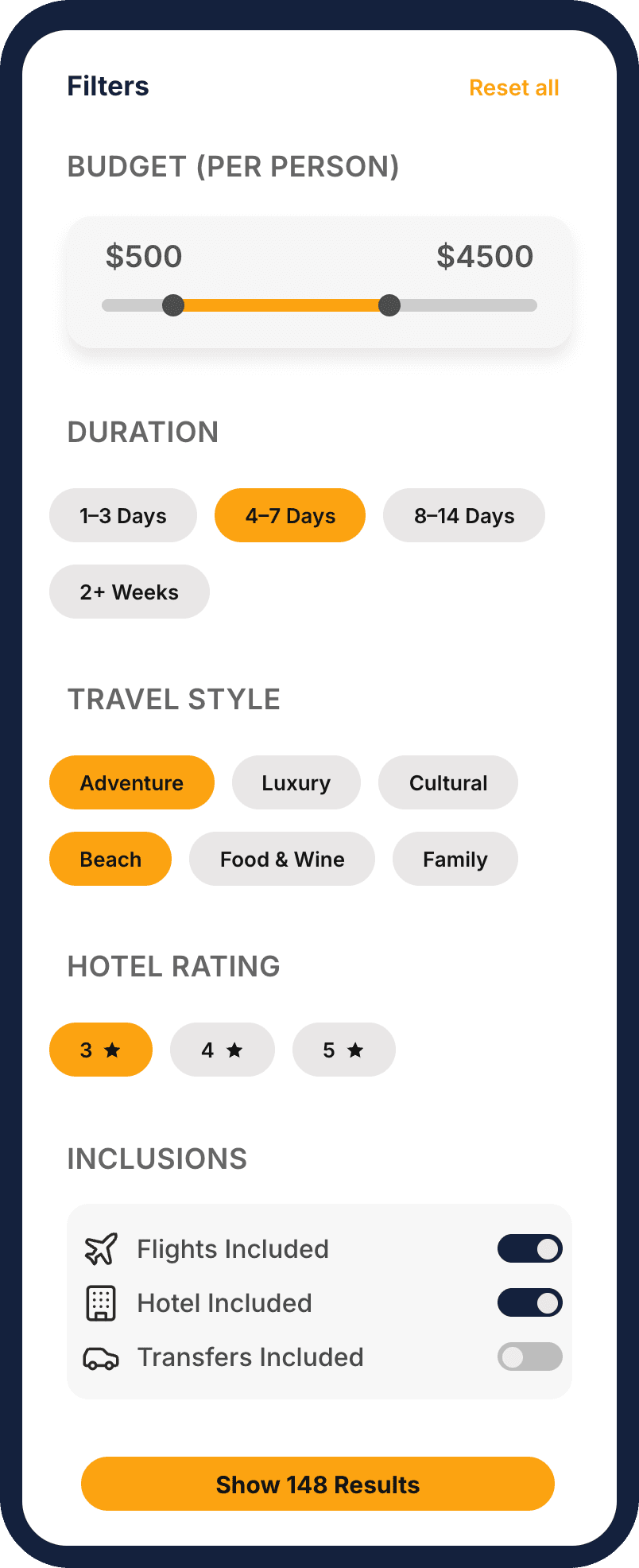
Filters
Map view
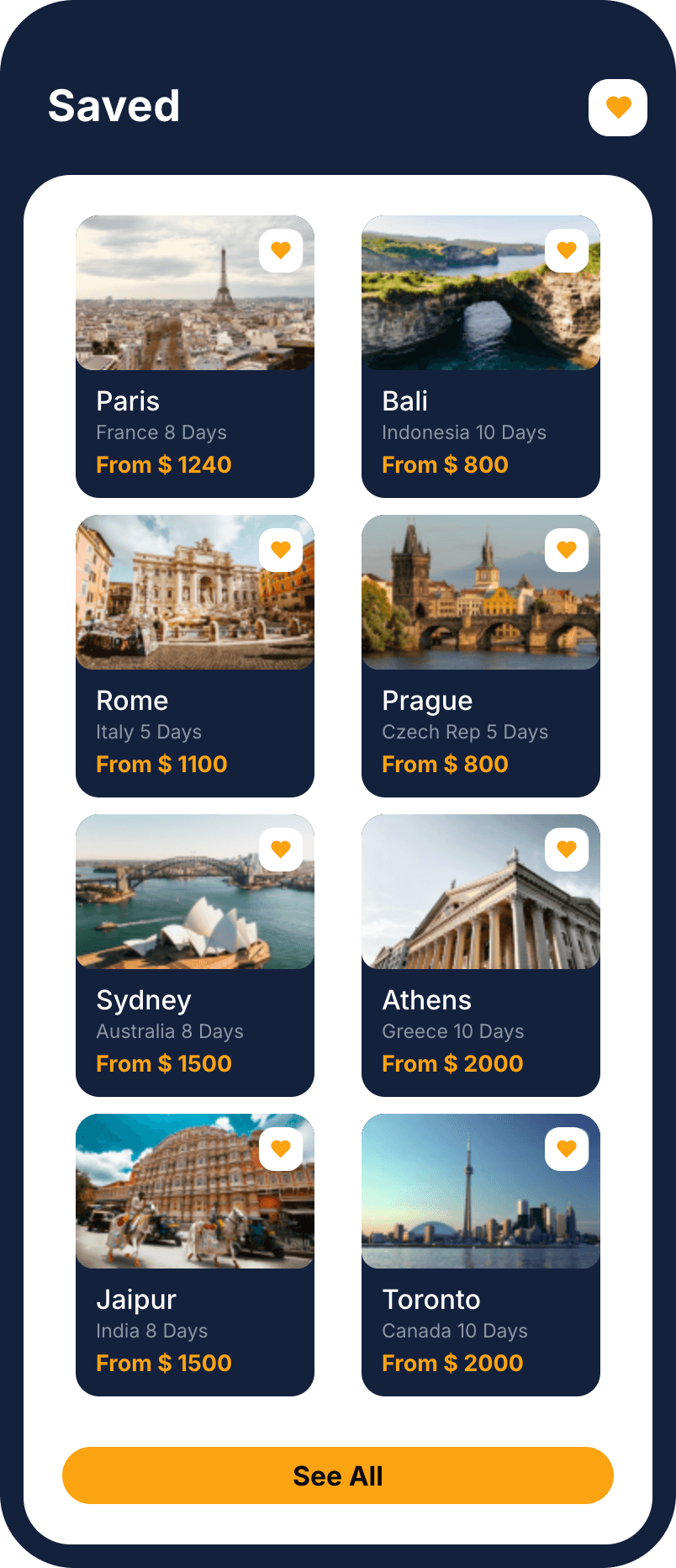
Saved
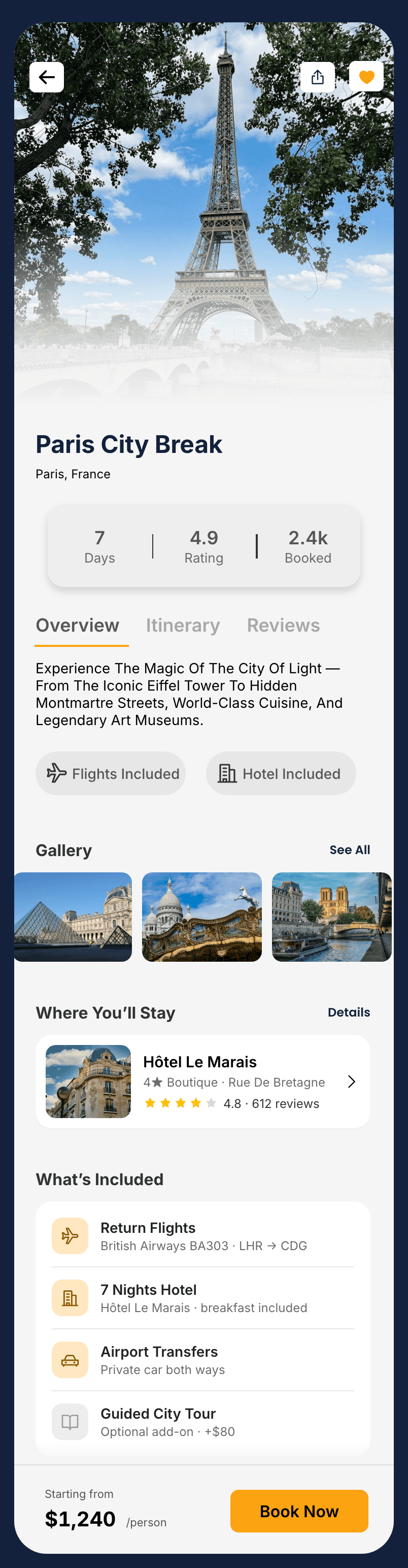
Destination detail
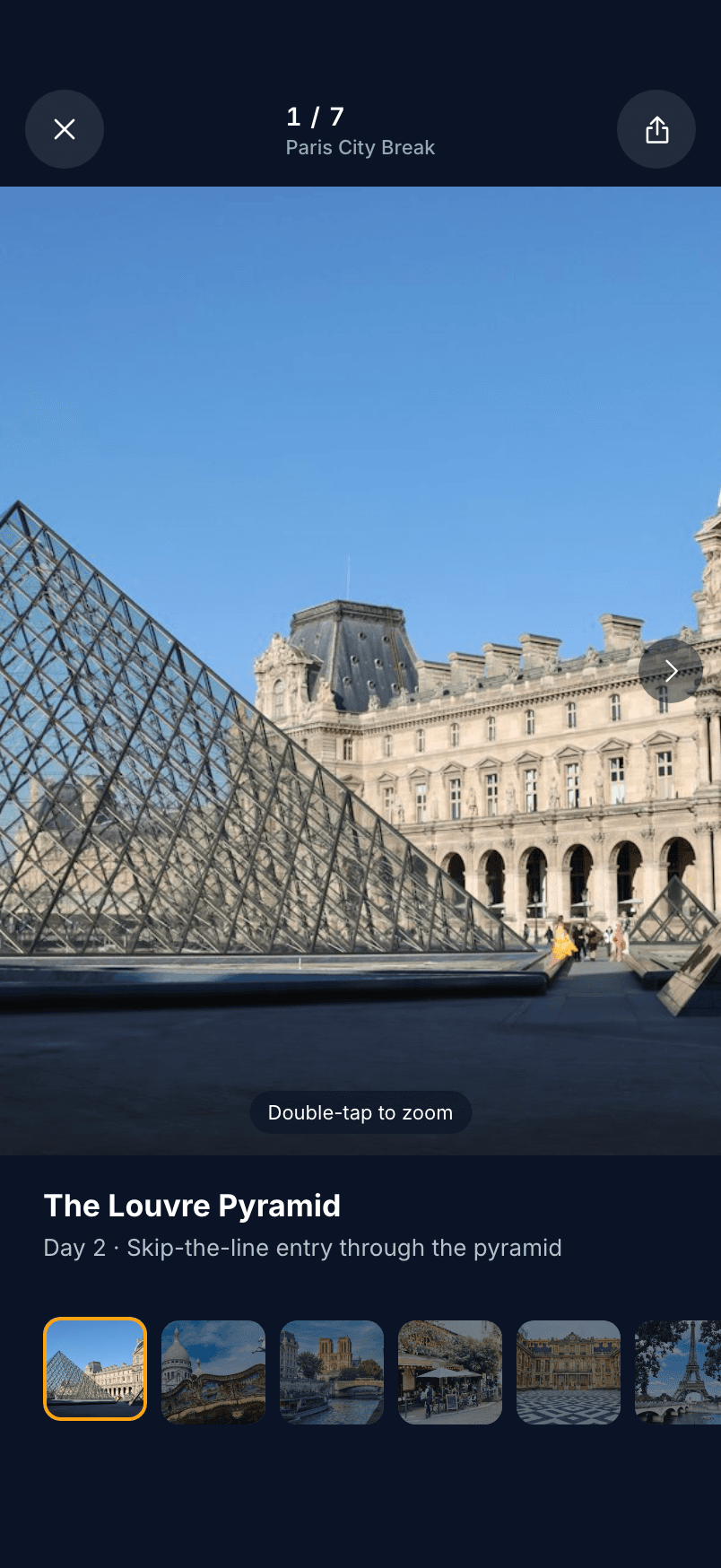
Photo gallery

Hotel & rooms
A four-step stepper you can always orient in: dates, customise, pay, confirm. One total, $2,709, from the first step to the receipt.
Dates & guests
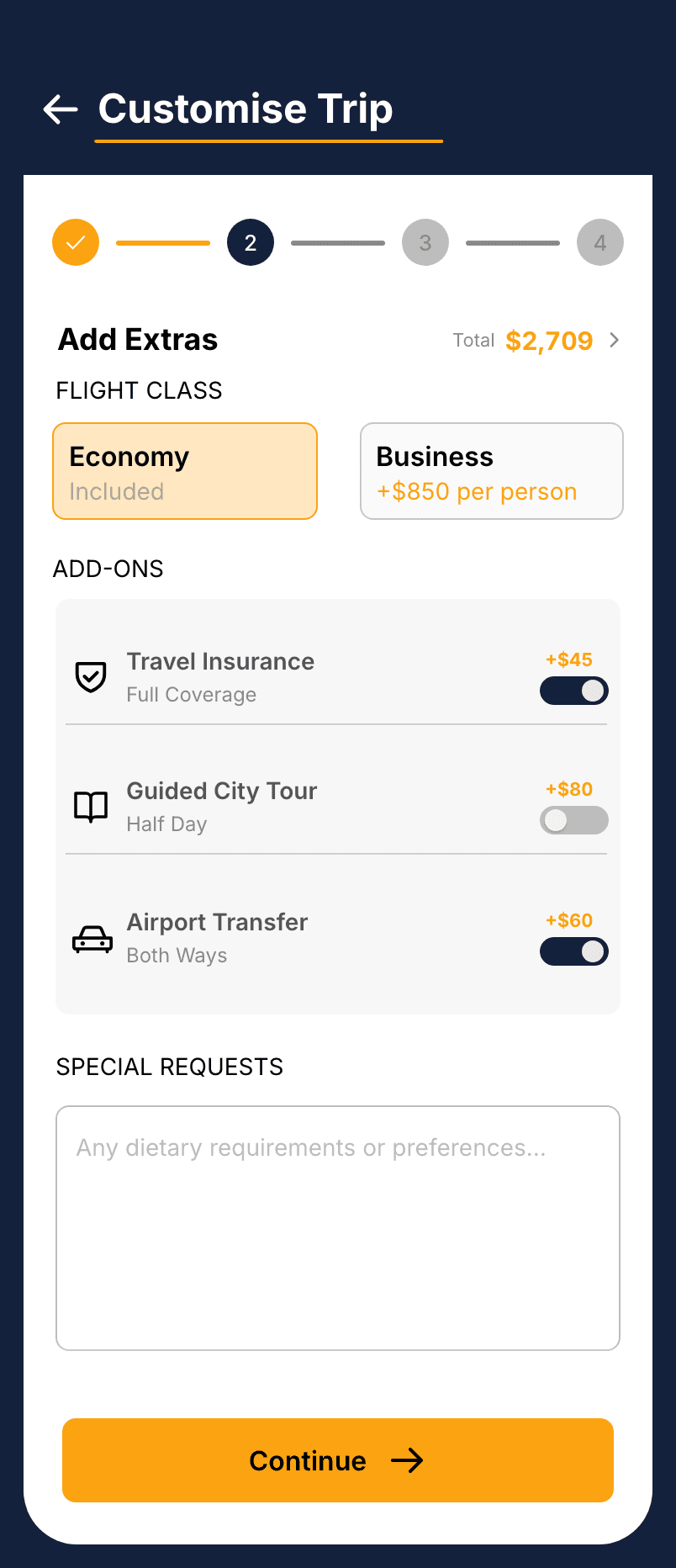
Customise trip
Payment
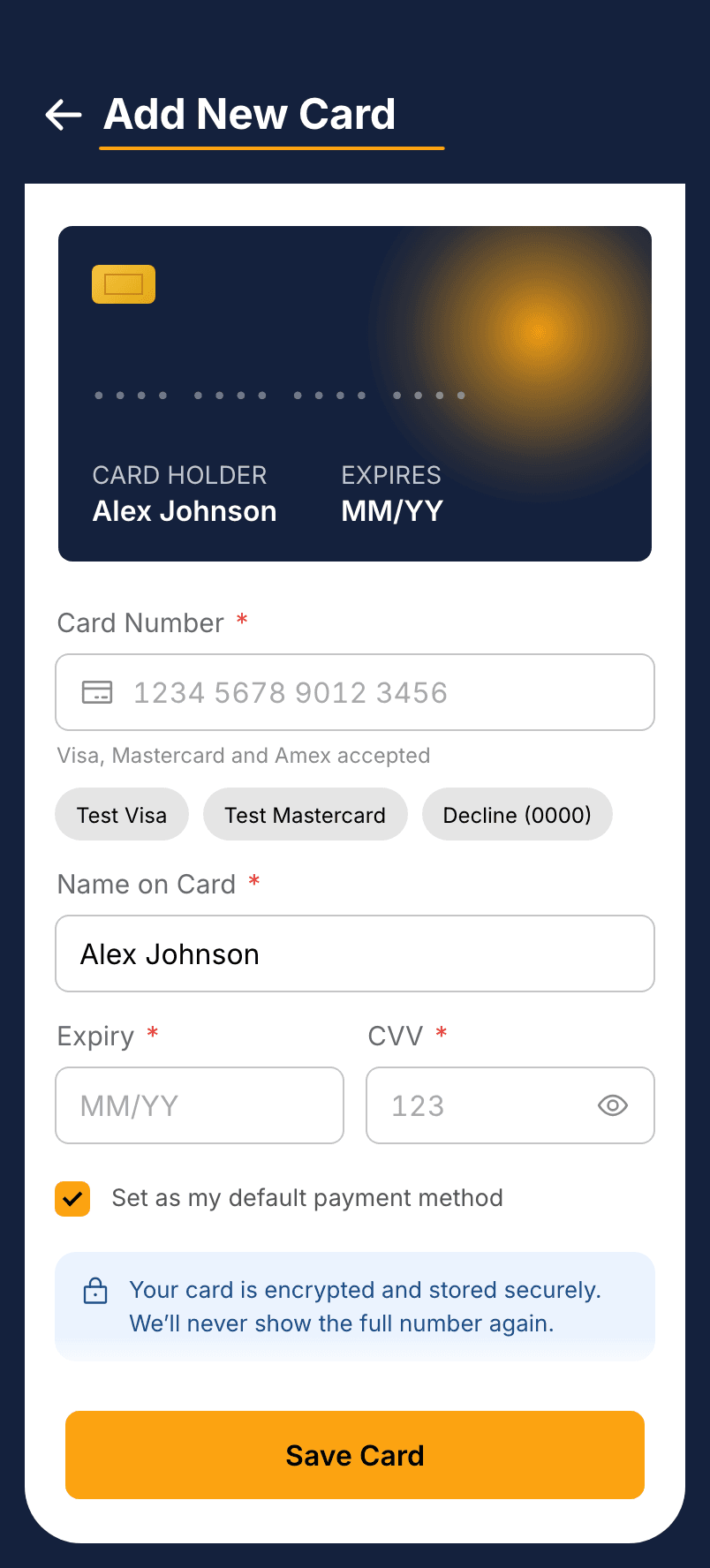
Add a card
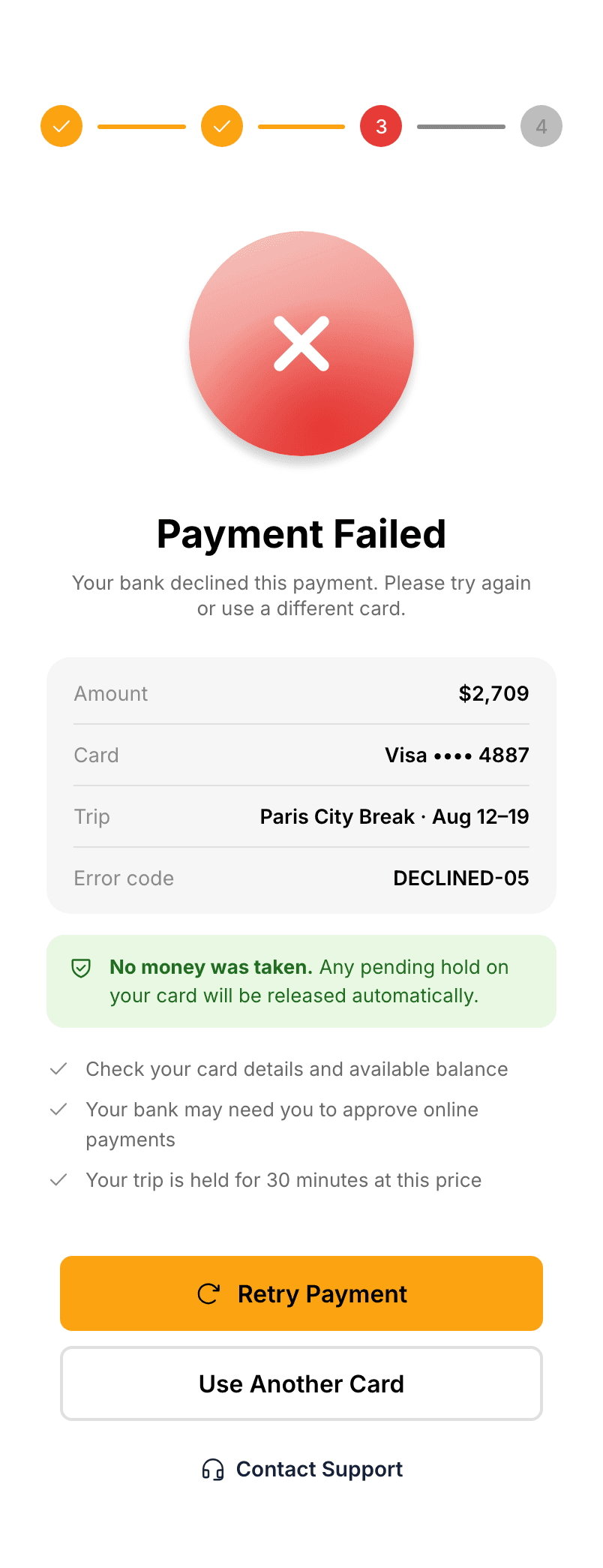
Payment failed
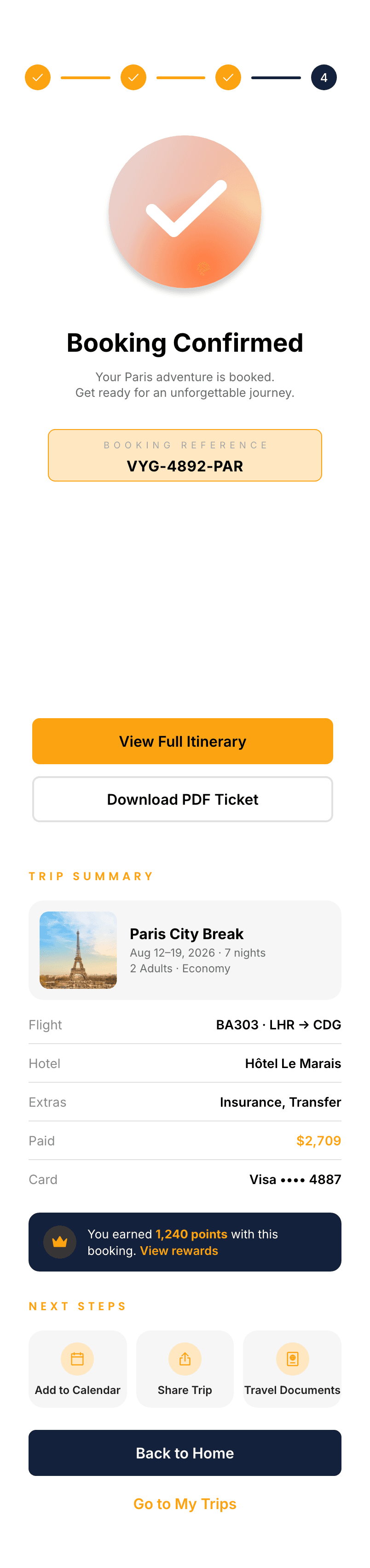
Booking confirmed
Everything for the trip itself: a day-by-day itinerary, trips, tickets, changes, documents, and reviews.
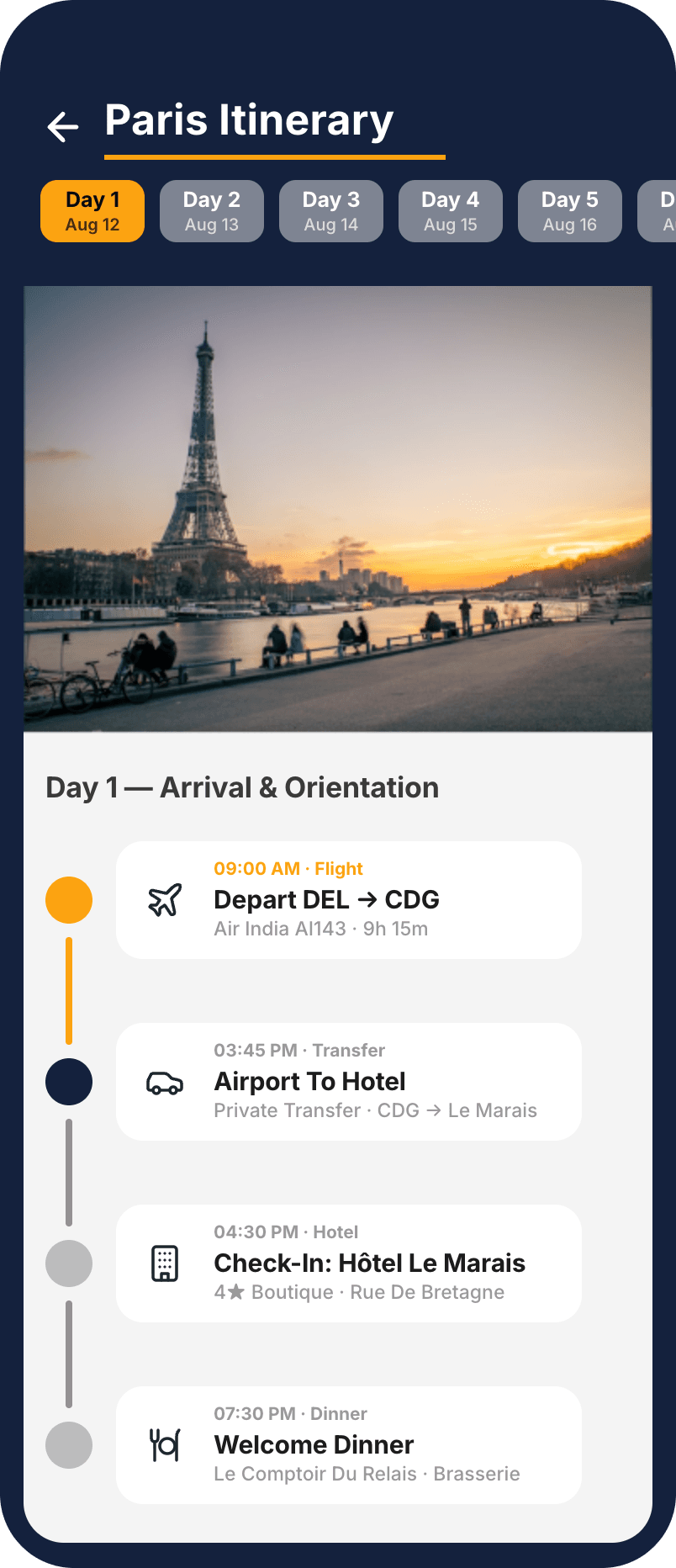
Day-by-day itinerary

My Trips
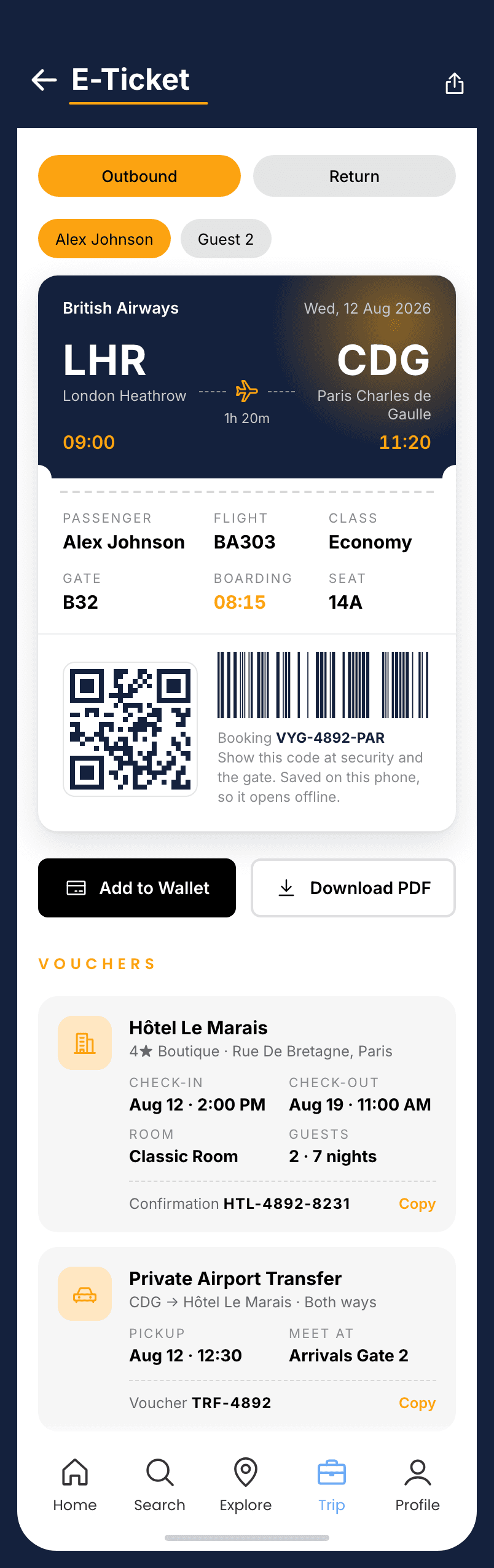
E-ticket & vouchers
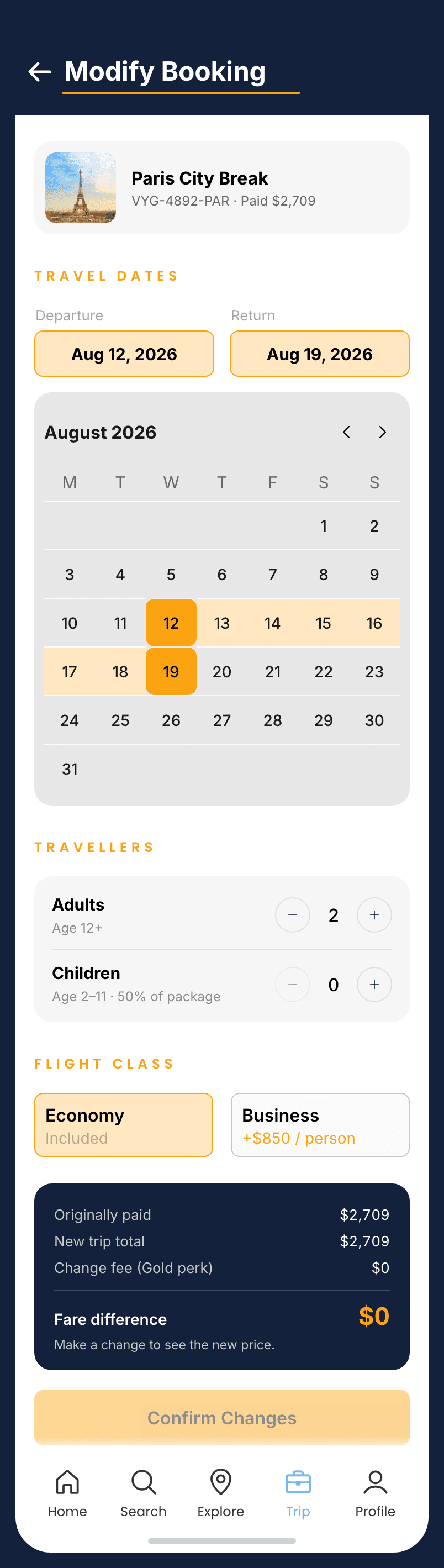
Modify booking
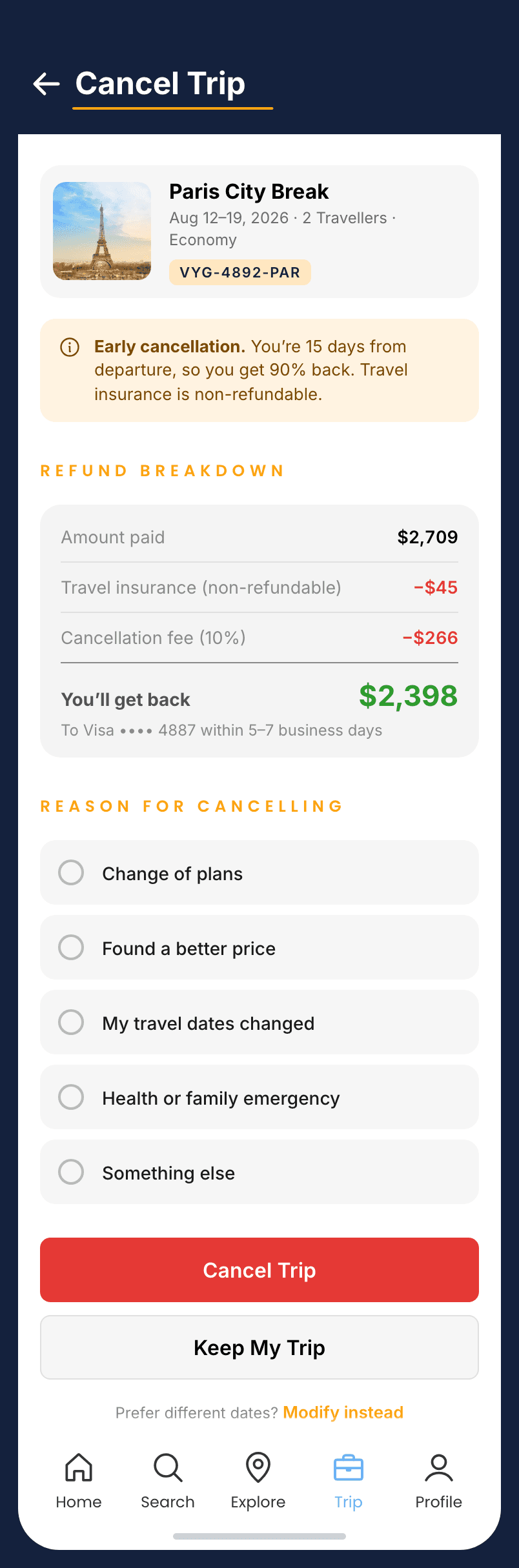
Cancel with the refund shown
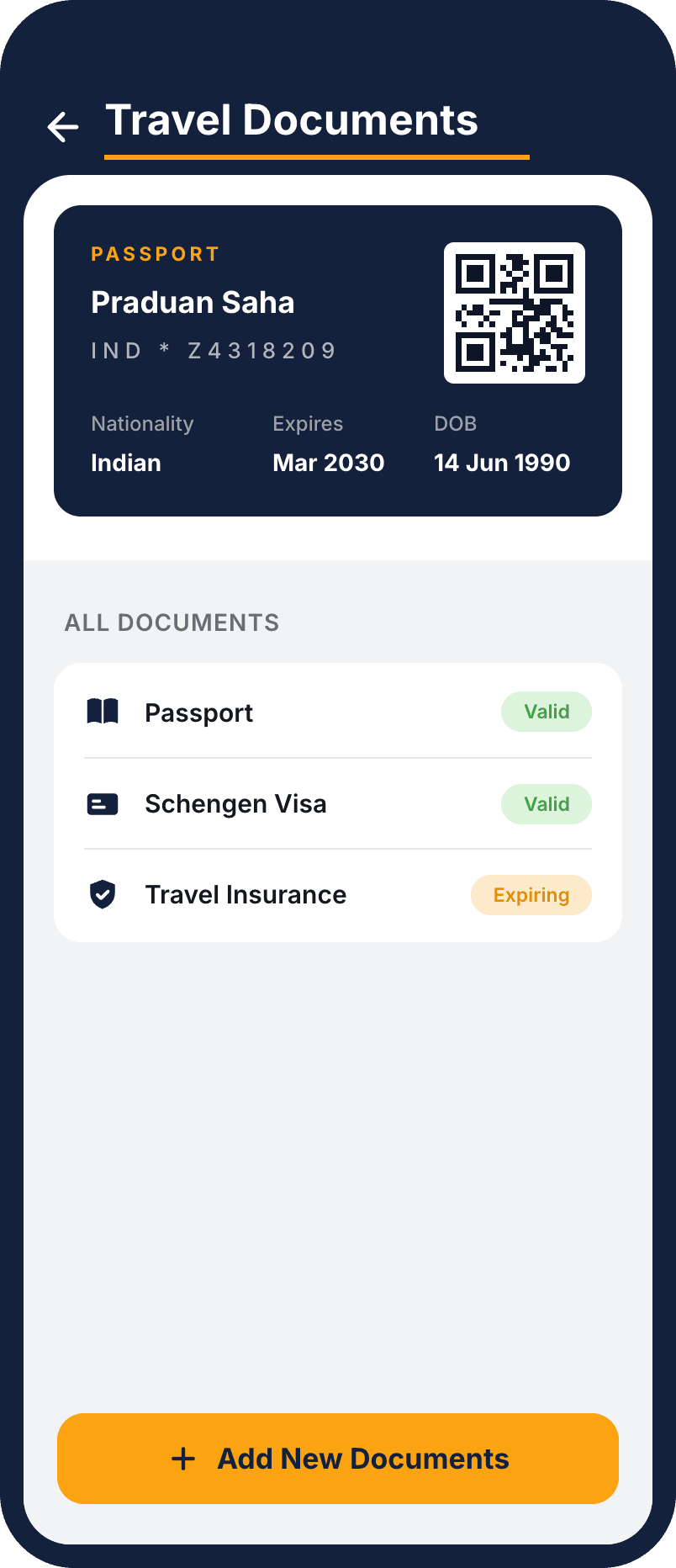
Travel documents
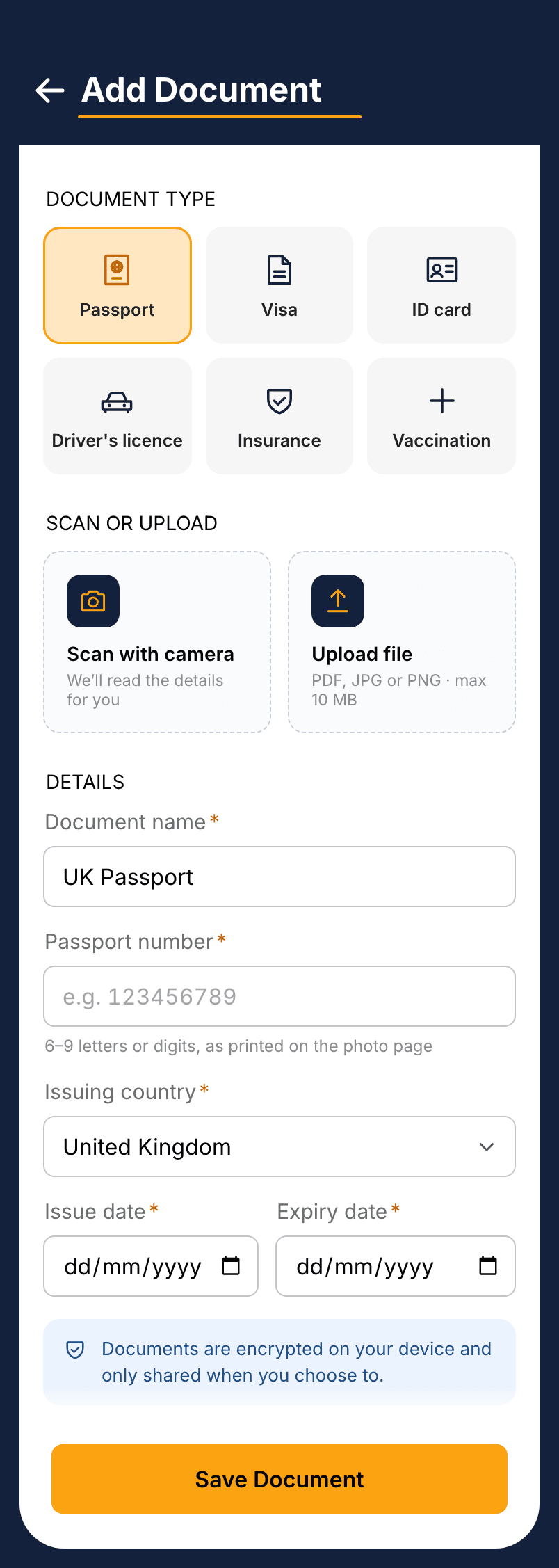
Add a document

Reviews
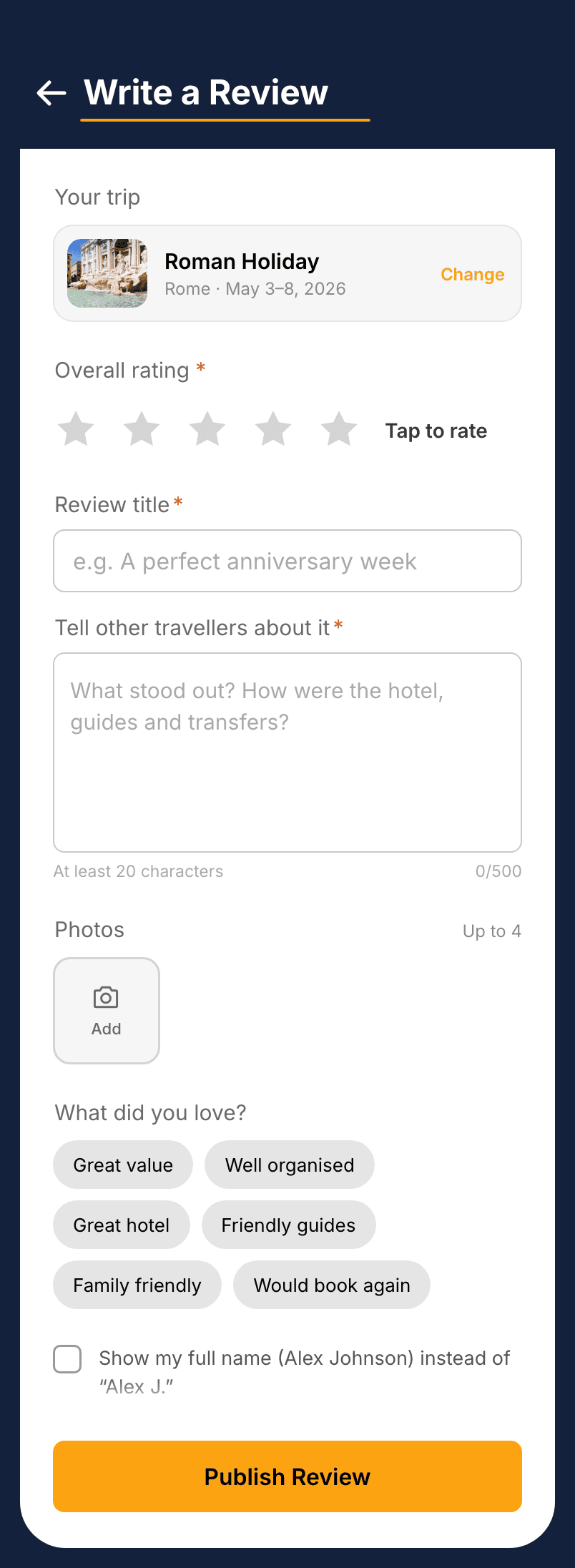
Write a review
Traveller stats, a rewards programme, saved cards and codes, notifications, support, and settings.
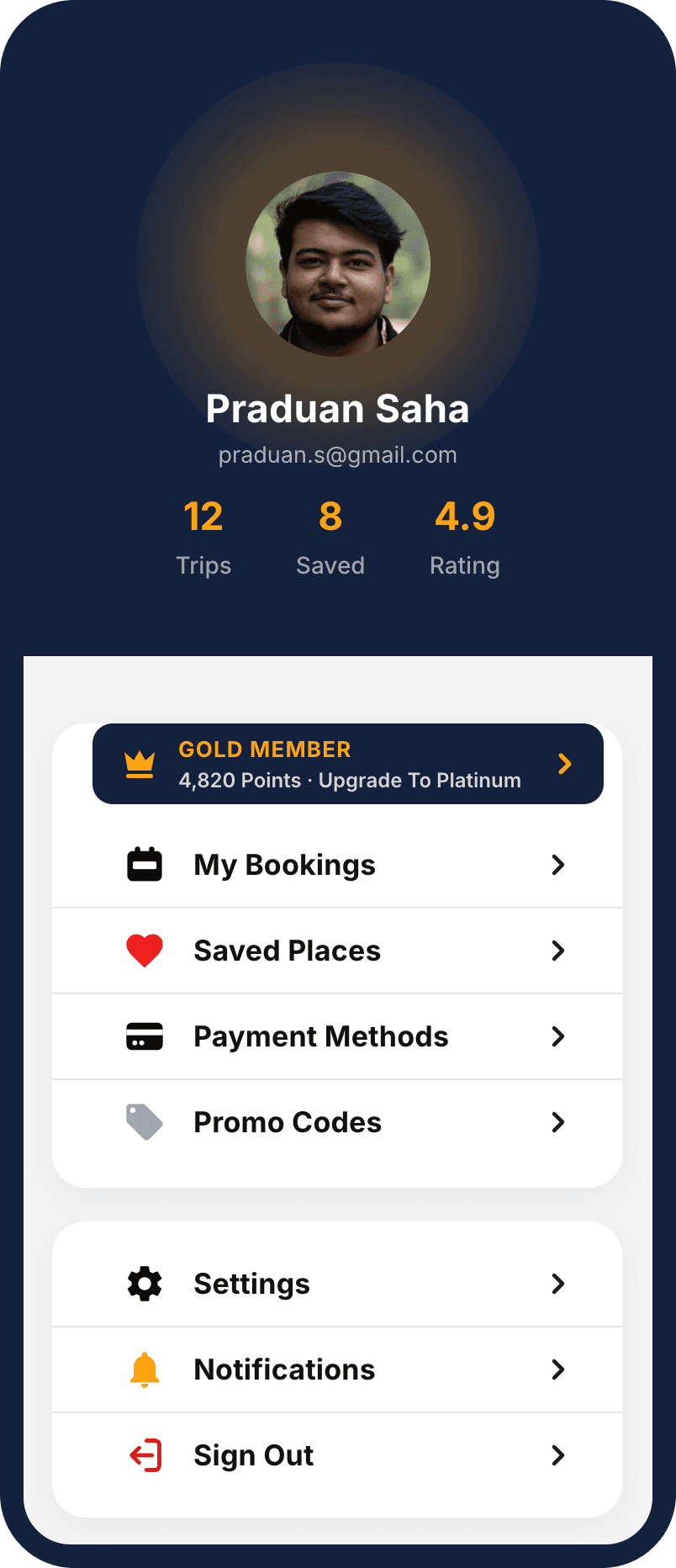
Profile
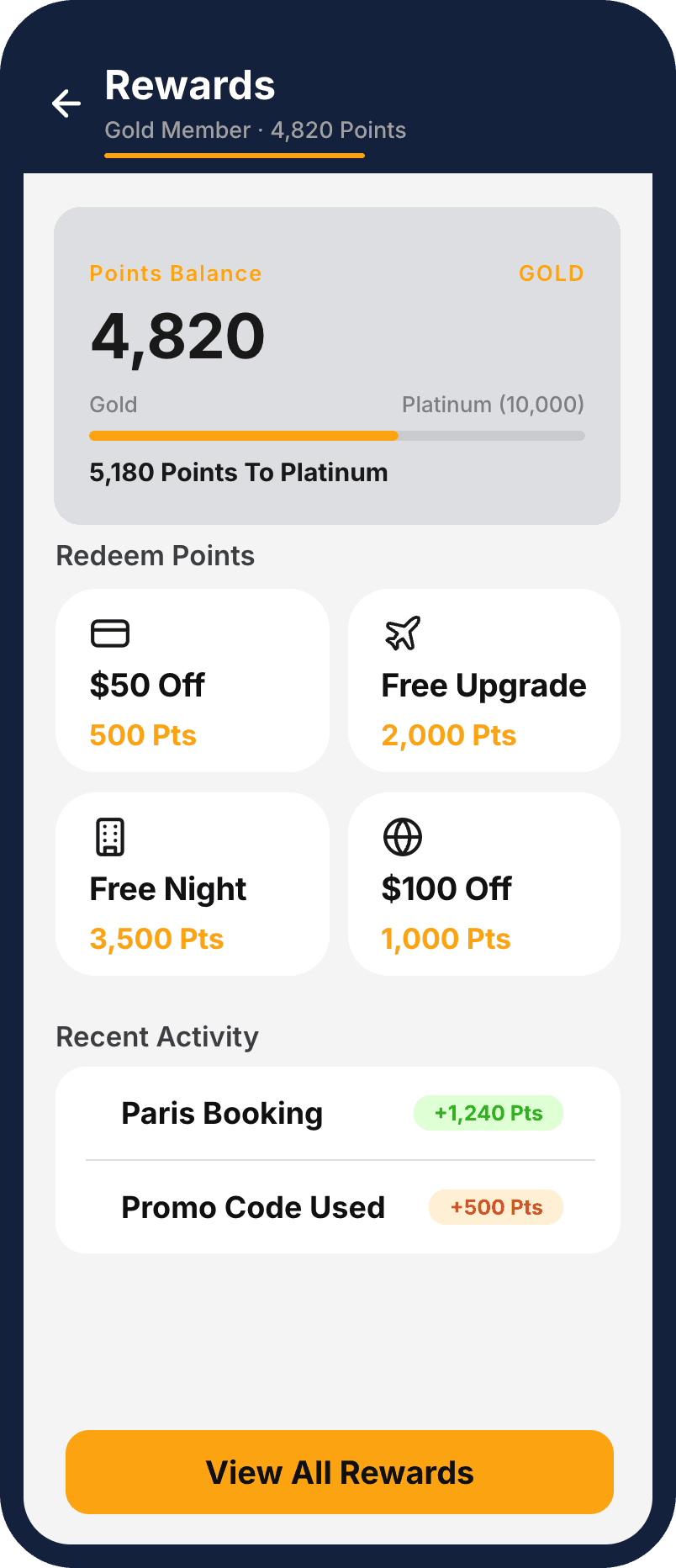
Rewards
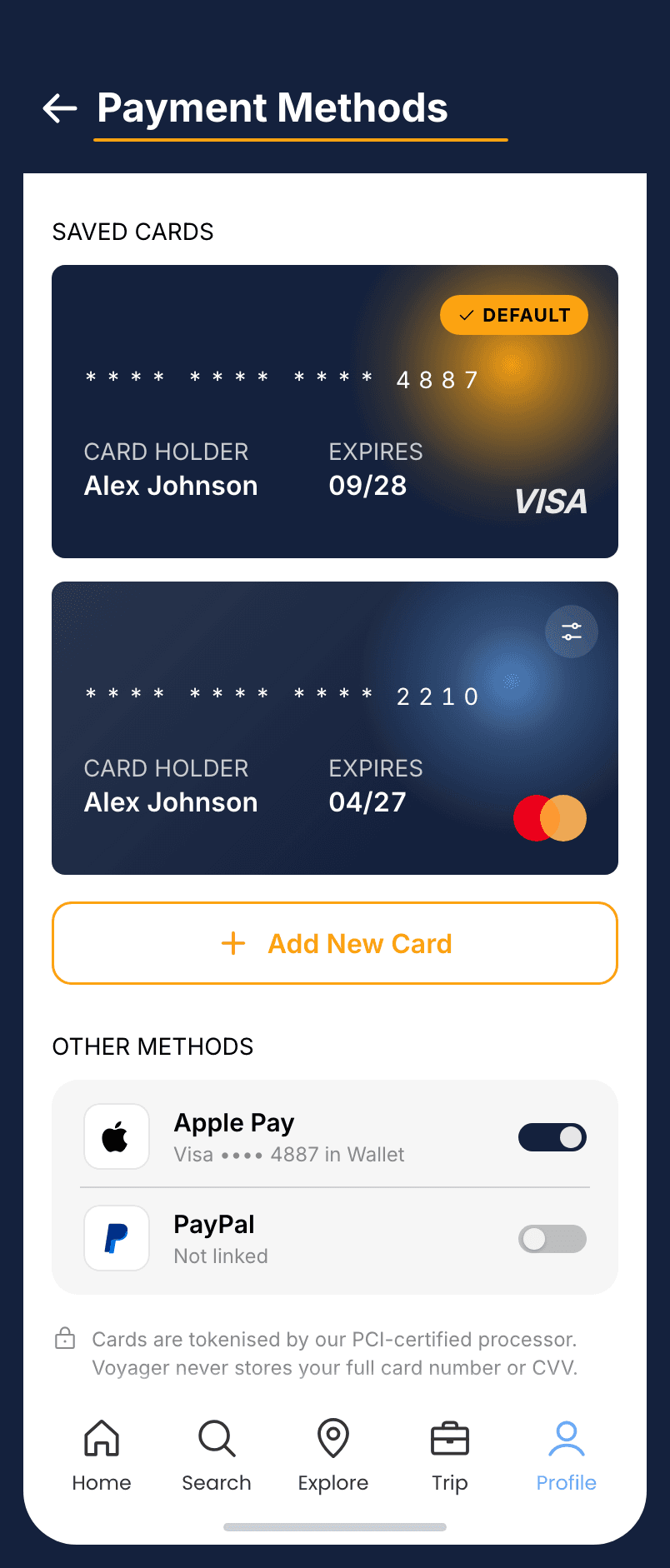
Payment methods
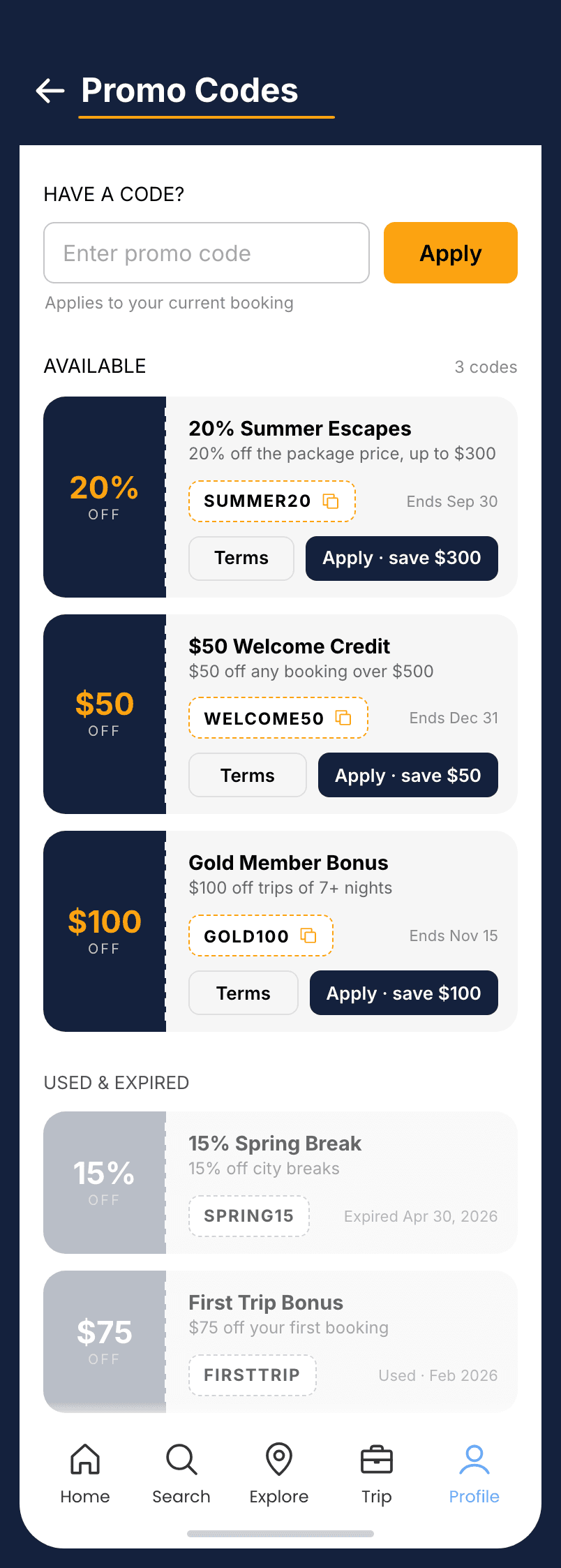
Promo codes
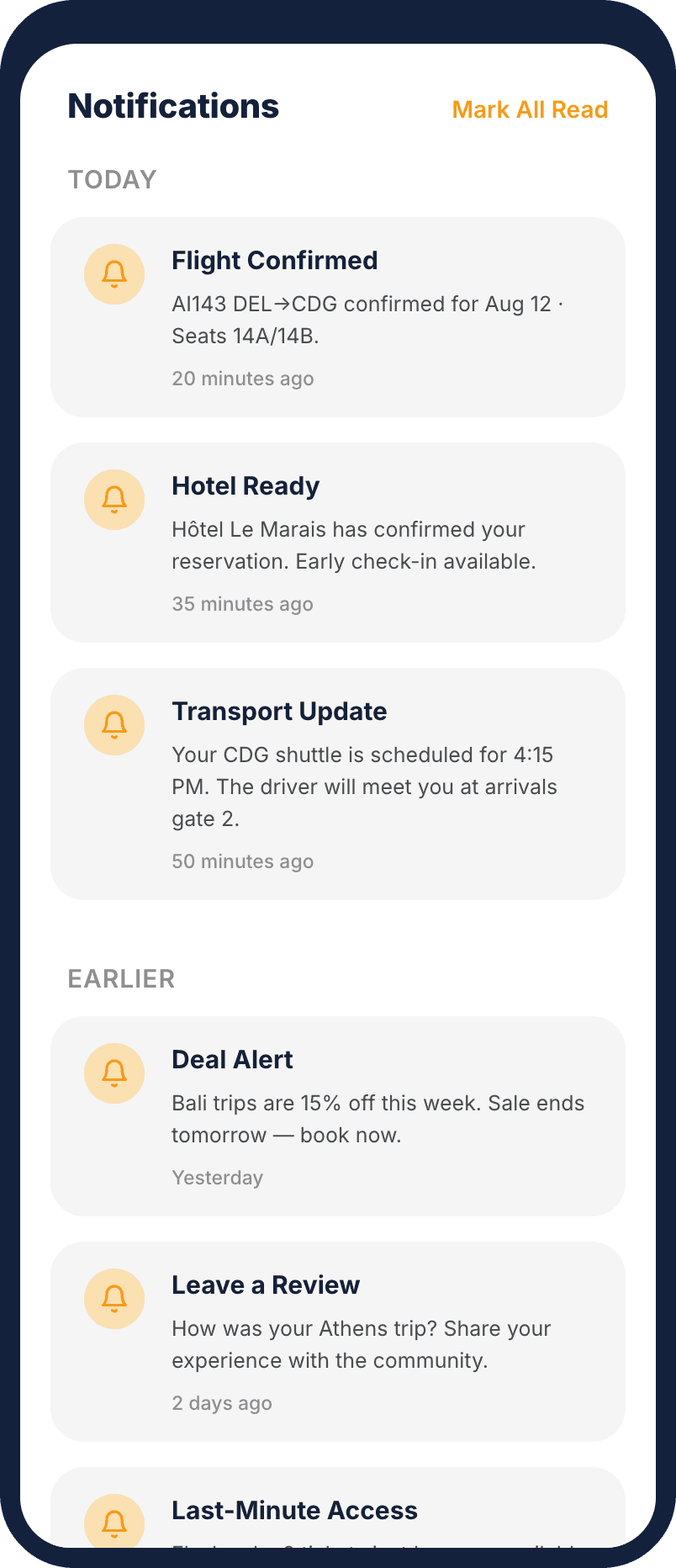
Notifications
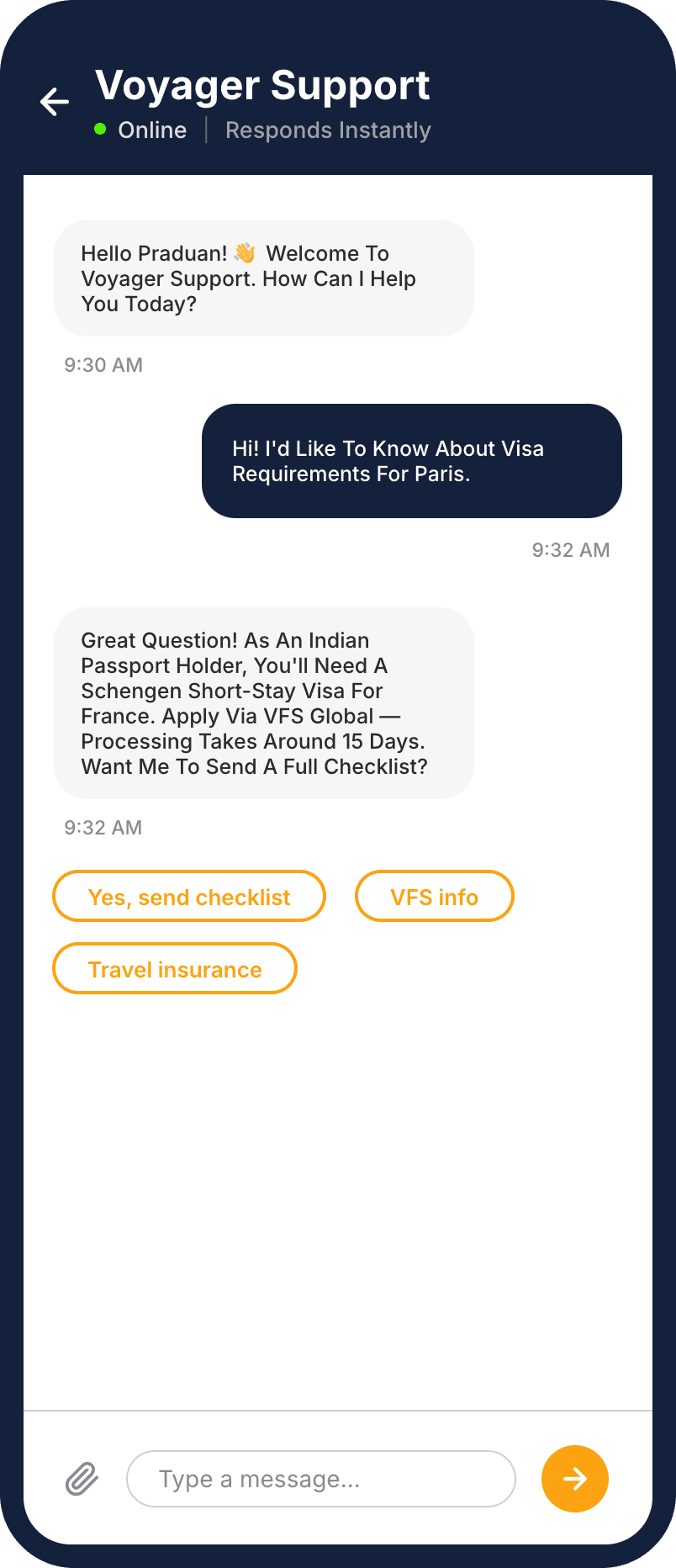
Support chat
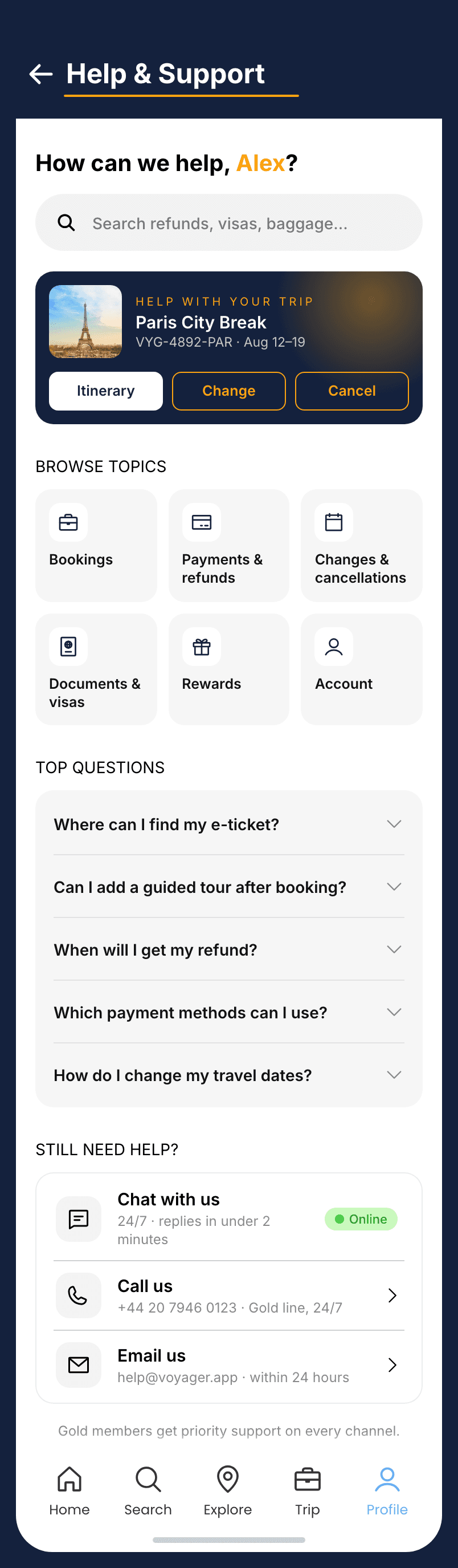
Help centre
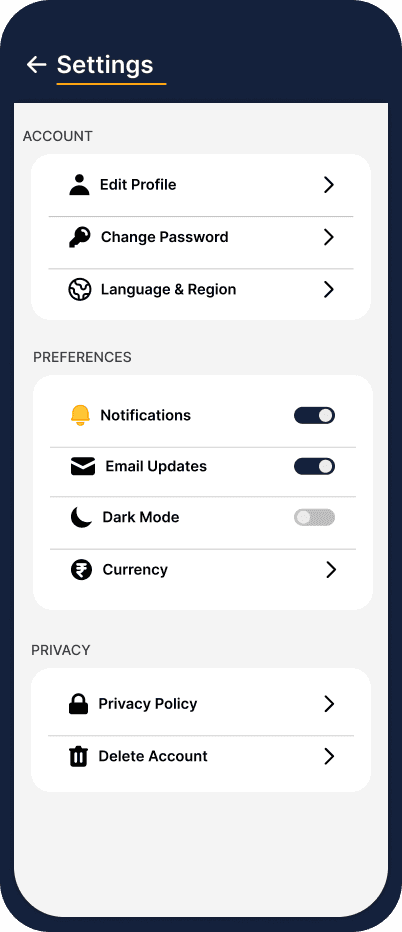
Settings
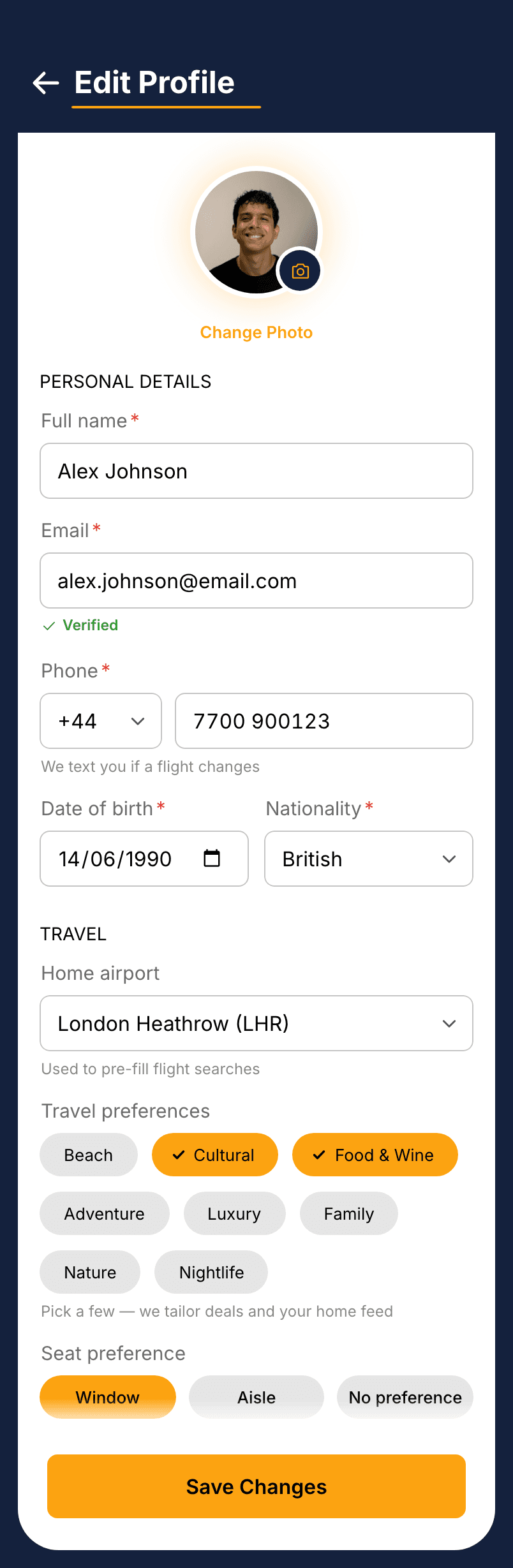
Edit profile
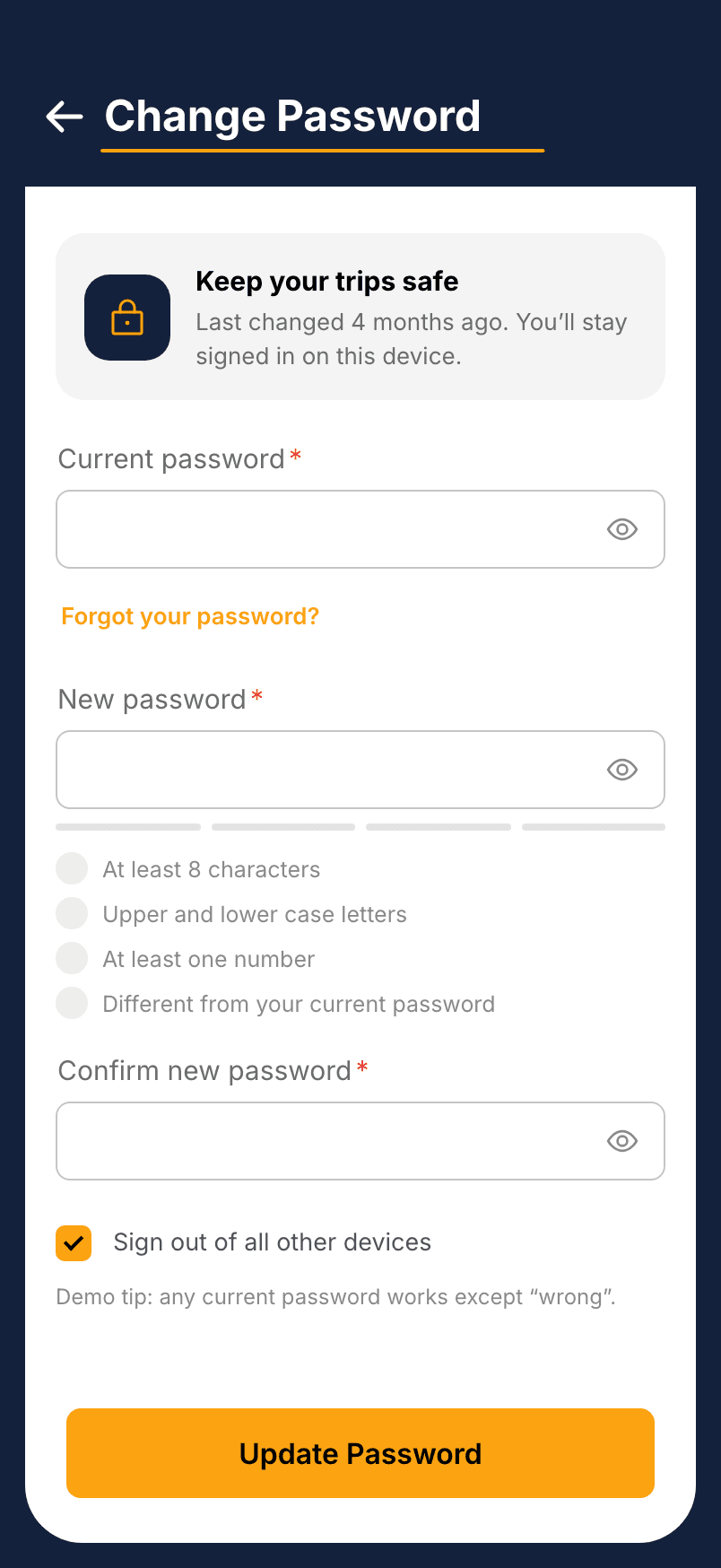
Change password
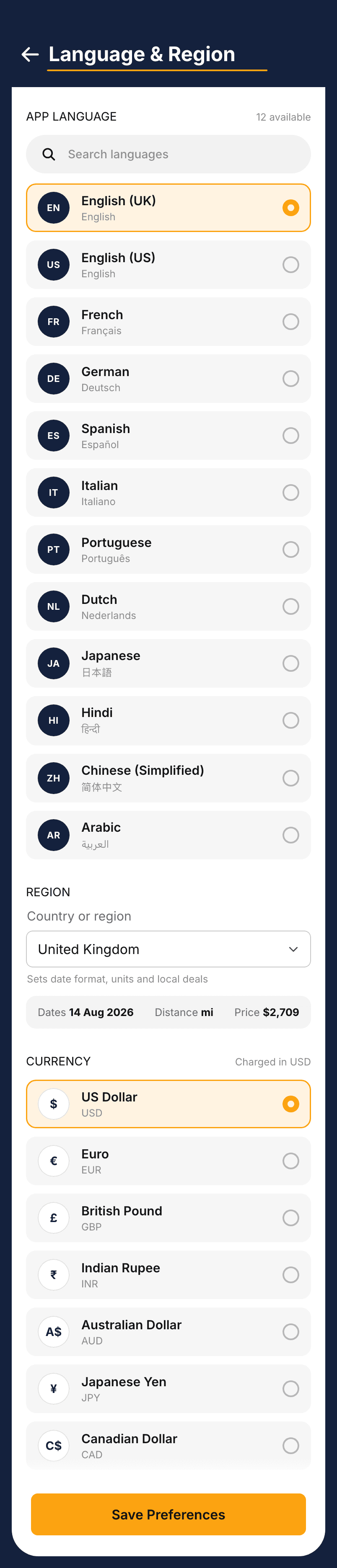
Language & region
A teardown of competitor apps can tell you the mood-flip idea maps cleanly onto inspiration versus logistics on paper. It can't tell you whether a real traveller mid-booking experiences that flip as a considered shift in register, or just the app changing underneath them. That's the one thing only watching a real person use it would settle, and if the stepper needs explaining, it isn't actually doing its job.